

Tech Troubleshooting Editorial Team

Apps Crashing Repeatedly on Your Tablet? Work Through These Fixes in Order
From clearing cached data to checking for OS conflicts, this step-by-step guide walks you …

Before You Send Your Phone for Repair: A Checklist of Steps to Take First
Back up data, document damage, and protect your privacy before handing your device to a te…

Bluetooth Pairing Failures: The Reasons Most Guides Don't Mention
Still can't get your devices to pair? Go beyond the basics and explore the less obvious ca…

Cracked Screen, Dead Charging Port, Bad Battery: Weighing Repair Against Replacement
When something breaks, repair isn't always cheaper — but replacement isn't always smarter.…
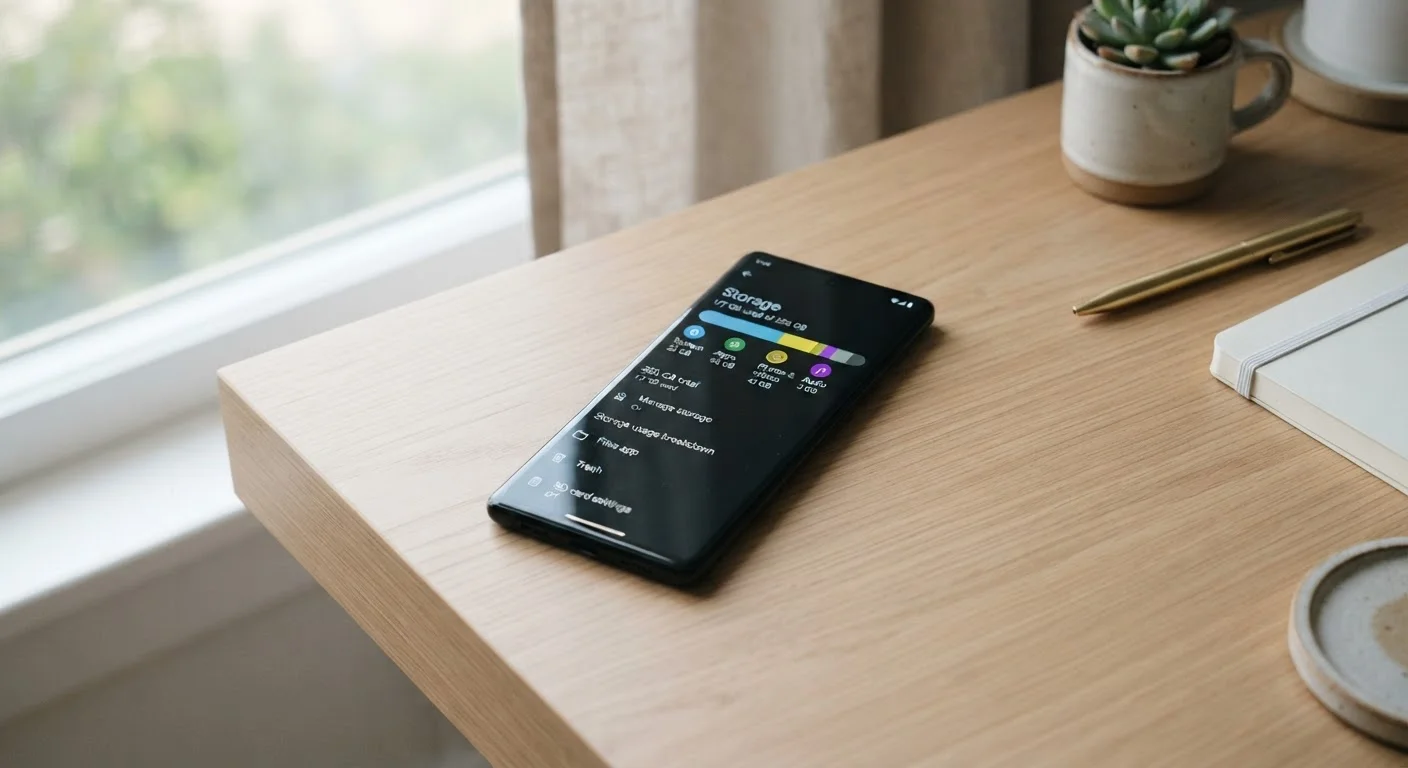
Freeing Up Storage on an Android Phone Without Deleting Photos
Running low on space? These practical steps help Android users recover gigabytes of storag…

Keeping Your Phone in Good Shape: Habits That Prevent Most Common Problems
Many frequent phone issues are avoidable. These straightforward habits help maintain perfo…

Mobile Data Working But Wi-Fi Isn't - Isolating Where the Problem Lives
When your phone connects on cellular but drops on Wi-Fi, the fault could be the network, r…

Notification Problems on Android and iOS: A Side-by-Side Troubleshooting Comparison
Missing alerts or notification overload? See how Android and iOS handle notification setti…
Signs a Phone Software Update Has Gone Wrong - and How to Recover
A botched update can leave your phone sluggish, looping, or unresponsive. These are the wa…

Smartphone Overheating: When It's Normal and When to Worry
Your phone runs warm sometimes — but how warm is too warm? Understand the difference betwe…
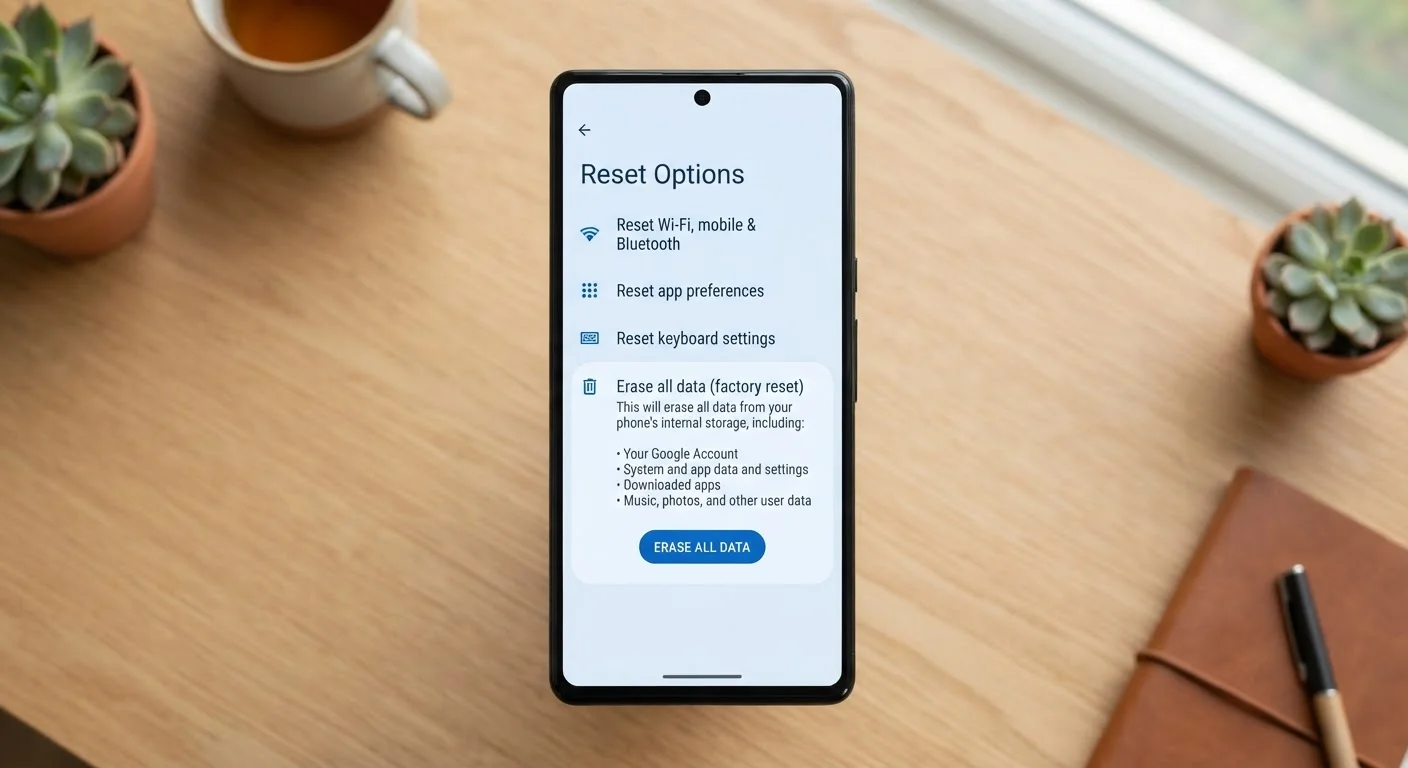
Soft Reset vs. Factory Reset: Choosing the Right Fix for Your Situation
Not every problem needs a full wipe. Understand what each type of reset does and which one…

Speaker Muffled, Mic Cutting Out, or Camera Foggy? Solving Physical Port and Sensor Issues
Dirt, moisture, and wear affect audio and camera hardware in predictable ways. Learn safe,…

Touchscreen Not Responding? A Systematic Guide to Diagnosing the Problem
A frozen or unresponsive touchscreen can stem from software, hardware, or environmental ca…

Understanding Phone Storage: RAM, Internal Storage, and Cache Aren't the Same Thing
Confusion between RAM, storage, and cache leads to bad troubleshooting decisions. This exp…

What the Different Wi-Fi and Mobile Data Icons on Your Phone Actually Mean
A quick reference to signal indicators, connection type badges, and status icons across An…

Why Your Phone Battery Drains So Fast - and What's Actually Causing It
Rapid battery drain isn't always the battery's fault. Learn the real culprits behind exces…

Clearing Cache, Temp Files, and Junk Data: What Each Type Does to Your System
Not all stored data is equal. Understand which files are safe to delete, which to leave al…
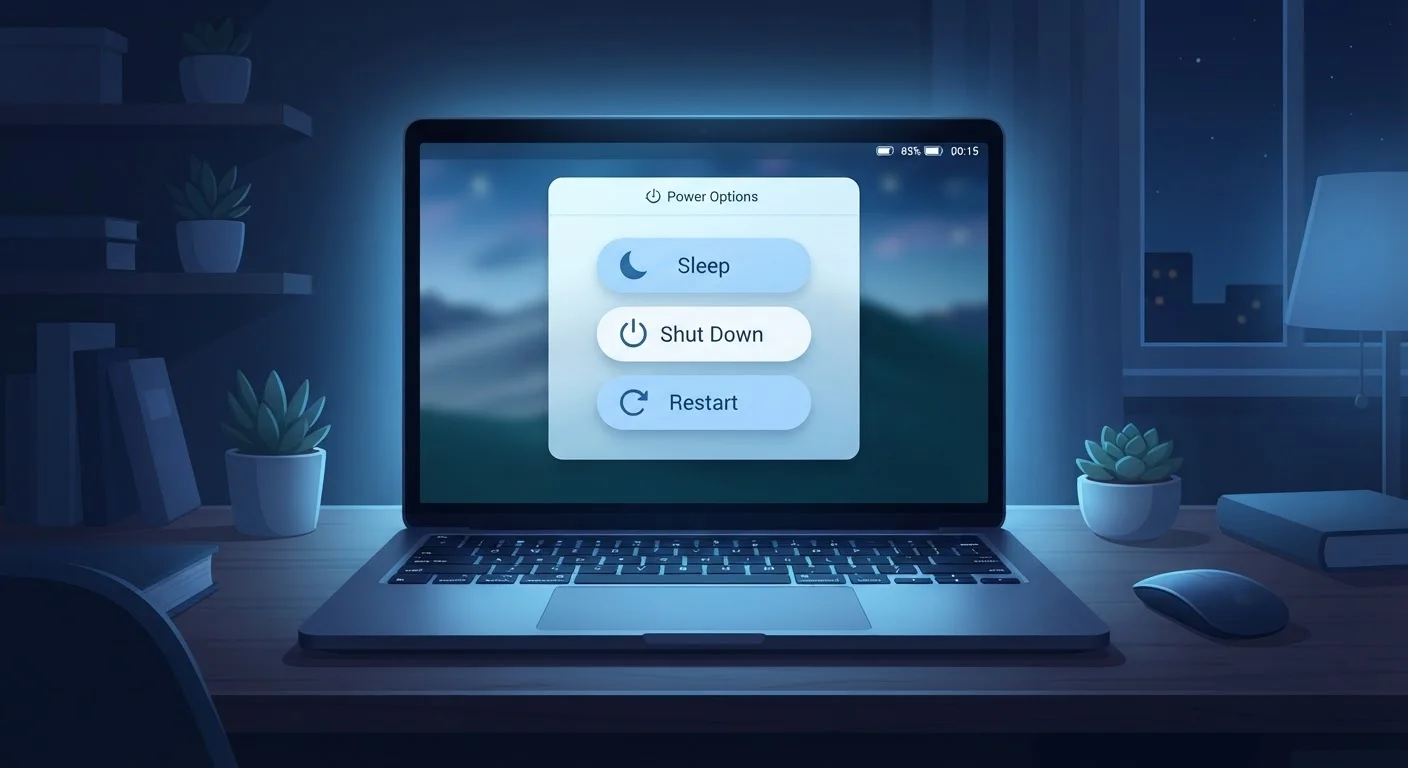
Common Myths About Restarting, Shutting Down, and Sleep Mode
Does leaving your PC on all night damage it? Does sleep mode skip important updates? We se…

Diagnosing a Blue Screen of Death: What the Error Codes Are Telling You
BSOD error codes aren't random gibberish. This guide explains how to read them and trace a…

Driver Problems Demystified: What They Are and How Outdated Drivers Cause Chaos
Device driver issues sit behind a surprising number of PC problems. This primer explains w…
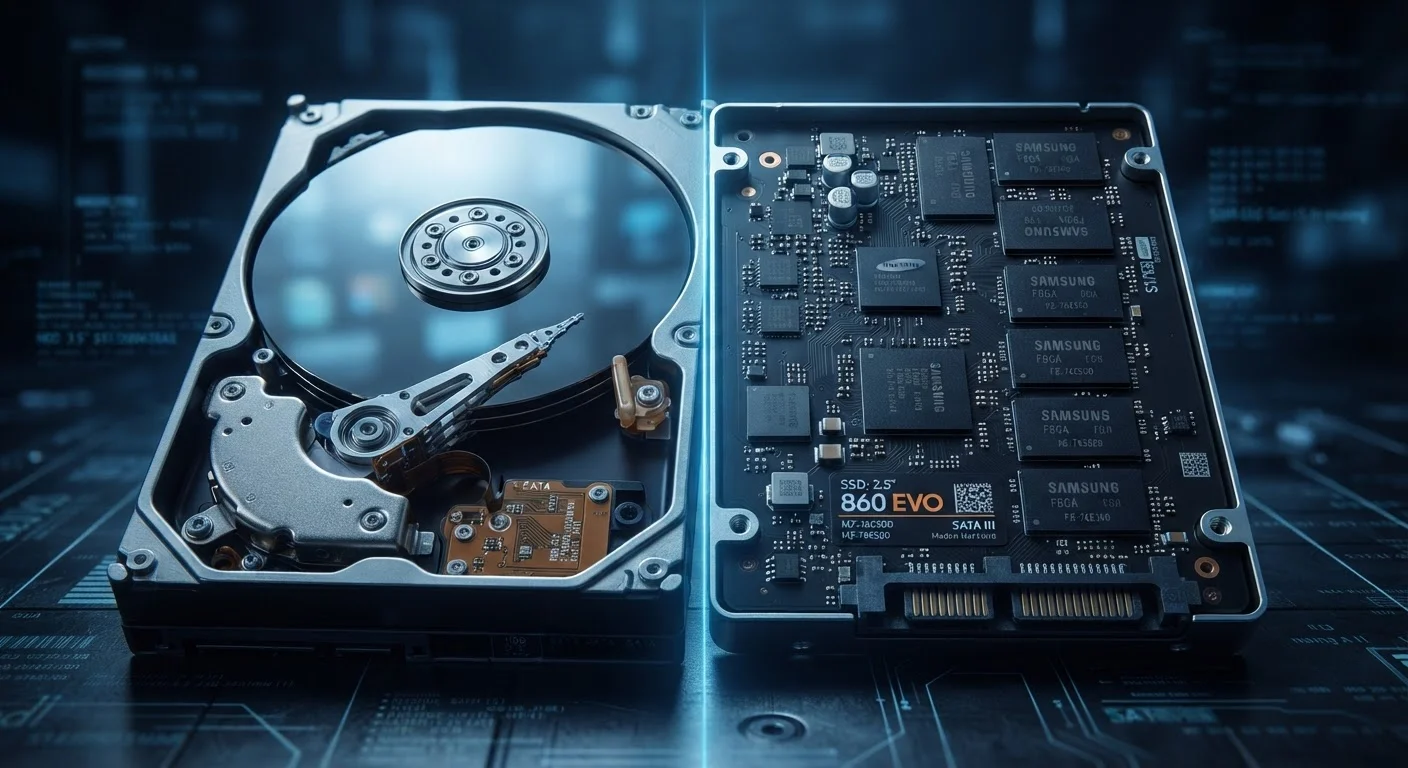
Hard Drive vs. SSD Failure: How Each Type Dies and What the Warning Signs Look Like
HDDs and SSDs fail in distinctly different ways. Knowing the early warning signs for each …

Keeping Your Computer Healthy: A Maintenance Checklist for Everyday Users
Routine upkeep prevents most common computer problems. Use this practical checklist to sta…
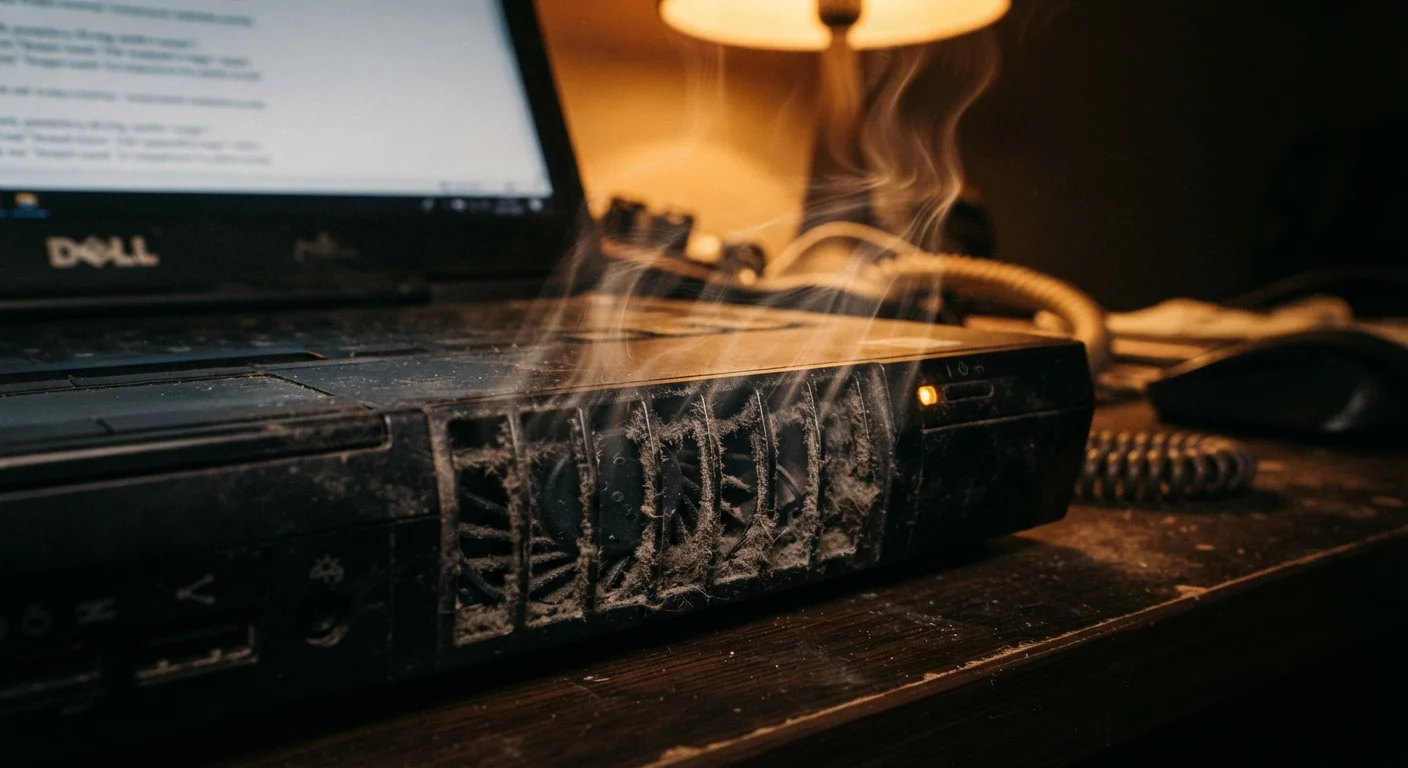
Overheating Computers: Recognising the Signs Before Damage Occurs
Unexpected shutdowns, loud fans, and sluggish performance can all point to heat. Learn how…
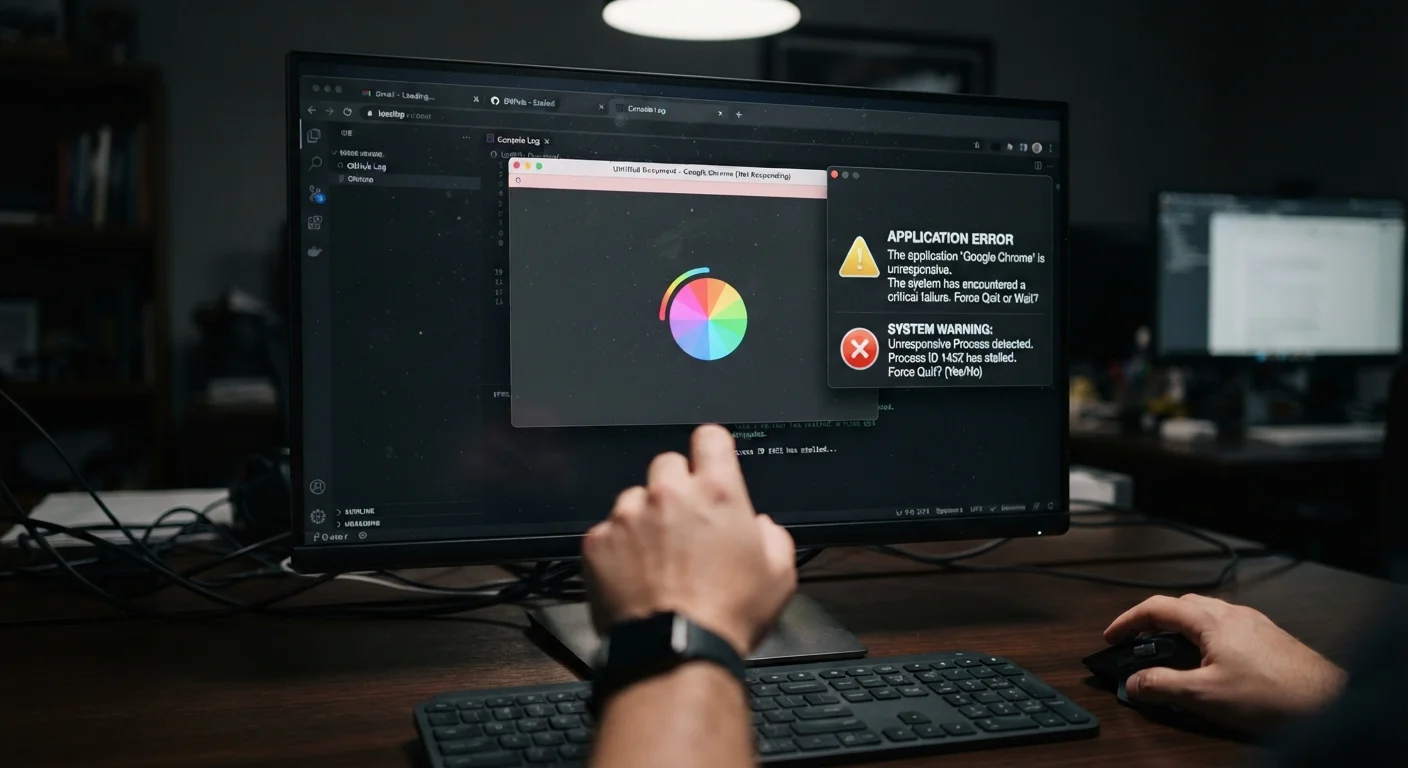
PC Freezes vs. Full Crashes: Understanding the Difference and What Each Signals
A frozen screen and a sudden shutdown point to very different problems. Here's how to tell…
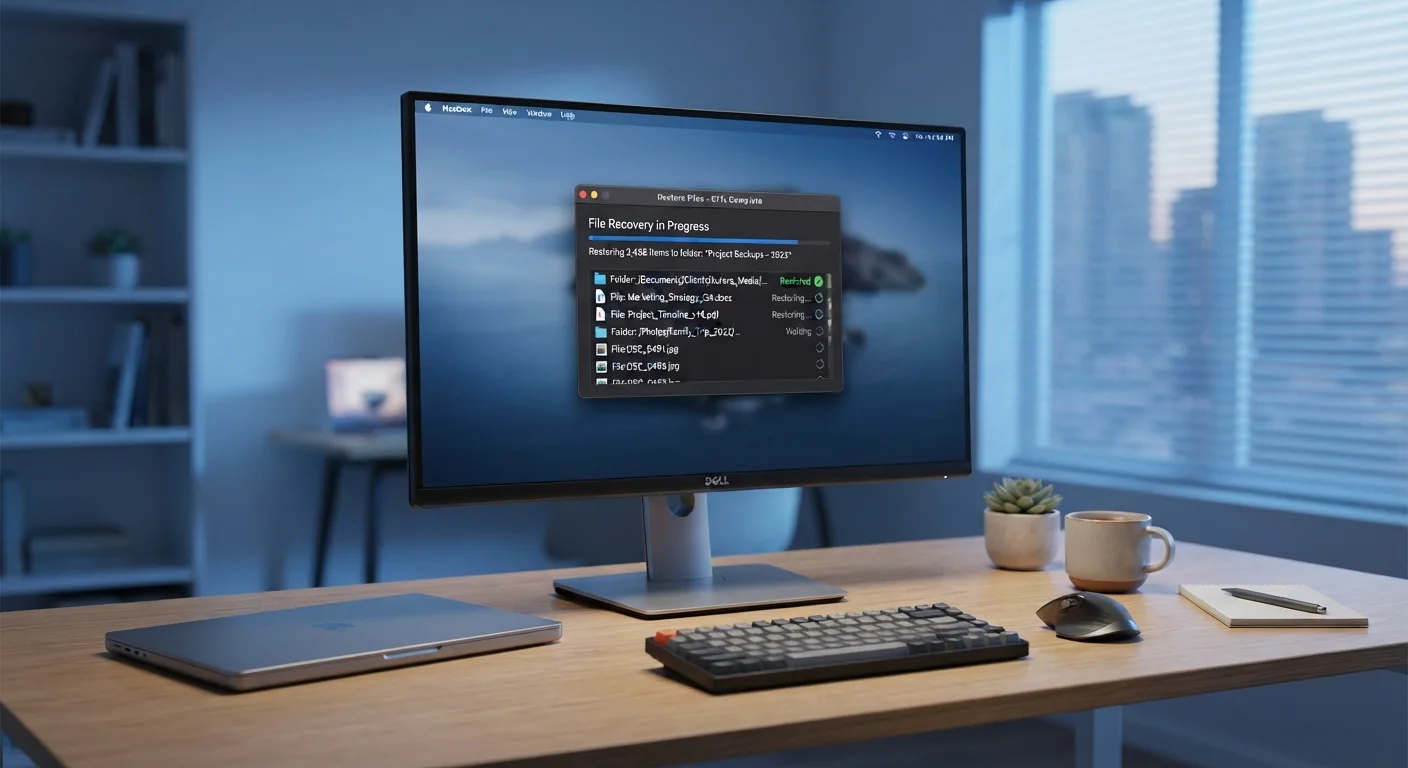
Recovering Files You Accidentally Deleted - Without Third-Party Software
Windows and macOS both include native recovery options most users overlook. Here's how far…

Safe Mode on Windows and macOS: When and How to Use It for Troubleshooting
Safe mode strips your system to its essentials, making it easier to isolate software probl…
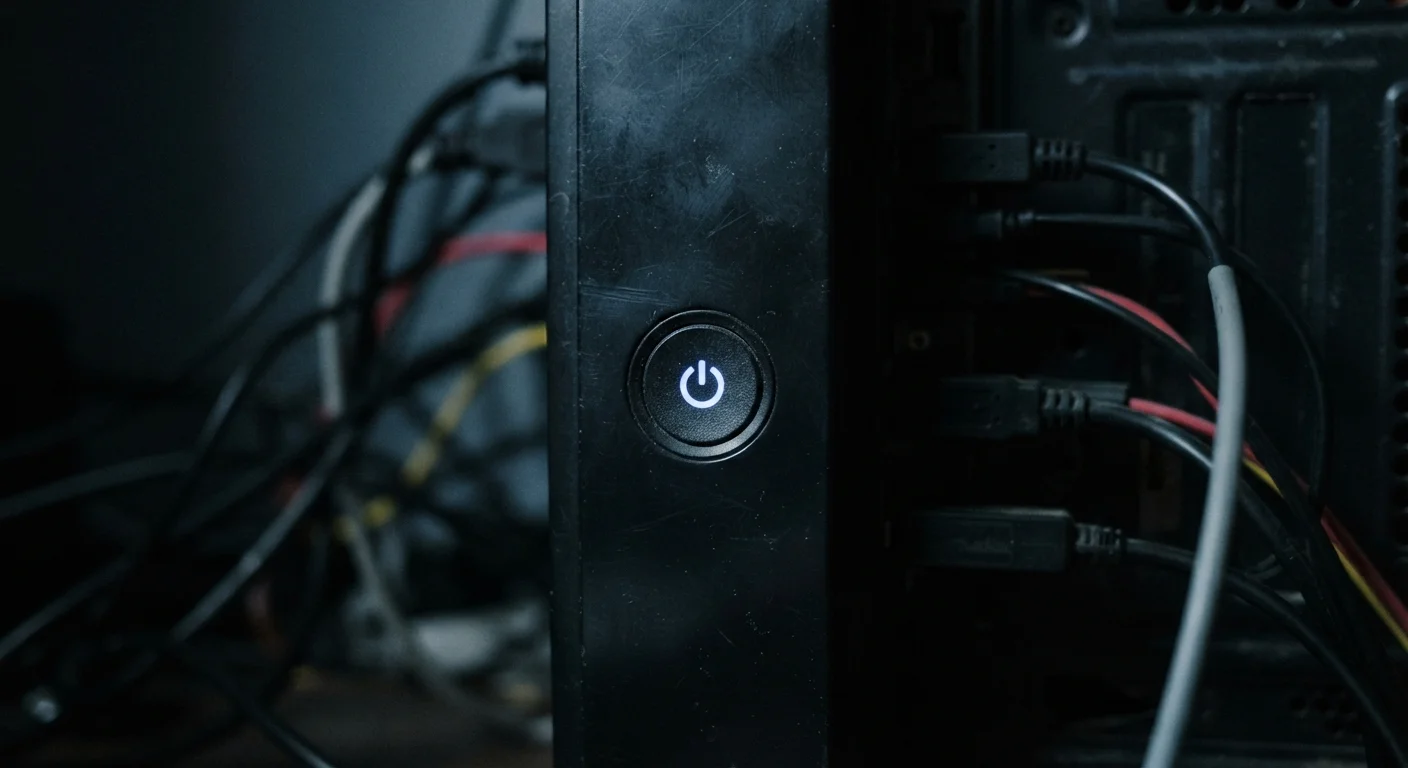
The First Things to Check When Your Computer Won't Turn On
Before assuming the worst, run through these systematic checks. Many no-power situations h…

The Habits That Create Computer Problems Over Time
Many frustrating PC and Mac issues trace back to everyday user habits. Recognise the patte…
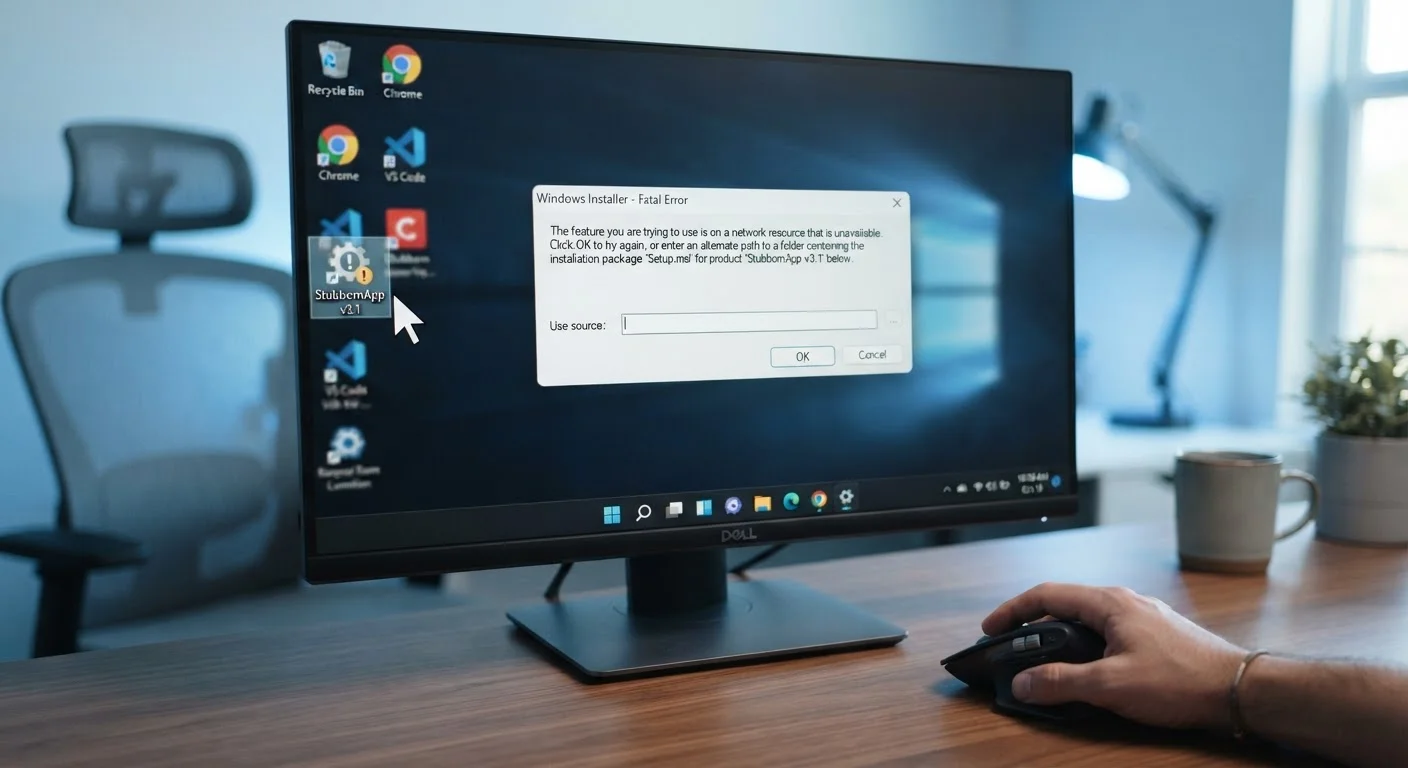
When a Program Refuses to Uninstall: Step-by-Step Removal Methods
Stubborn software that won't uninstall through normal means can be removed. Here are the m…

Why Your Computer Slows Down Over Time - and What's Actually Happening
Gradual PC slowdowns aren't random. Learn the real causes behind performance loss and what…

Wi-Fi Connected but Nothing Loads: A Systematic Fix for Phantom Internet Issues
Showing connected but unable to browse? Walk through a logical sequence of checks to pinpo…

Your Computer's Built-In Diagnostic Tools, Explained
Windows and macOS come with powerful diagnostic utilities most users never open. Here's wh…

2.4 GHz vs 5 GHz Wi-Fi: Choosing the Right Band for Each Room
The two Wi-Fi bands on your router behave very differently. Understand the trade-offs so y…

Before You Call Your ISP: A Connectivity Checklist to Run Through First
Work through these checks before raising a support ticket. Many connection faults are fixa…

Bluetooth Pairing Failures: What's Going Wrong and How to Fix It
Stuck in a loop of failed Bluetooth pairings? Here's how to identify whether the problem i…

Getting to Know Your Home Network: A Starter's Orientation
New to managing your own network? This guide explains routers, modems, access points, and …

Home Network Troubleshooting: A Complete Walkthrough from Router to Device
A step-by-step guide to diagnosing and fixing internet connection problems at home, coveri…
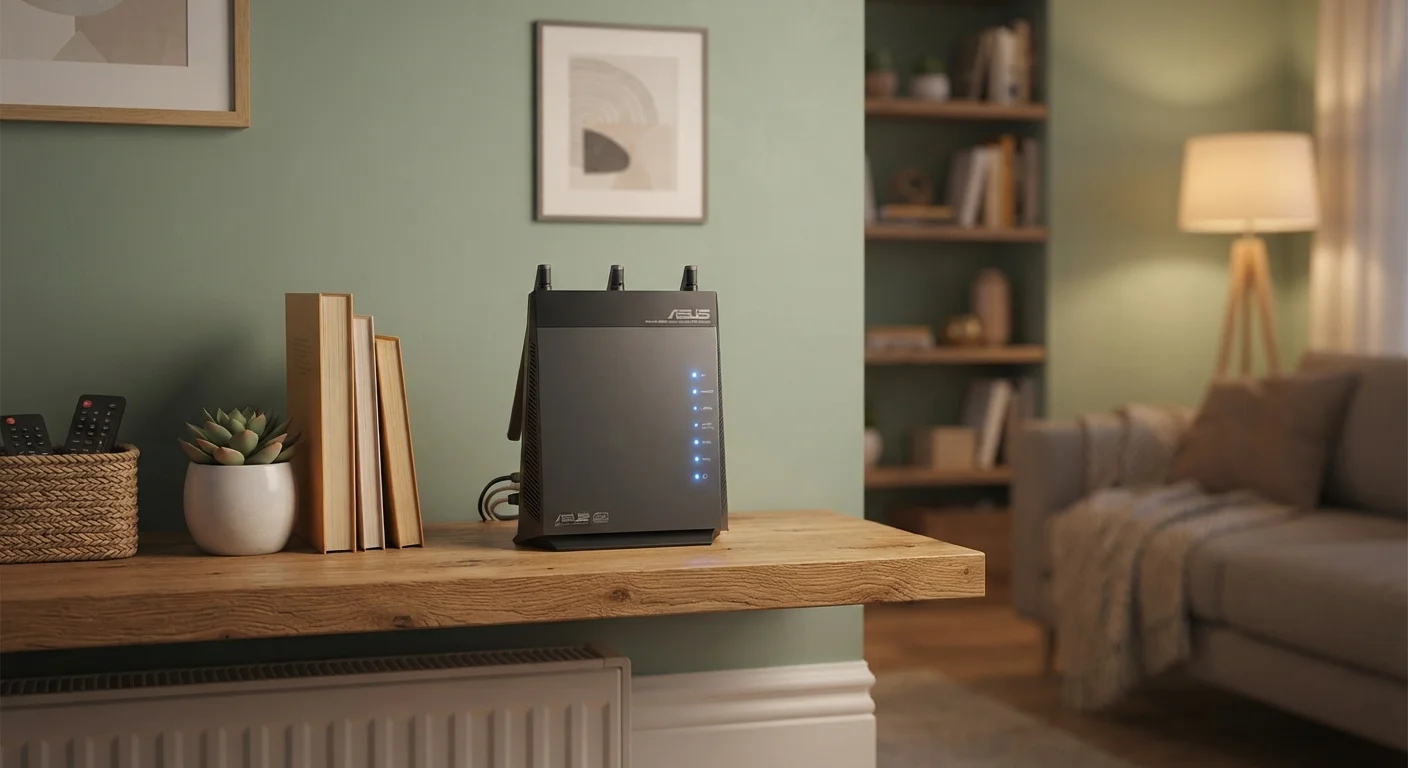
Keeping Your Home Network Reliable: Habits That Prevent Most Problems
Most network headaches are preventable. These maintenance habits reduce dropped connection…

Network Errors Decoded: A Reference Guide to Common Connection Messages
DNS_PROBE_FINISHED, DHCP timeout, limited connectivity — a concise lookup guide explaining…

Reasons Your Bluetooth Keeps Disconnecting Mid-Use
Frequent Bluetooth drops usually trace back to a handful of causes. Here's what triggers t…

Router Placement Mistakes That Quietly Hurt Your Wi-Fi Coverage
Where you put your router matters more than most people realise. These positioning errors …
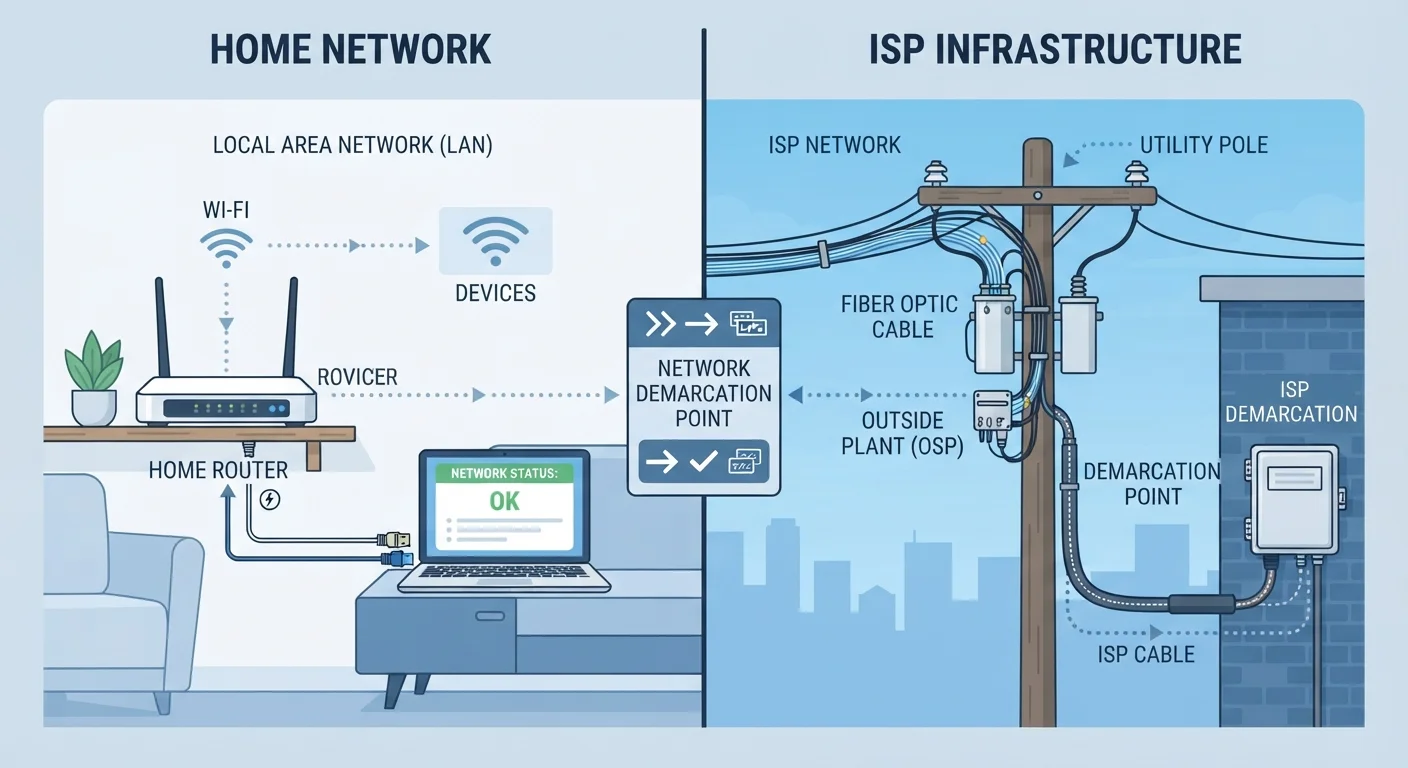
Slow Internet at Home: Pinpointing Whether the Problem Is Your ISP or Your Network
Not all slow connections have the same cause. Learn how to tell whether the bottleneck is …
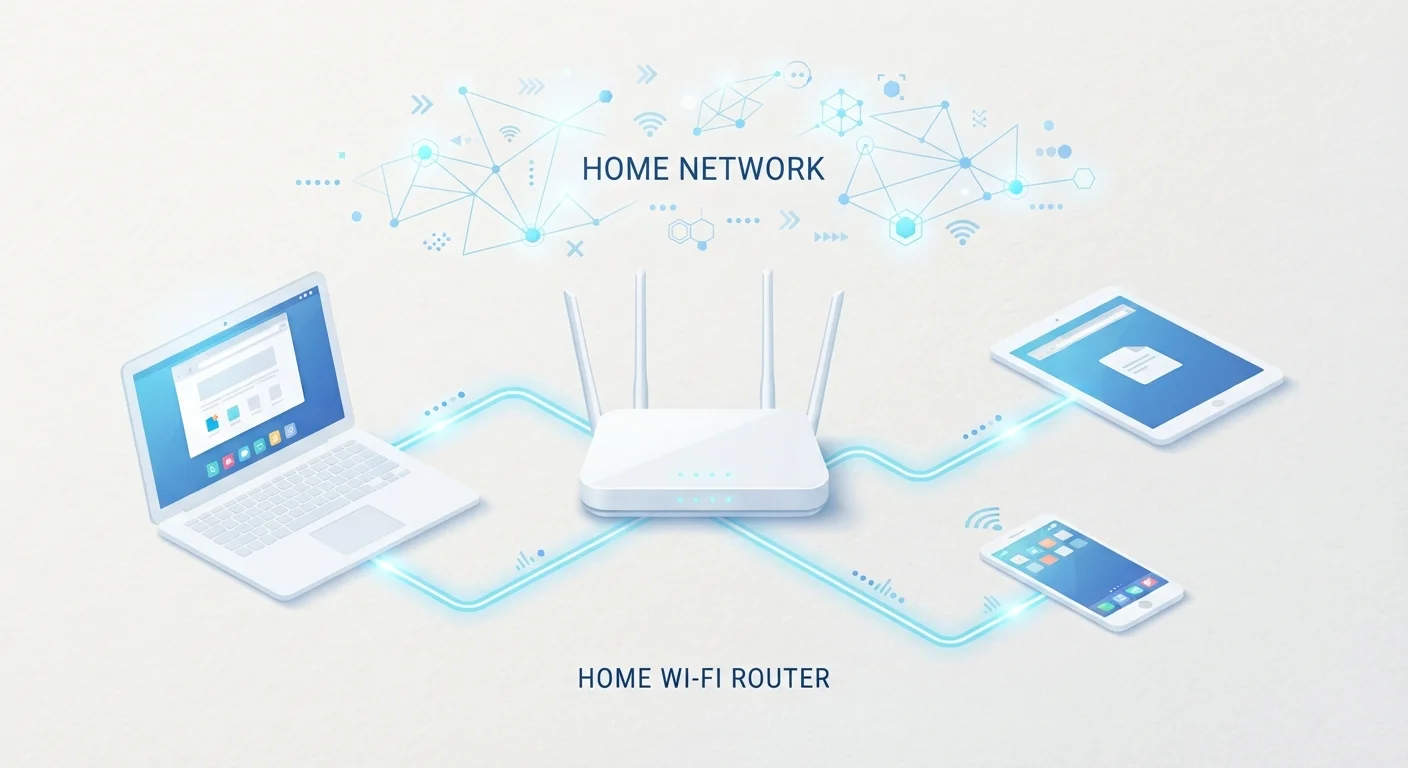
Understanding IP Addresses, DNS, and Gateways Without the Jargon
These three terms appear in almost every network error message. Here's what they mean in p…
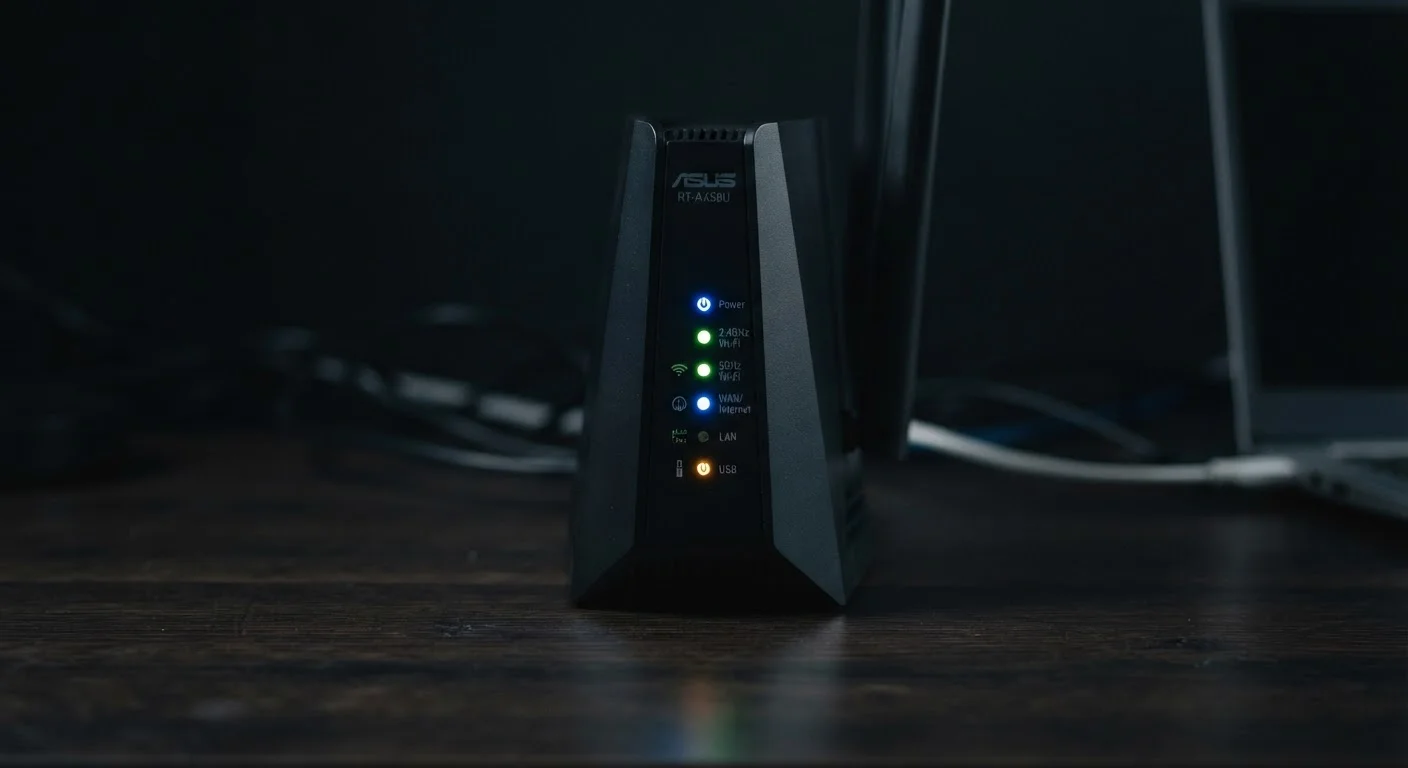
What the Lights on Your Router Are Actually Telling You
A plain-language reference to router LED colours and patterns — so you can read your hardw…

When Your Device Says Connected but Nothing Loads
That frustrating 'no internet access' status while showing full bars explained — and a str…

Why Your Wi-Fi Keeps Dropping - And What's Actually Causing It
Intermittent Wi-Fi isn't random. Learn the most common reasons your connection cuts out an…

Wi-Fi Signal Myths That Are Slowing Down Your Troubleshooting
From tin-foil boosters to microwave interference, many popular Wi-Fi beliefs are wrong. He…

Wired Ethernet vs Wireless Wi-Fi for Home Connections
Running a cable isn't always practical, but it isn't always necessary either. A balanced l…