

Key Takeaways
- Sleep mode does not prevent Windows or macOS from applying updates — it resumes them on wake.
- Leaving a modern PC running continuously does not meaningfully shorten its lifespan.
- Restarting is not the same as shutting down; on Windows, Fast Startup makes the difference significant.
- Solid-state drives are not damaged by frequent shutdowns the way older hard disk drives could be.
Why These Myths Persist
Power management myths tend to live long lives because they contain just enough truth to seem plausible. Some were accurate for hardware from the 1990s. Others confuse how consumer devices behave versus how enterprise servers are managed. The result is a tangle of contradictory advice — restart every day, never shut down, always hibernate — that leaves most users uncertain and occasionally doing harm in the name of best practice.
This article walks through the most widely repeated misconceptions, explains what modern hardware and operating systems actually do, and tells you what genuinely matters for keeping your machine running well. For a broader look at how everyday habits affect device longevity, see our piece on habits that quietly degrade your phone.
Myth
Leaving your PC on all the time wears it out faster.
Fact
Modern components are rated for tens of thousands of hours of continuous operation; leaving a desktop or laptop running is not a significant wear factor.
This belief dates from early consumer PCs with cathode-ray tube monitors and spinning hard drives that genuinely did degrade from constant use. Contemporary hardware tells a different story. Processors, RAM, and solid-state storage are designed for continuous operation. The component most likely to show wear from always-on use is a cooling fan — a cheap, replaceable part. Thermal stress from poor ventilation is a real concern, but that has nothing to do with whether the machine is on or off; it has everything to do with dust buildup and airflow.
Myth
Sleep mode stops your computer from installing updates.
Fact
Both Windows and macOS can wake a sleeping machine to download and apply updates, then return it to sleep automatically.
Windows Update uses a feature called Wake Timers, which can rouse a sleeping PC at a scheduled time to complete update installation. macOS similarly handles background update tasks while the system appears dormant. The only scenario where sleep genuinely delays updates is if Wake Timers are disabled in your power settings, or if you use a laptop on battery with aggressive power-saving rules turned on. If you regularly find updates waiting, check your active power plan rather than abandoning sleep mode entirely.
Myth
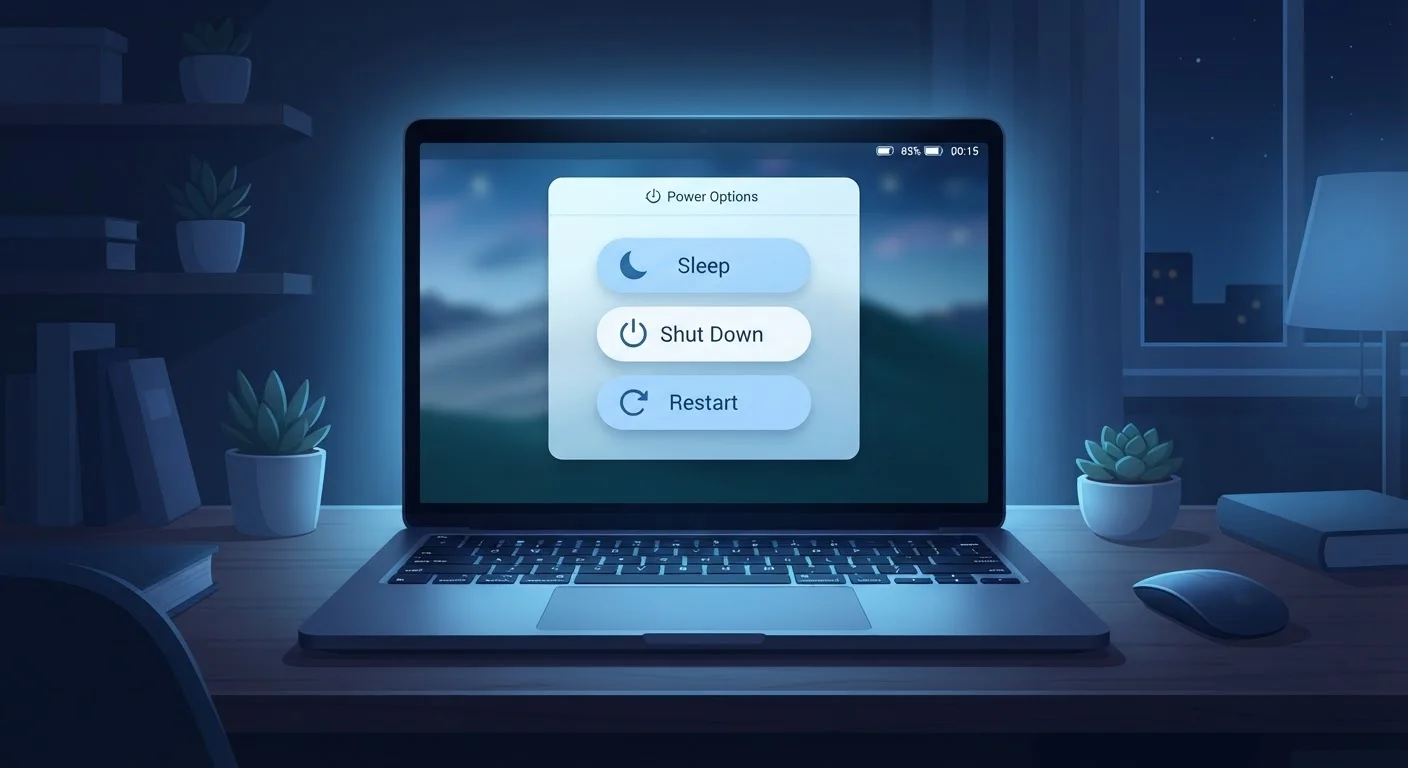
Restarting and shutting down do the same thing.
Fact
On Windows 10 and 11 with Fast Startup enabled, a shutdown does not perform a full system reset — only a restart does.
Fast Startup, enabled by default in Windows 10 and 11, causes the operating system to hibernate the kernel (the core of the OS) on shutdown rather than clearing it completely. This makes the next boot faster but means background processes, driver states, and some update installations are not fully refreshed. A restart bypasses Fast Startup and performs a genuine full cycle, which is why IT support almost always asks you to restart — not just turn off and on again. macOS does not use an equivalent mechanism, so this distinction is Windows-specific.
Myth
Frequent shutdowns damage your SSD.
Fact
SSDs have no moving parts, and powering them off and on causes no measurable wear.
This myth is a holdover from the era of spinning hard disk drives (HDDs), where the read/write head needed to park safely and repeated power cycles could stress mechanical components over time. SSDs store data on flash memory chips. There are no platters, no heads, and no mechanical movement of any kind. The write endurance of an SSD — how many times data can be written before cells degrade — is unaffected by how often you power the drive down. Shutdown freely.
Myth
You should always shut down your computer at night to save energy.
Fact
A PC in sleep mode draws between 1 and 5 watts — comparable to a phone charger on standby — making the energy difference negligible for most households.
Sleep mode is far more energy-efficient than most people expect. The U.S. Department of Energy notes that a computer in sleep uses a small fraction of the power it consumes when active. For users who resume work first thing each morning, the convenience of sleep — with its near-instant wake time — is a reasonable trade for that minimal overnight draw. Shutdown makes clear sense for longer absences or if you're on a metered electricity plan and every watt counts, but it is not a blanket nightly obligation.
What Good Power Management Actually Looks Like
Once the myths are cleared away, the practical guidance is straightforward. A weekly restart is a reasonable baseline for most Windows and macOS users — it flushes the memory workspace, completes pending update cycles, and clears accumulated background processes. Beyond that, let the operating system's default power plan do its job.
Don't Rely on Sleep for Long Absences
If your machine will be unused for several days — or if a thunderstorm is forecast — a full shutdown (and unplugging from the wall) is the safer choice. Sleep mode keeps the system partially powered and does not protect against power surges the way a true shutdown combined with a surge protector or UPS does. For extended travel, shut down completely.
Sleep is the right choice for breaks of a few hours. Hibernate (where available) suits overnight pauses when you want to preserve your session without consuming power. A full shutdown is best when the machine will sit unused for several days or when you're troubleshooting a persistent software glitch — for the latter, our guide on Safe Mode on Windows and macOS walks through deeper diagnostic steps.
If you want to go further in separating tech fact from fiction, the same methodical thinking applies to networking. Our article on public Wi-Fi myths and our piece on desktop PC myths that cost consumers money cover adjacent misconceptions worth reading.