

Key Takeaways
- A soft reset simply restarts your device and erases nothing — it's always the safest first step.
- A factory reset wipes all personal data, apps, and settings, restoring the device to its original state.
- Most everyday problems — freezes, slow performance, unresponsive apps — are resolved with a soft reset.
- Always back up your data before performing a factory reset, since the process is irreversible.
- Factory resets are appropriate for persistent software issues, security concerns, or device handoffs.
Option A
Soft Reset
The quick, non-destructive restart.
Best for: Resolving minor freezes, sluggish performance, and temporary glitches without losing any data.
Option B
Factory Reset
The complete, data-clearing restoration.
Best for: Fixing deep software corruption, persistent errors, or preparing a device for a new owner.
If your phone is frozen, sluggish, or an app has stopped responding
Soft Reset
A simple restart clears temporary system memory and resolves the vast majority of everyday glitches without touching your data.
If you're selling, donating, or handing off your phone
Factory Reset
A factory reset removes all personal accounts, files, and credentials so the next owner starts with a clean slate.
If a persistent software bug survives multiple restarts
Factory Reset
Deeply rooted software conflicts that don't respond to soft resets often require a full wipe to fully resolve.
If you suspect unauthorized access or a malware infection
Factory Reset
Restoring factory settings removes any malicious software or unauthorized configurations that standard troubleshooting may not catch.
What Each Reset Actually Does
The word "reset" gets used loosely, but the two types operate in fundamentally different ways. Understanding the distinction helps you pick the right tool before you start pressing buttons.
A soft reset is simply a controlled restart of your device's operating system. On most smartphones, this means holding the power button and selecting Restart, or on some models, holding a button combination until the device reboots. No files are deleted, no settings are changed, and no apps are removed. The phone shuts down all running processes, clears its working memory (RAM), and starts fresh. Think of it like closing every open tab and application on a computer simultaneously — the underlying data is untouched.
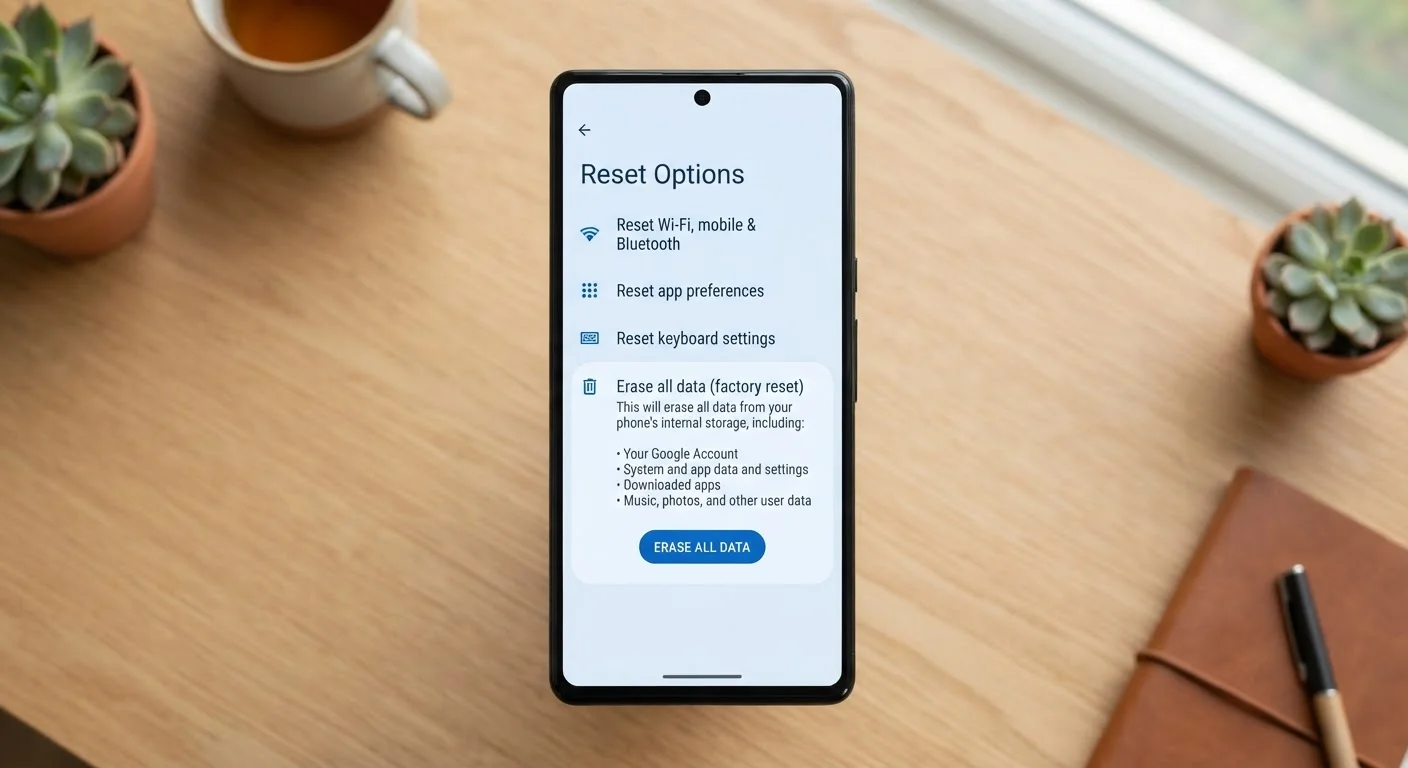
A factory reset (also called a hard reset or master reset) does something far more drastic. It erases all user data — photos, contacts, downloaded apps, accounts, and personal settings — and restores the operating system to the state it was in when the device left the manufacturer. On Android, this option is typically found under Settings > General Management > Reset > Factory Data Reset. On iPhone, it's under Settings > General > Transfer or Reset iPhone > Erase All Content and Settings. The process is irreversible without a prior backup.
| Criterion | Soft Reset | Factory Reset |
|---|---|---|
| Data loss | None | All user data erased |
| Apps removed | No | Yes, all downloaded apps |
| Settings changed | No | Restored to factory defaults |
| Time required | Under 2 minutes | 10–30 minutes typically |
| Reversible | N/A — nothing is changed | No — irreversible without backup |
| Best for | Freezes, sluggishness, minor glitches | Persistent bugs, device handoff, security concerns |
| Backup required | No | Strongly recommended |
When to Use Each — and What to Try First
For the overwhelming majority of common device problems, a soft reset is the right starting point. If your phone has become unresponsive, an app has locked up, performance has slowed noticeably, or the touchscreen is behaving erratically, a restart will clear out the temporary system states causing those issues. It costs nothing and takes under a minute.
Reserve a factory reset for situations where:
- A software problem persists across multiple restarts and standard troubleshooting steps.
- You cannot access your device normally due to a boot loop or recurring crash.
- You're preparing to sell, trade in, or give away the device.
- You believe the device has been compromised by malware or unauthorized configuration changes.
Before a factory reset, completing a full data backup is essential — not optional. See our pre-reset cloud checklist to confirm your photos, app data, and contacts are safely stored before you proceed. If the device is going to a repair technician rather than being wiped by you, review our privacy checklist for steps to protect your personal data first.
Soft Reset vs. Forced Restart
On some devices — particularly iPhones with unresponsive screens — a standard soft reset through the settings menu may not be accessible. A forced restart (typically a specific button-hold sequence) achieves the same result: it reboots the OS without erasing data. Consult your device manufacturer's support documentation for the correct button combination for your specific model.
It's also worth noting that many issues attributed to storage or performance can sometimes be addressed by clearing cached app data — a lighter intervention than either type of reset. For context on what cache clearing actually affects, see our guide on when cache clearing helps and when it doesn't.