

Online Security Editorial Team

Account Security Audit: A Practical Password Health Checklist
Run through this checklist to identify weak, reused, or outdated passwords and bring your …

Creating Unique Passwords for Every Account Without Losing Your Mind
Password reuse is one of the most common security risks. This practical walkthrough shows …

How Attackers Actually Steal Passwords - and What Stops Them
Phishing, brute force, credential stuffing — understand the real methods used to compromis…
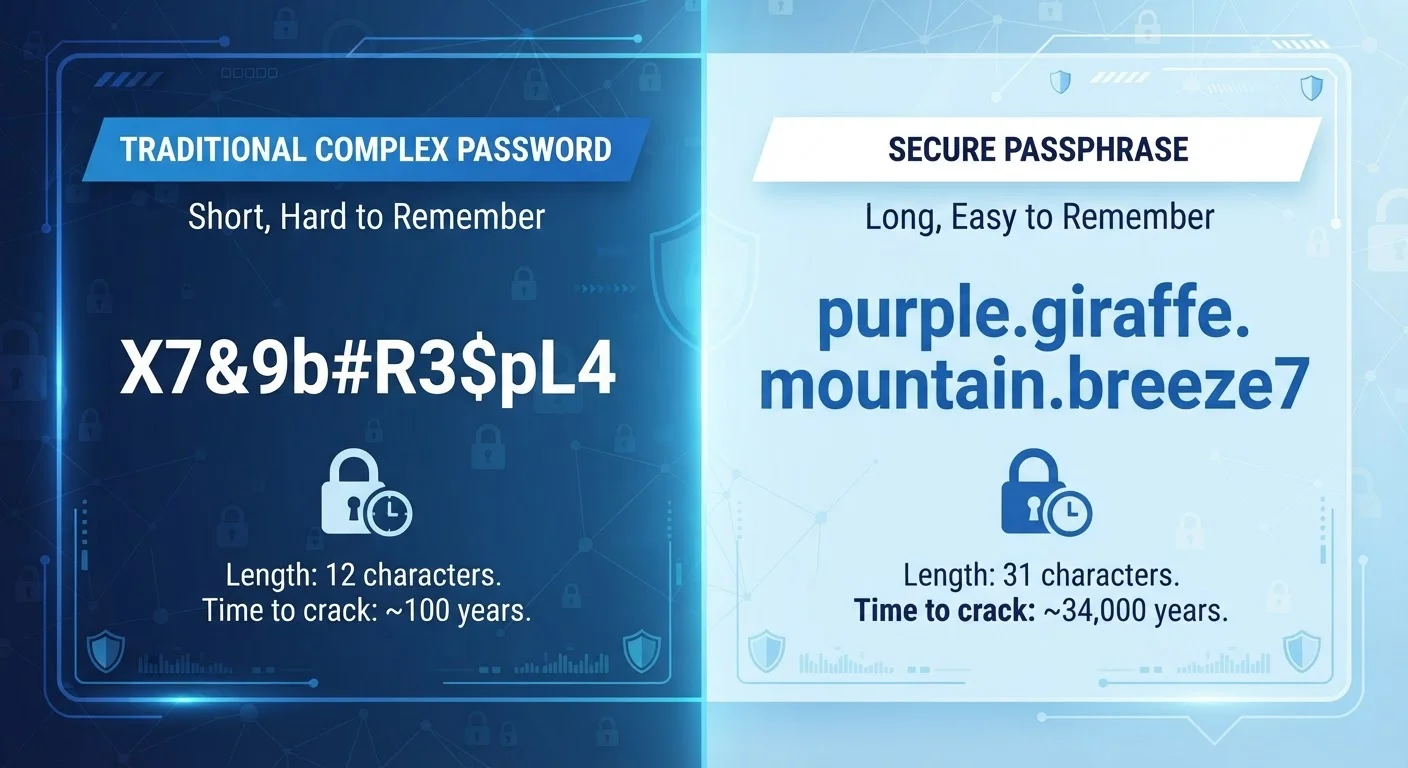
Passphrases vs. Passwords: Which One Is Harder to Crack?
A string of random words versus a complex string of characters — explore how each approach…
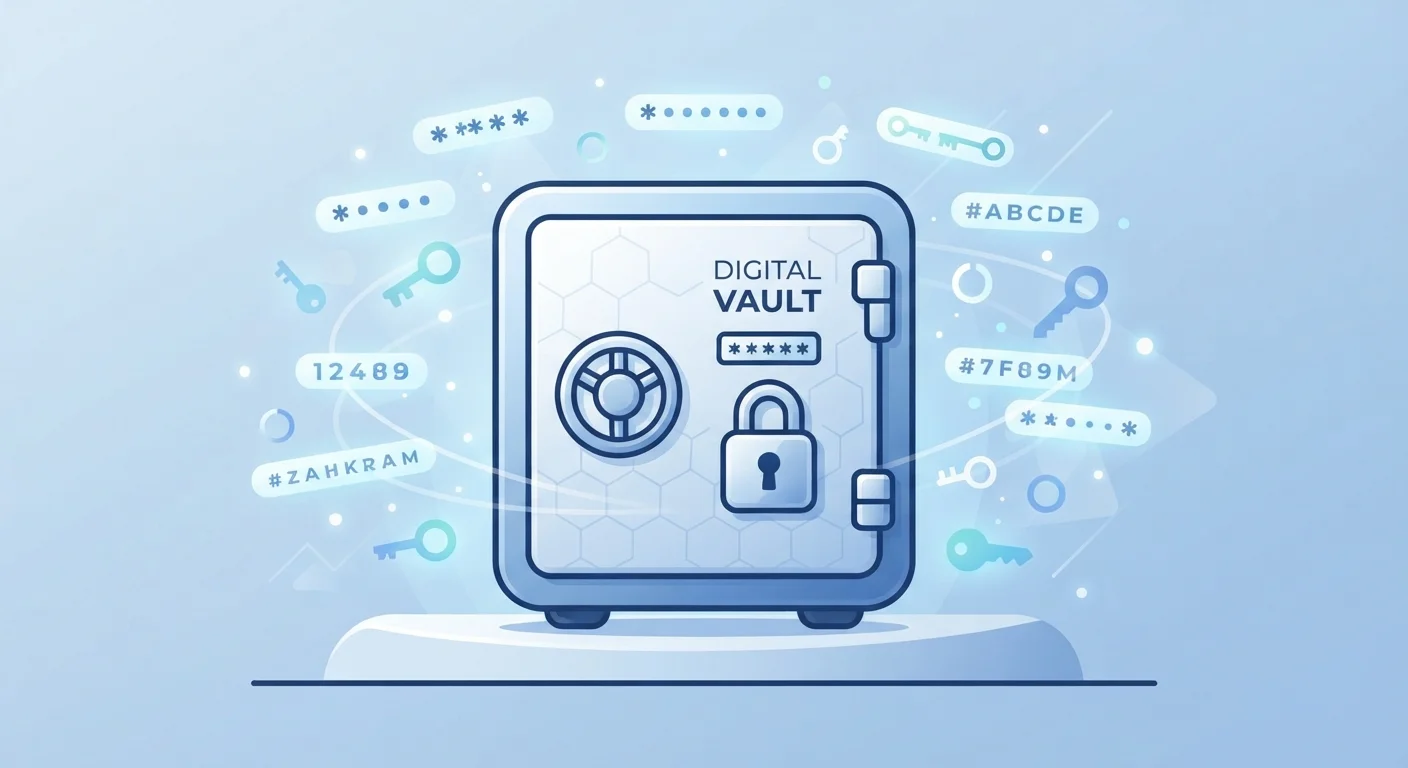
Password Managers Explained: How They Work and Why Security Experts Trust Them
Password managers store and generate credentials securely. Learn how they function, what t…

Password Myths That Put Your Accounts at Risk
Think adding a number to the end makes a password secure? Many common beliefs about passwo…

Password Safety: Everything Everyday Users Need to Know
From creating strong passwords to managing dozens of them, this complete guide covers ever…

Password Security Terminology: A Plain-Language Reference
Encryption, salting, credential stuffing, entropy — this quick-reference glossary defines …
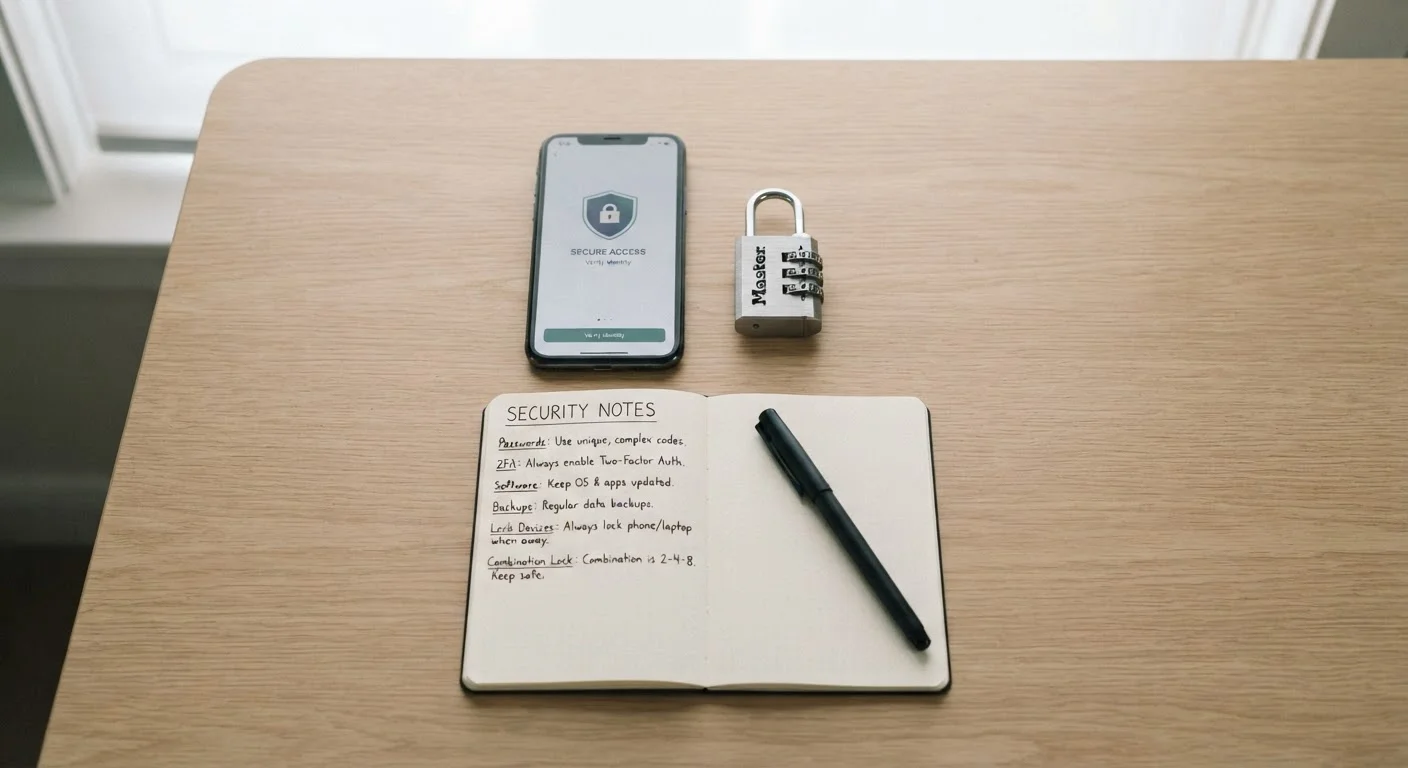
Proven Habits That Keep Your Passwords Working in Your Favour
From regular audits to avoiding shared credentials, these evidence-based practices form th…
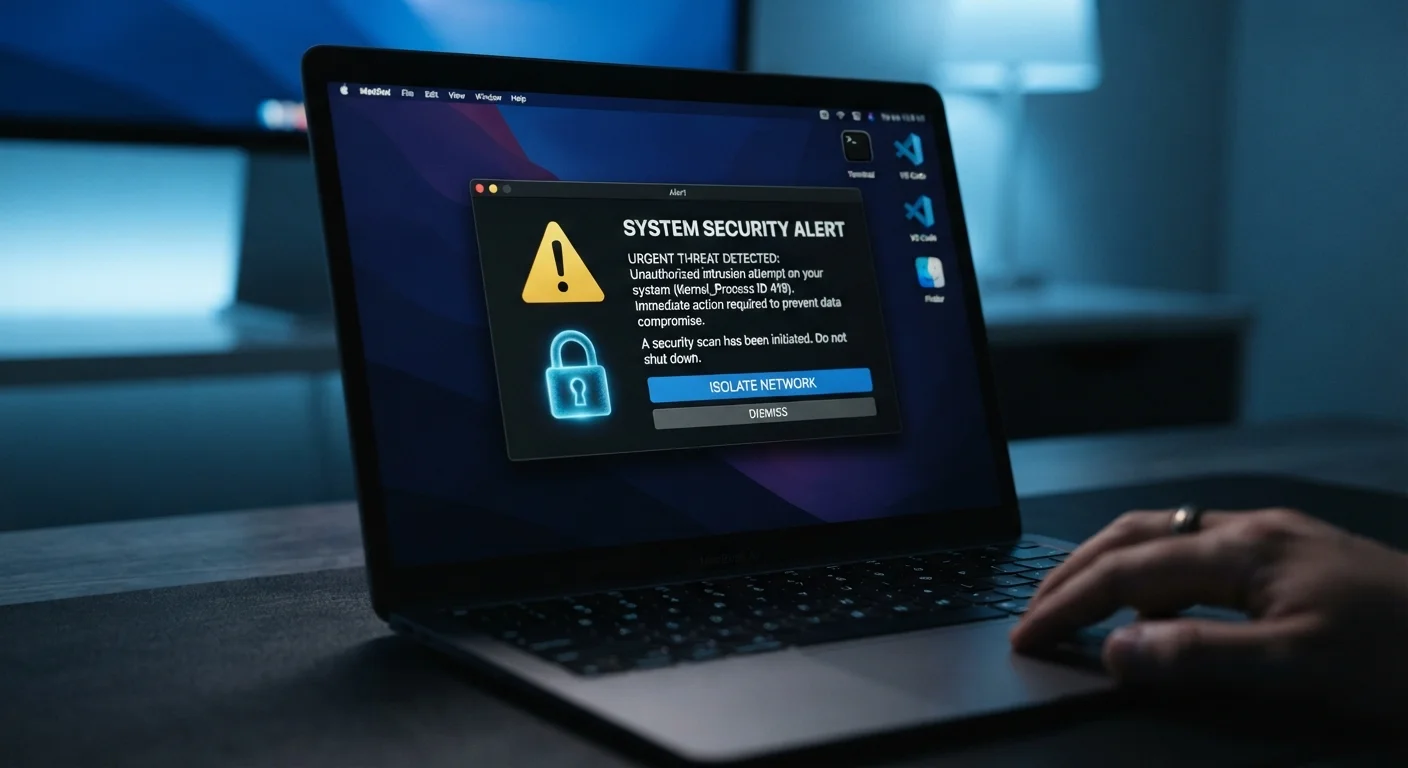
Signs Your Password Has Been Compromised and What to Do Next
Unexpected login alerts, unfamiliar activity, or data breach notifications — learn to spot…
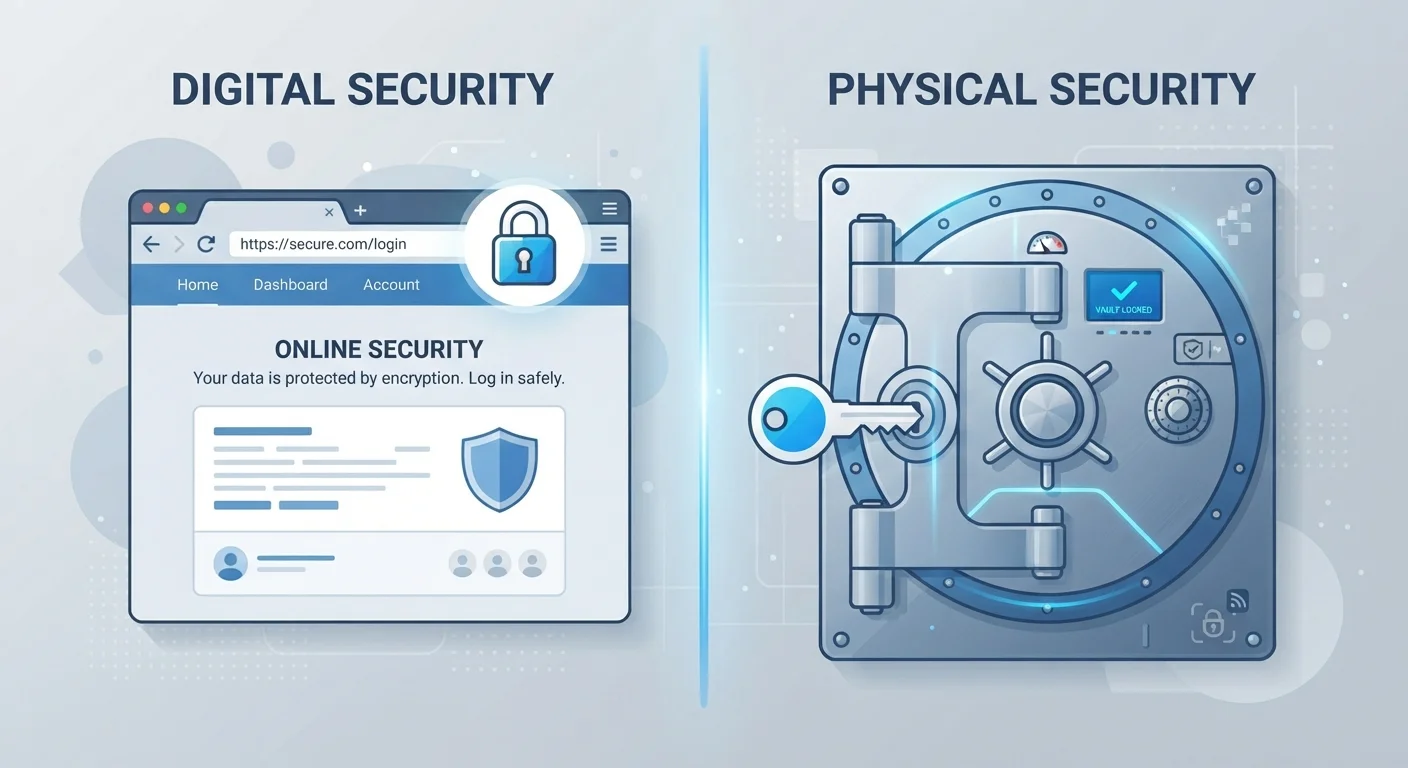
Storing Passwords in Your Browser vs. a Dedicated Password Manager
Both options save your passwords, but they work very differently. See how browser storage …
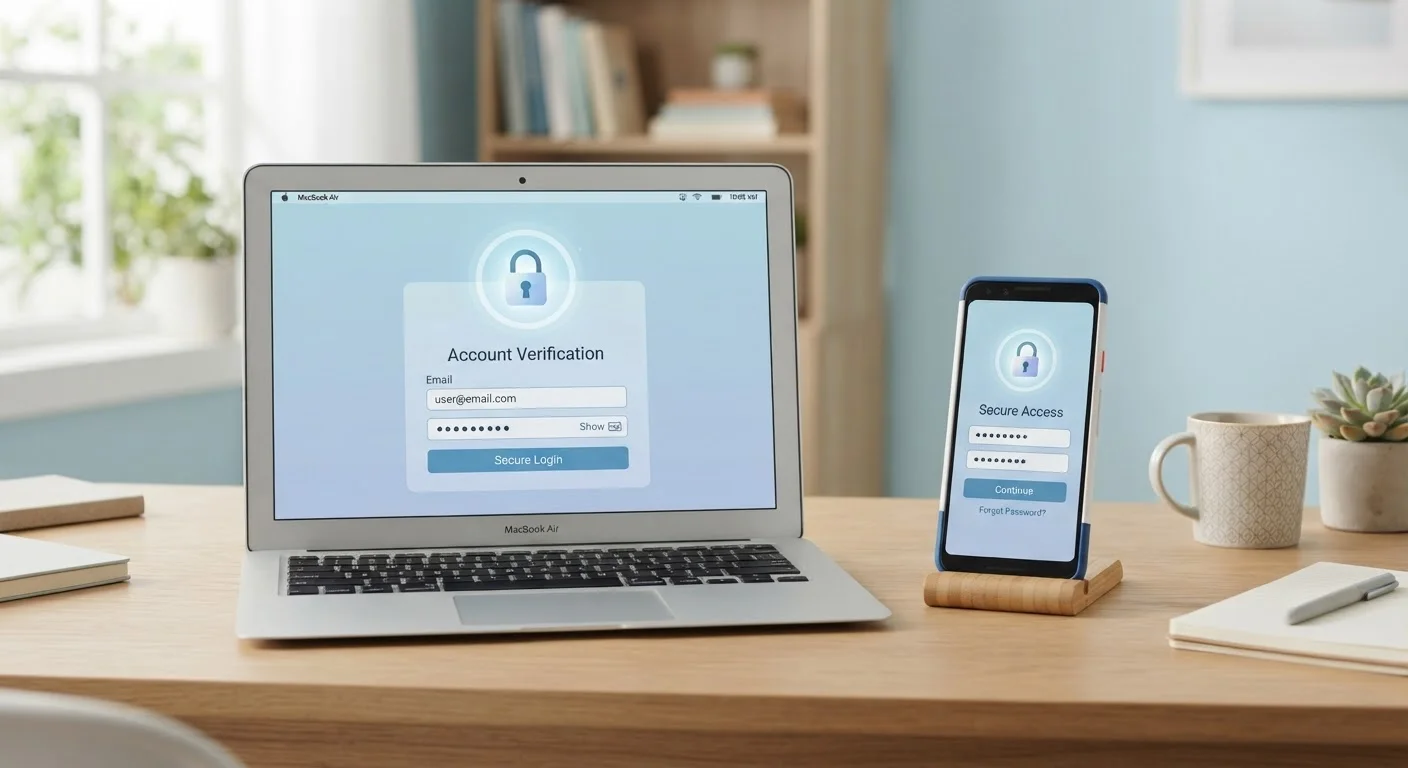
The Upsides and Downsides of Using a Password Manager
Password managers offer clear security benefits, but they also come with trade-offs. Get a…

Two-Factor Authentication and Passwords: Understanding How They Work Together
A strong password alone isn't always enough. Learn what two-factor authentication adds to …

What Makes a Password Strong? The Science Behind Secure Credentials
Length, randomness, and character variety all play a role. Learn what actually determines …

Why Your Memory Is the Weakest Link in Your Password Strategy
Relying on memory for passwords leads to predictable patterns and reuse. Here's what goes …
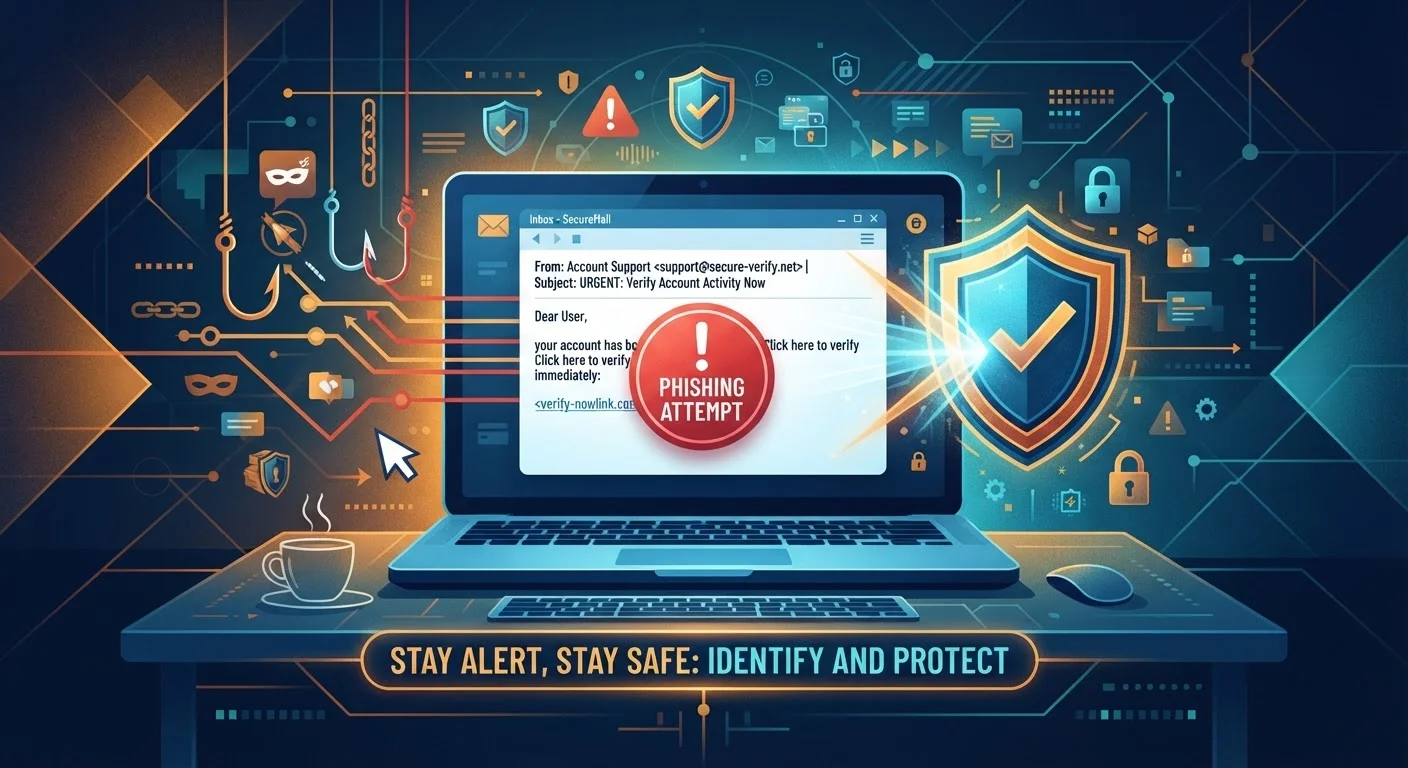
Online Scams and Phishing: A Consumer's Complete Starting Point
New to online safety? This guide covers the core scam types, how to spot them, and the hab…
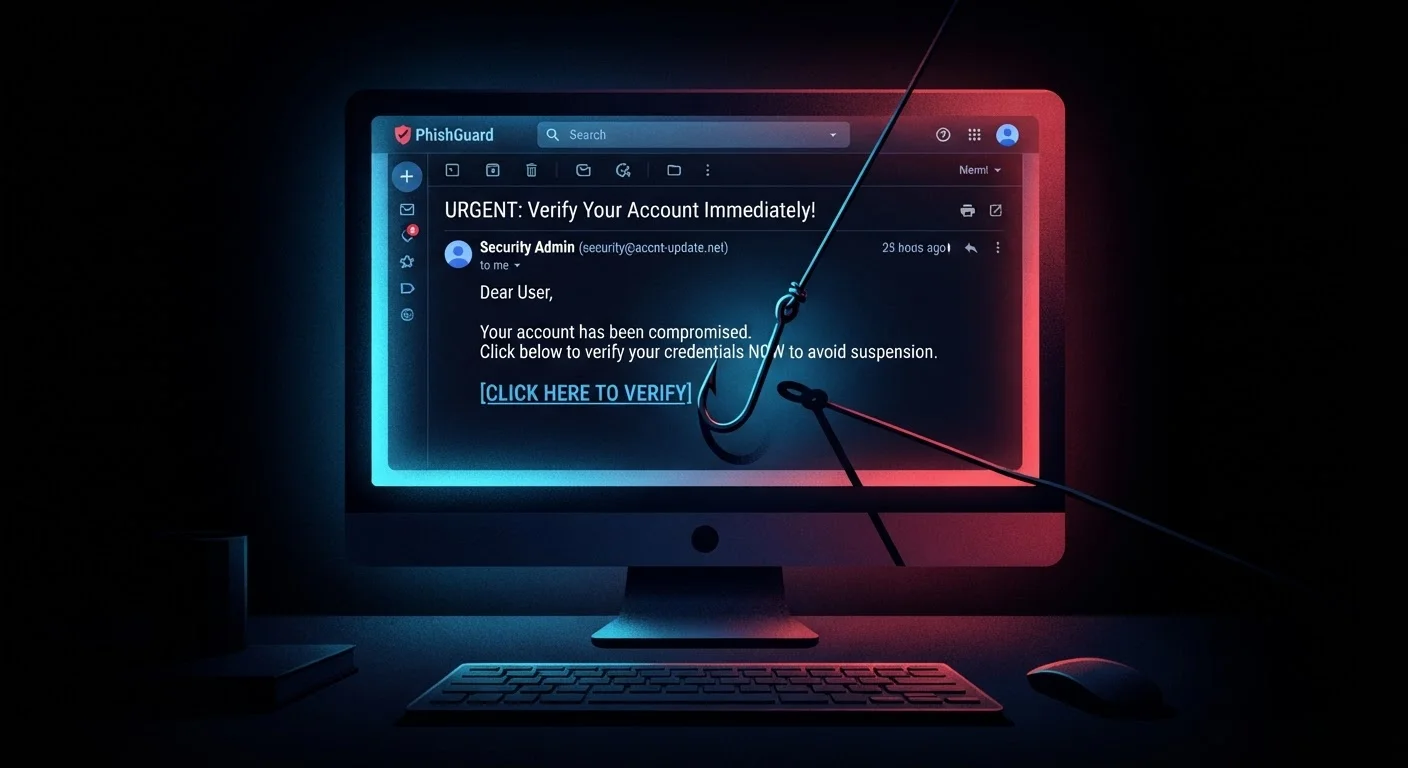
Phishing Attacks Explained: What They Are and Why They Work
Understand what phishing is, how attackers craft convincing traps, and the psychology that…

Protecting Yourself From Scams: Habits That Actually Hold Up
Practical, durable behaviours — from pausing before clicking to keeping software updated —…
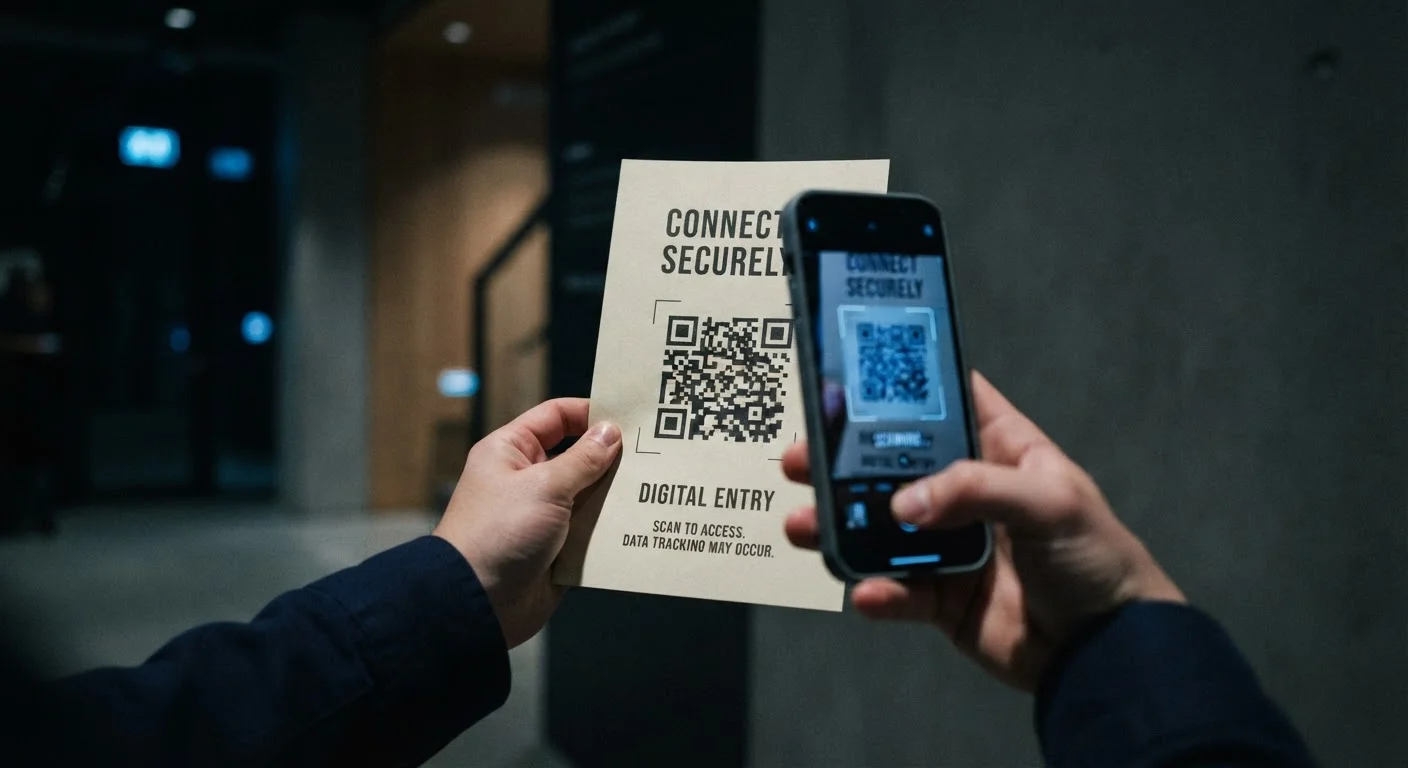
QR Code Scams: What Makes Them Different From Email Phishing
QR codes bypass many of the cues people use to detect fraud. Here's how QR-based attacks w…

Reasons People Fall for Phishing - Even When They Know Better
Awareness alone doesn't guarantee safety. These common missteps explain why informed, tech…

Smishing, Vishing, and Phishing: Three Scam Channels Compared
Text messages, phone calls, and emails are all used by scammers differently. Here's how ea…
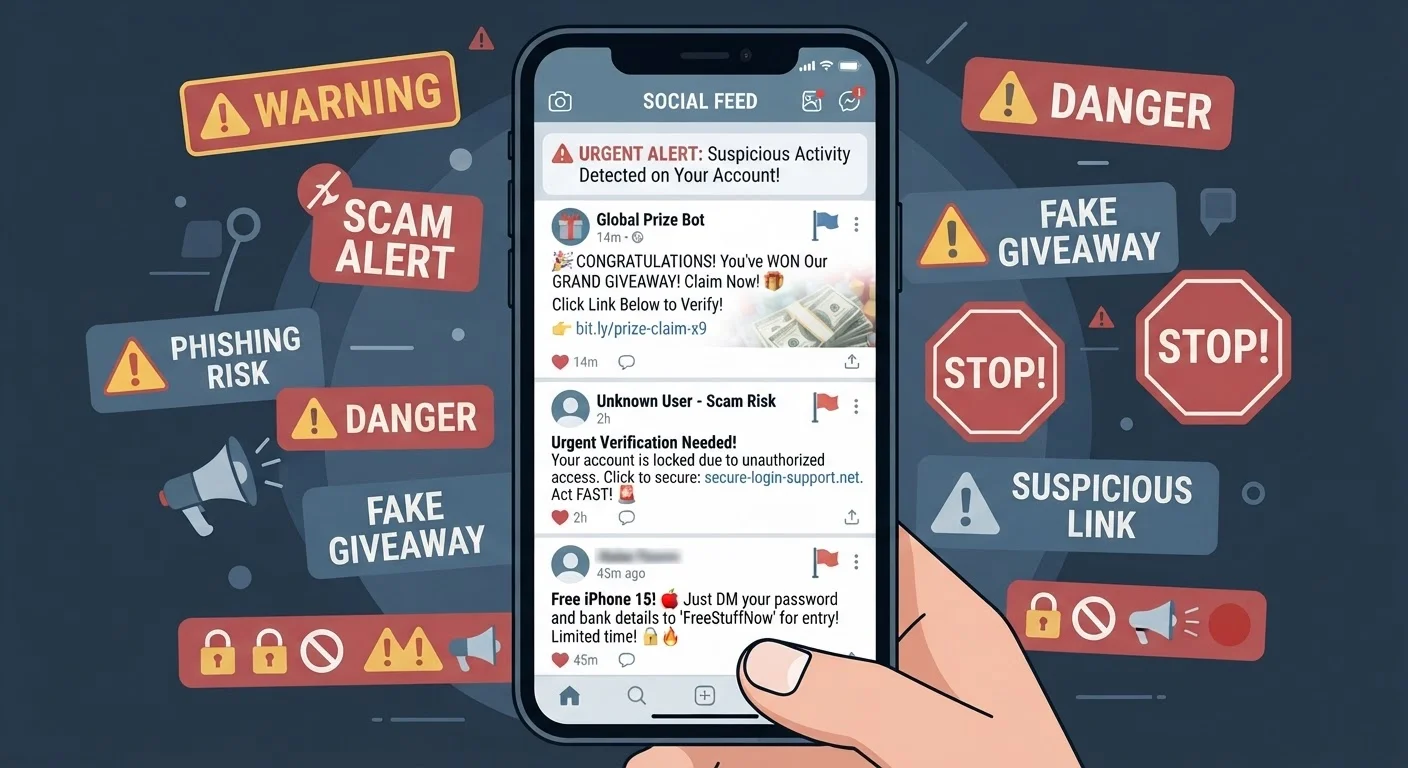
Social Media Scams: How Fraud Spreads Through Trusted Networks
Fake giveaways, compromised friend accounts, and fraudulent ads make social platforms a fe…

Spear Phishing vs. Bulk Phishing: Targeted Attacks and Mass Campaigns
Generic scam blasts and personalised targeted attacks operate very differently. Understand…

The Anatomy of a Scam Email: Reading Between the Lines
A close look at the structural tricks scammers use in fraudulent emails — from spoofed sen…
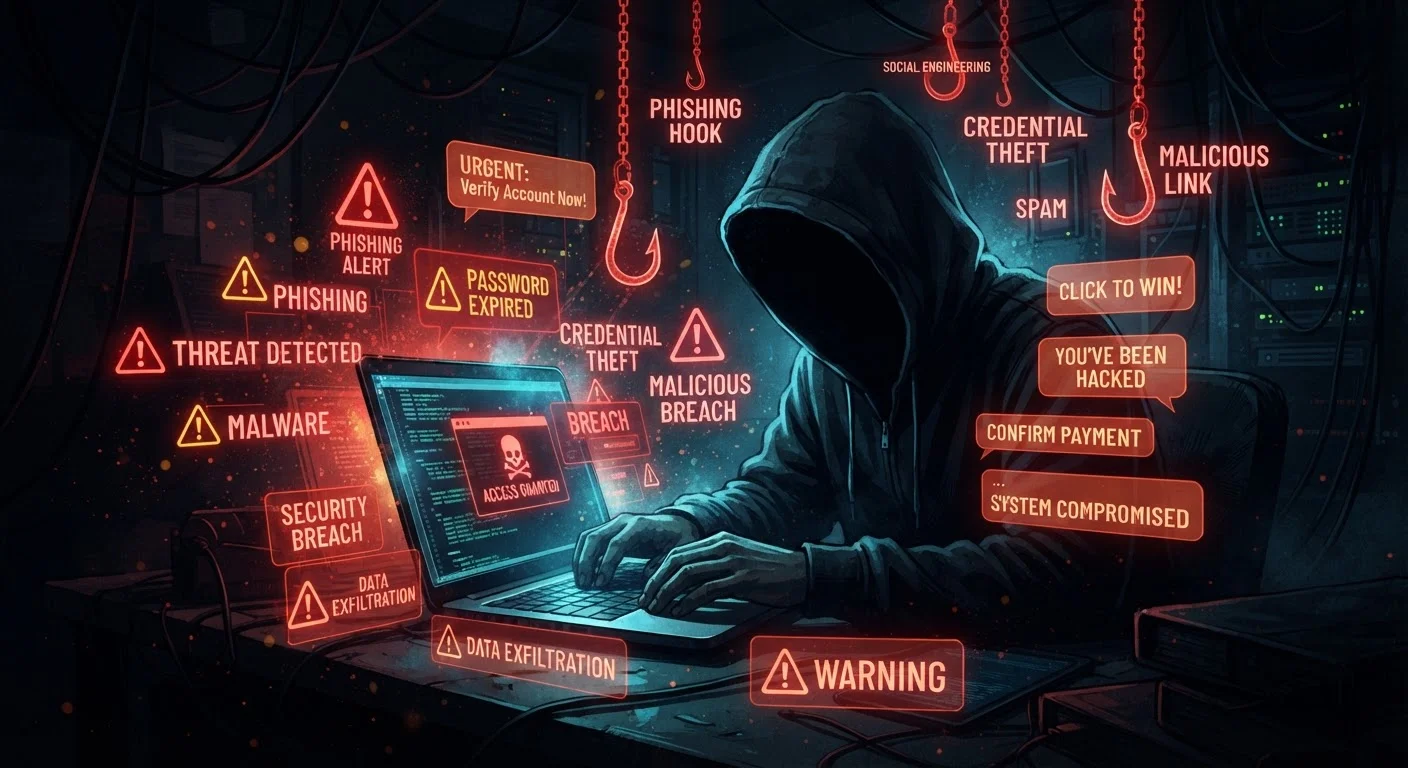
The Scammer's Playbook: Tactics That Catch Consumers Off Guard
From fake urgency to emotional manipulation, a detailed look at the psychological techniqu…

Trusting Your Gut Isn't Enough: Misconceptions About Spotting Scams
Scams don't only target the careless or elderly, and bad grammar isn't always a giveaway. …

Verifying a Suspicious Link Before You Click It
Step-by-step ways to check whether a URL is safe — using hover previews, URL expanders, an…
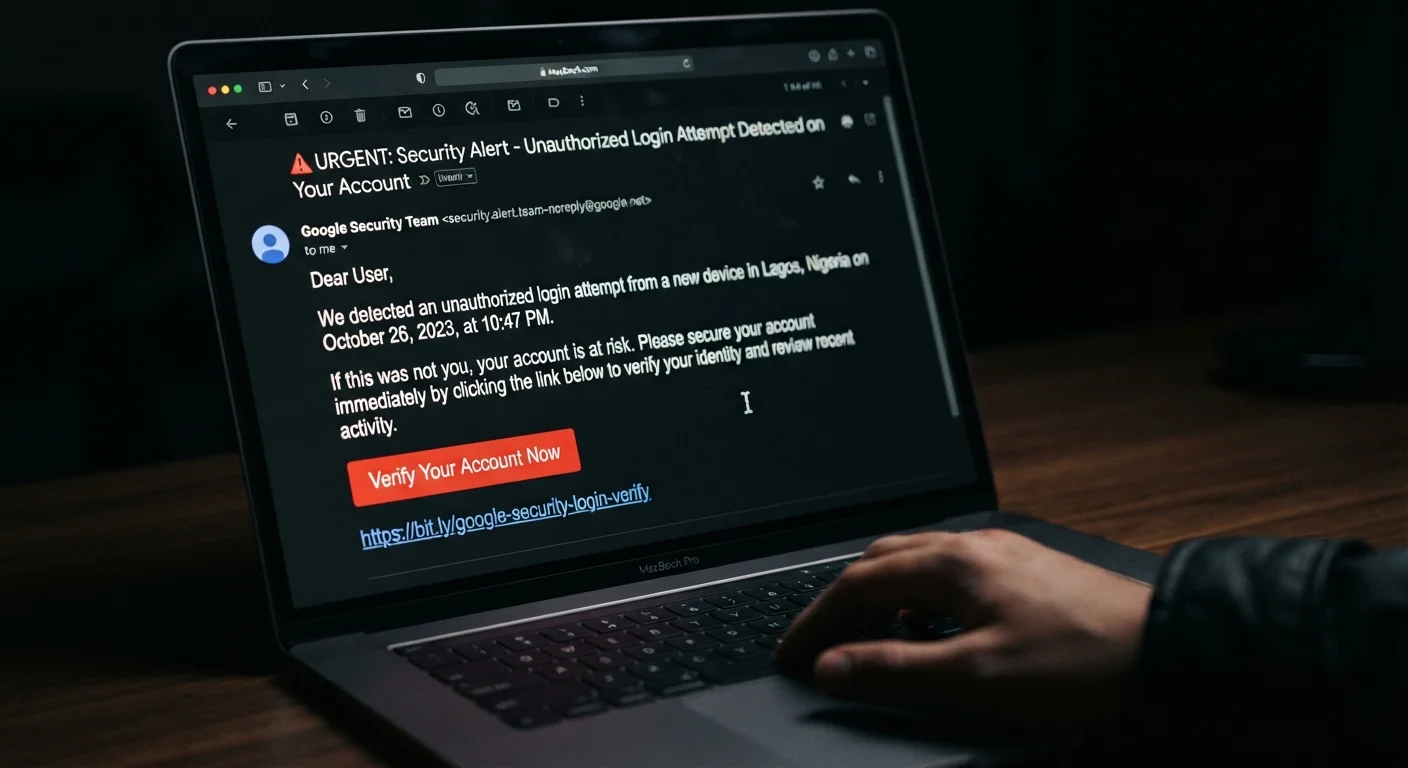
Warning Signs Your Online Account Has Been Targeted by Phishing
Unexpected password reset emails, unfamiliar login locations, and missing messages can all…

When a Scam Succeeds: Responding After You've Been Phished
If you clicked a malicious link or shared sensitive information, here's a clear sequence o…
Why Scammers Impersonate Banks, Delivery Services, and Tech Support
Fraudsters pick familiar brands for a reason. Learn which organisations are most commonly …
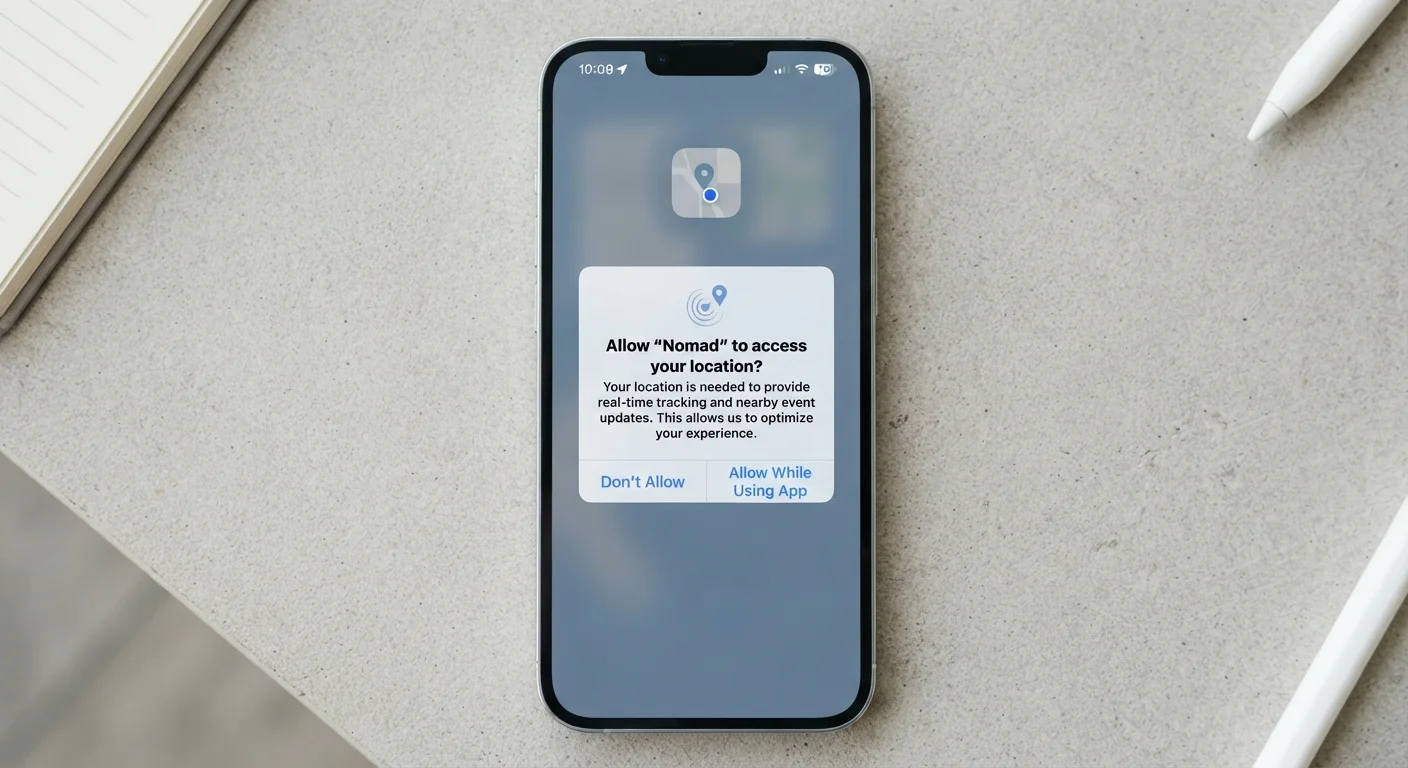
App Permissions: What You're Actually Agreeing To
Tapping 'Allow' on app permission requests is easy — but do you know what access you're gr…
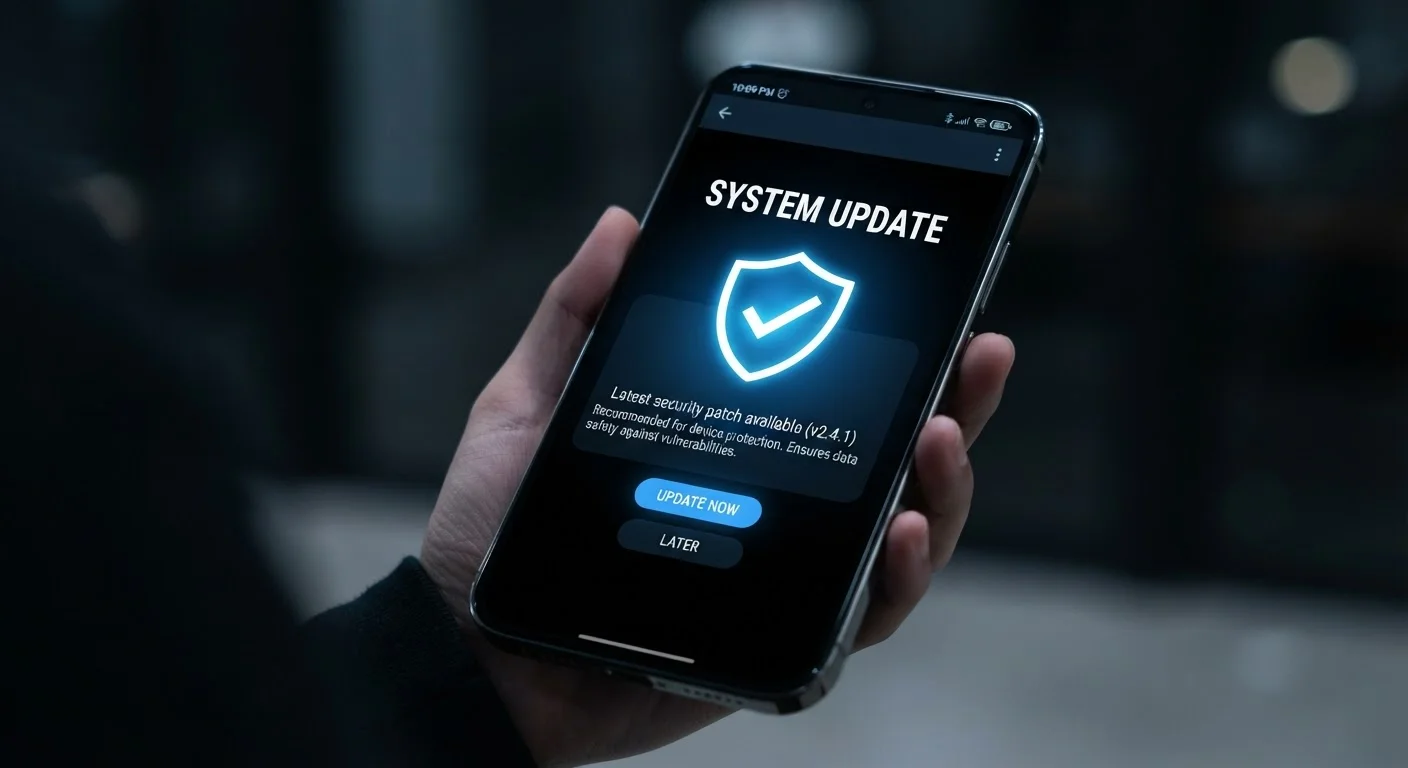
Automatic Updates: The Security Habit Most People Skip
Delaying software updates is one of the most common ways devices get compromised. Here's w…
Device Security From the Ground Up: A Plain-English Introduction
New to device security? Learn the core concepts that protect your phone, tablet, and compu…
Device Security Myths That Give People a False Sense of Safety
Think iPhones can't get malware? That antivirus covers everything? These widespread belief…
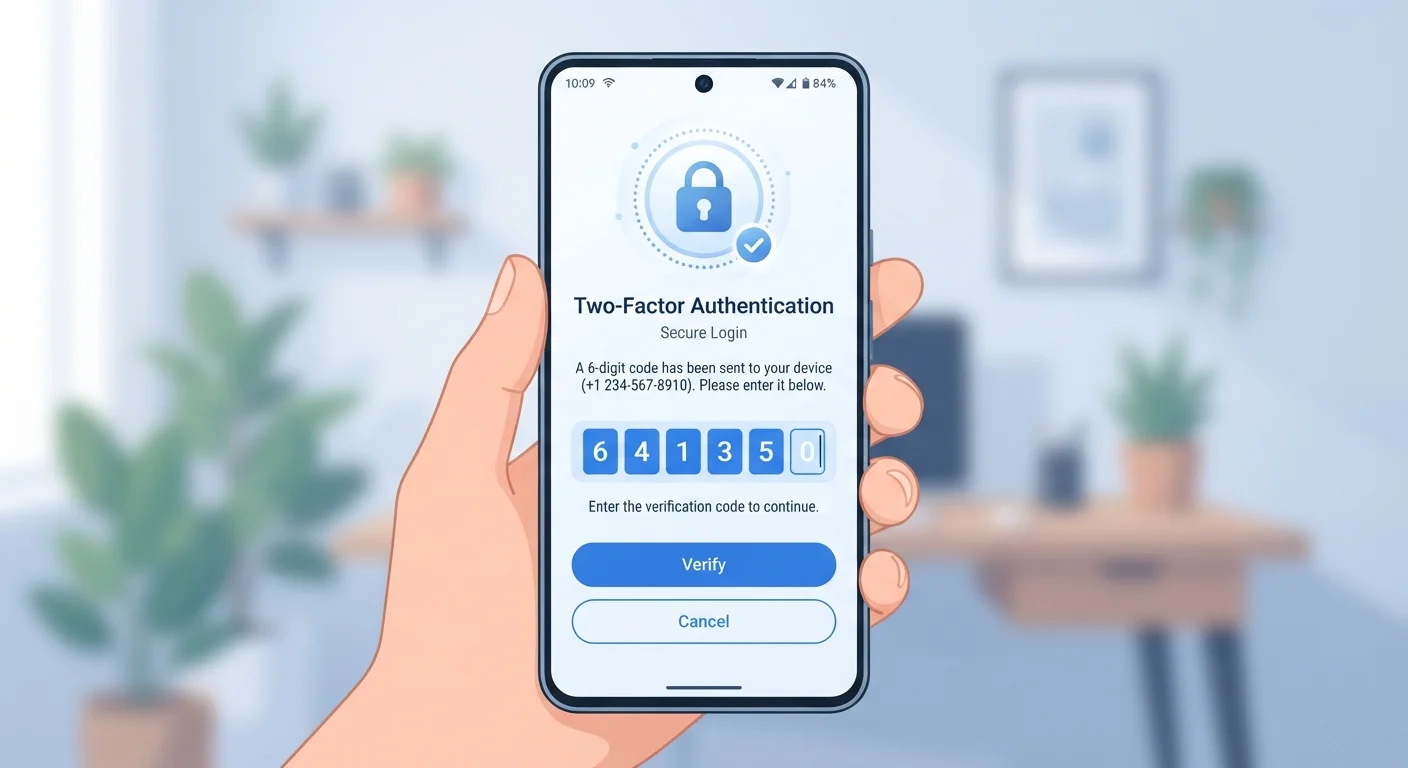
How Two-Factor Authentication Protects Your Device and Accounts
Two-factor authentication adds a second barrier that a stolen password alone can't bypass.…

Keeping Children's Devices Secure Without Turning Into a Surveillance System
Protecting kids' devices involves more than parental controls. Here's how to build secure …
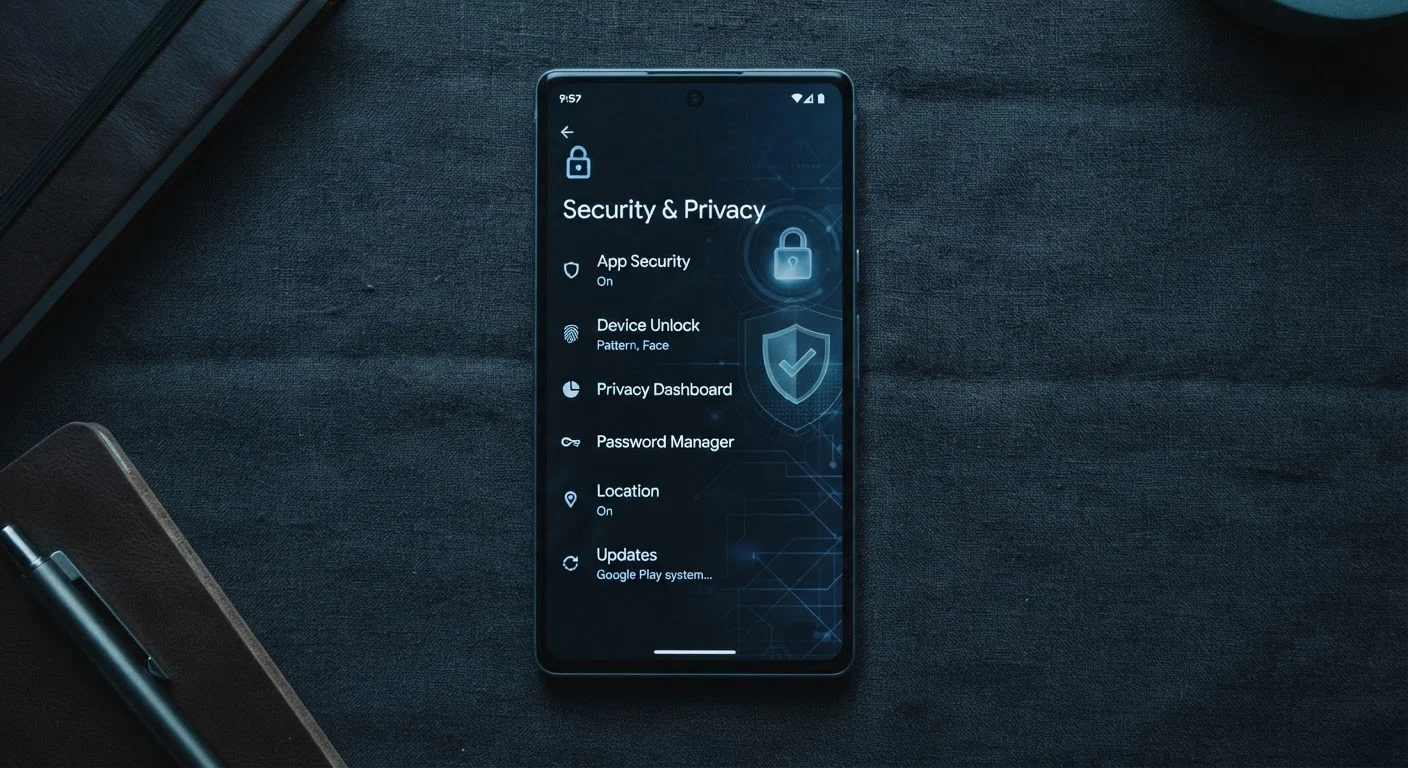
Overlooked Settings That Quietly Weaken Your Phone's Security
From Bluetooth left on to saved Wi-Fi networks, some default settings create risks most us…

PIN, Password, Pattern, or Biometric - What Actually Locks Your Device Best
Each screen lock method has real trade-offs. This breakdown explains the strengths and wea…

Public Wi-Fi and Your Devices: What the Risk Actually Looks Like
Not all public Wi-Fi dangers are the same. Here's a grounded look at which threats are rea…
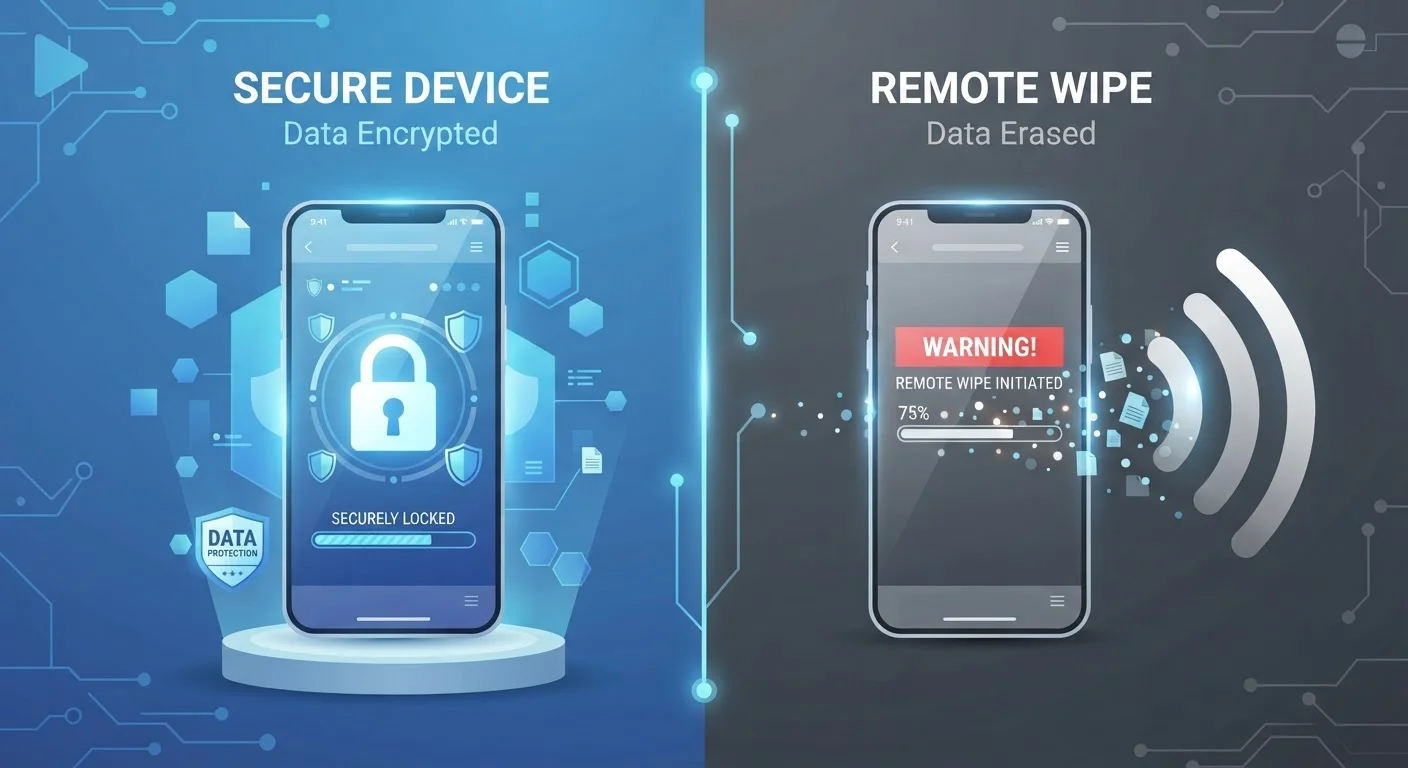
Remote Wipe vs. Device Encryption: Two Very Different Protections
Remote wipe and encryption both protect data on lost devices, but they work in completely …

Securing Every Device You Own: A Household-Level Approach
From shared tablets to old laptops, every connected device in your home is a potential ent…
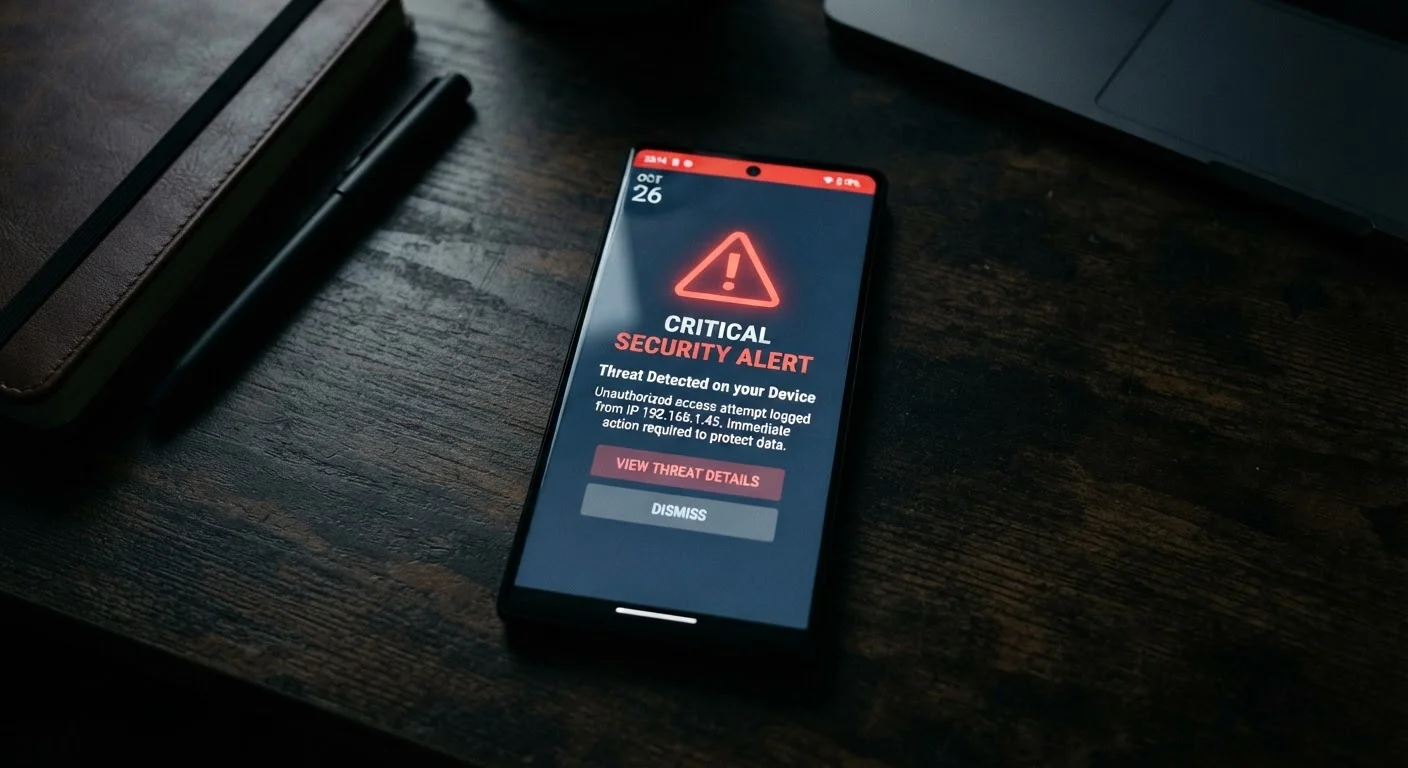
Signs Your Device May Have Been Compromised
Unusual battery drain, unexpected data usage, unfamiliar apps — these can all signal a pro…

The Device Security Audit You Can Do in 15 Minutes
Run through this checklist to find gaps in your phone, tablet, and computer security befor…

What Happens to Your Data When a Device Is Lost or Stolen
Losing a phone isn't just an inconvenience — it can expose accounts, photos, and personal …
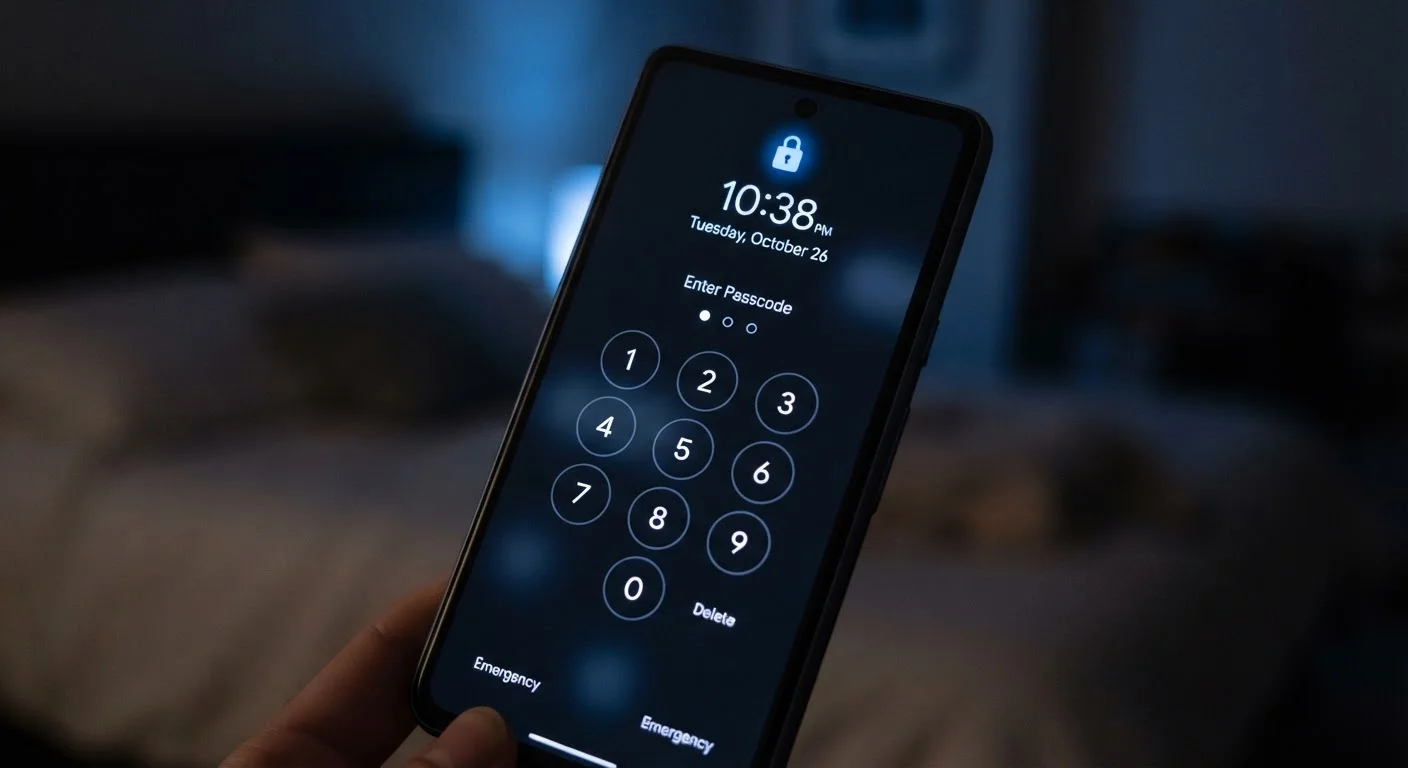
Why Your Phone Lock Screen Is Your First Line of Defence
A strong lock screen does more than keep nosy eyes out. Here's what it actually protects a…