

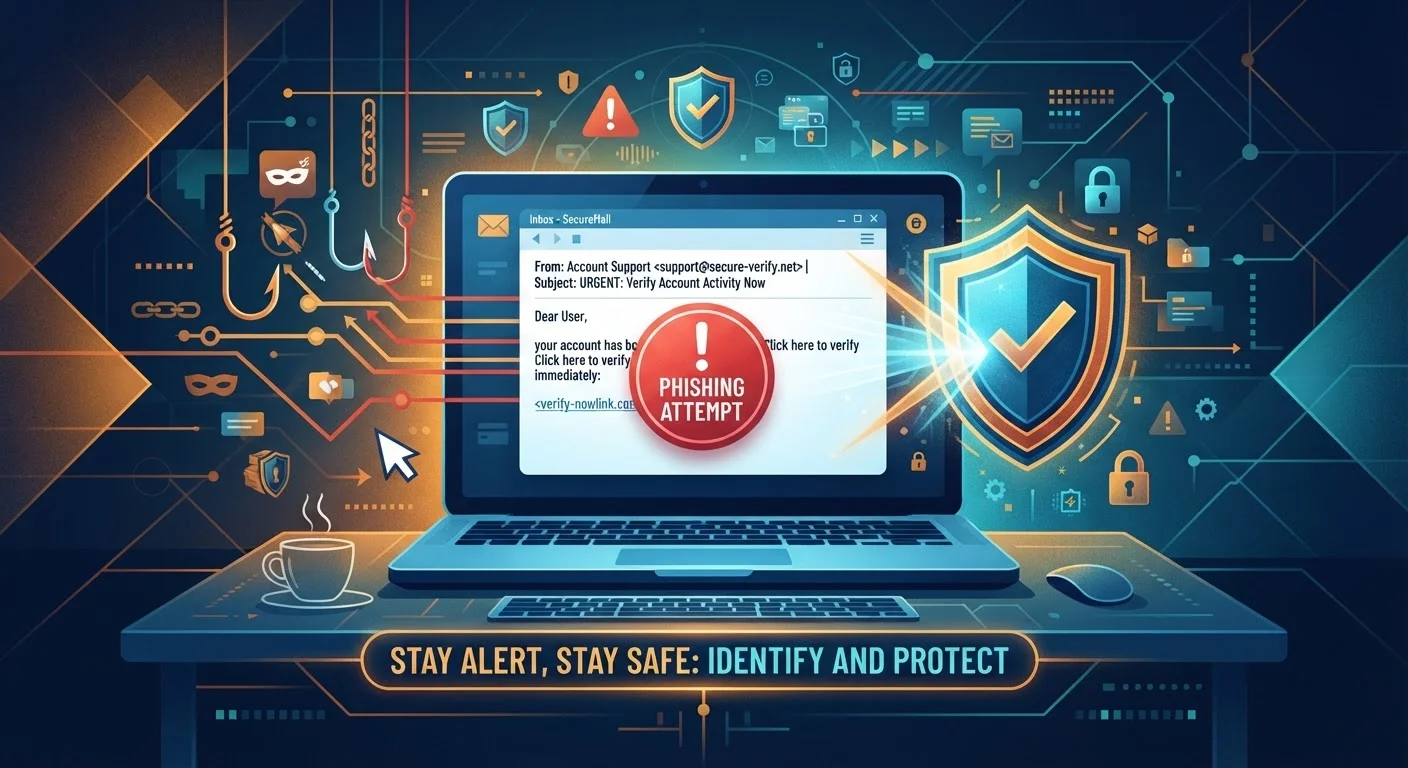
Key Takeaways
- Phishing uses deceptive messages to trick you into handing over credentials or money.
- Most scams rely on urgency, fear, or impersonation to bypass your critical thinking.
- Verifying sender identity and checking URLs are two of the most effective defenses.
- Strong passwords, multi-factor authentication, and software updates form a reliable protection baseline.
- Reporting scams helps authorities track fraud patterns and protect other consumers.
Start here
What Are Online Scams and Phishing?
Next
The Most Common Scam Types to Know
Then
How to Spot a Scam Before It Hooks You
Apply it
Daily Habits That Keep You Protected
If needed
What to Do If Something Goes Wrong
What Are Online Scams and Phishing?
An online scam is any attempt to deceive you into surrendering money, login credentials, or personal information through digital means. Phishing — a term derived from the idea of baiting a hook — is the most prevalent form: attackers send messages that impersonate trusted organizations to lure you into clicking a malicious link or entering sensitive data on a fake site.
These threats are not limited to obvious spam. Modern scams are carefully crafted to look legitimate, mirroring real bank emails, government notices, and retailer receipts with convincing accuracy. Understanding how they work is your most durable defense.
Phishing
A type of fraud where attackers send deceptive messages impersonating trusted organizations to trick you into revealing passwords, financial details, or other sensitive information.
Smishing
Phishing carried out through SMS text messages, often disguised as package delivery alerts, bank warnings, or prize notifications.
Vishing
Voice phishing — fraudulent phone calls where scammers pretend to be from a bank, government agency, or tech company to extract personal information.
Multi-Factor Authentication (MFA)
A security feature that requires you to confirm your identity through a second method — like a text code or app notification — in addition to your password.
Social Engineering
The use of psychological manipulation — such as false urgency, impersonation, or emotional appeals — to trick people into taking actions that compromise their own security.
Credential Stuffing
An attack where stolen username and password combinations from one data breach are automatically tried across other websites, exploiting the common habit of reusing passwords.
The Most Common Scam Types to Know
Knowing the main categories helps you recognize an attempt even when the specific disguise is new to you.
- Email phishing: Fake messages from impersonated senders directing you to fraudulent websites.
- Smishing: SMS-based phishing, often disguised as delivery alerts or bank fraud notices.
- Vishing: Voice call scams where fraudsters pose as tech support, government agencies, or financial institutions.
- Account takeover fraud: Attackers use stolen credentials — sometimes purchased from data breaches — to access your accounts.
- Romance and impersonation scams: Long-running deceptions that build emotional trust before requesting money.
- Tech support scams: Pop-ups or calls claiming your device is infected, pressing you to pay for fake repairs.
For a deeper look at the psychological techniques behind these tactics, see The Scammer's Playbook.
How to Spot a Scam Before It Hooks You
Most scams share recognizable warning signals regardless of their format.
Check the sender identity
Verify that the email address or phone number exactly matches official contact information — not just the display name. Fraudsters routinely use addresses like support@paypa1-secure.com to mimic legitimate domains.
Inspect links before clicking
Hover over any link (on desktop) to preview the destination URL. If it doesn't match the organization's real domain, don't click. On mobile, press and hold a link to view its full address before opening.
Recognize pressure tactics
Urgency — "Your account will be closed in 24 hours" — is a deliberate manipulation strategy. Legitimate organizations give you time to verify requests through official channels. Slow down whenever a message demands immediate action.
Urgency Is a Red Flag, Not a Deadline
When a message tells you to act within hours or face serious consequences — account closure, legal action, a missed delivery — treat that urgency as a warning sign, not a genuine deadline. Scammers manufacture time pressure specifically to stop you from pausing and thinking critically. Taking 60 seconds to verify through an official channel will not cost you anything if the message is real, but it will protect you if it isn't.
Confirm through official channels
If a message claims to be from your bank or a government agency, close it and contact the organization directly using the phone number or website you already know. Never use contact details provided inside the suspicious message itself.
Daily Habits That Keep You Protected
Consistent small behaviors reduce your exposure significantly over time.
- Use strong, unique passwords for every account. A password manager makes this practical without requiring you to memorize dozens of complex strings.
- Enable multi-factor authentication (MFA) on all accounts that support it, prioritizing email, banking, and social media.
- Keep software updated. Security patches close vulnerabilities that attackers exploit. Apply updates promptly on your phone, computer, and apps.
- Be cautious on public Wi-Fi. Avoid logging into sensitive accounts on open networks. For safer browsing habits more broadly, see our web browsing tips hub.
- Review account activity regularly. Catching an unauthorized login early limits the damage considerably.
Make a password manager your first step
If you adopt only one new habit, make it a password manager. It generates and stores strong, unique passwords for every site, removing the temptation to reuse the same credentials. This single change significantly reduces your risk from credential stuffing attacks. Most operating systems and browsers now include built-in password managers at no cost.
Securing the network your devices connect to is equally important. The network security hub covers practical steps for protecting your home and mobile connections.
What to Do If Something Goes Wrong
Even careful people can be deceived. Acting quickly minimizes harm.
- Stop engaging immediately. Do not provide additional information and close any suspicious pages.
- Change affected passwords right away, starting with your email account — it's often the key to everything else.
- Enable MFA on any accounts that may have been compromised.
- Contact your financial institution if payment information was shared. They can freeze cards and flag suspicious transactions.
- Report the scam to the Federal Trade Commission at reportfraud.ftc.gov, and forward phishing emails to reportphishing@apwg.org.
For a full step-by-step recovery sequence, When a Scam Succeeds: Responding After You've Been Phished covers everything from securing accounts to monitoring for identity theft.