

Key Takeaways
- A lock screen blocks access to your apps, accounts, and stored data if your phone is lost or stolen.
- Without a lock screen, anyone who picks up your phone can access banking and email apps instantly.
- Biometric methods like fingerprint and face unlock are convenient, but a strong PIN or password is the backup that really counts.
- Auto-lock delay matters — a 30-second timeout is far safer than five minutes.
- Notification previews on the lock screen can expose sensitive information without unlocking the device.
Phone Lock Screen
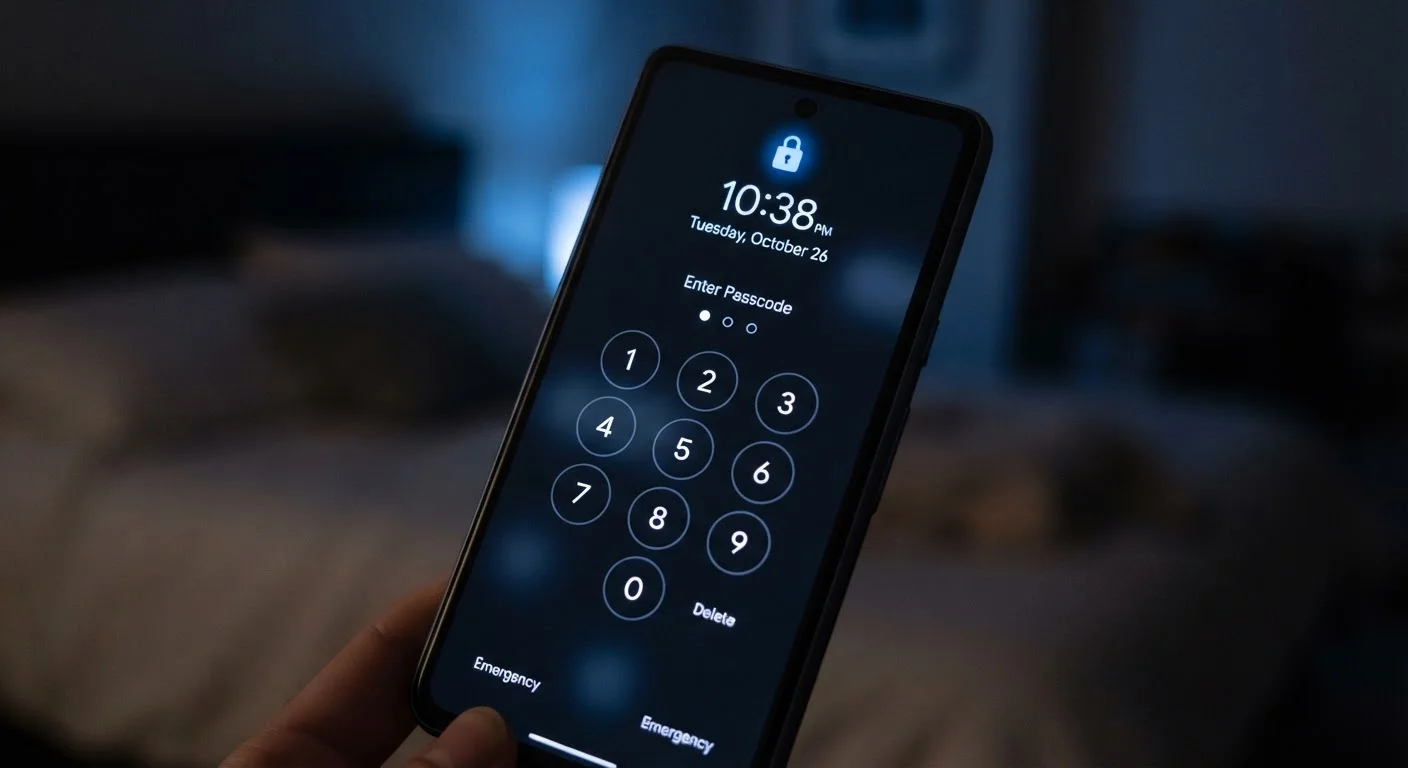
A phone lock screen is the security barrier that appears when your device is idle or just turned on, requiring you to authenticate — via PIN, password, pattern, or biometric — before granting access. It acts as the first checkpoint between anyone who picks up your phone and everything stored on it, including your photos, emails, banking apps, and saved passwords.
On modern smartphones, encryption keys are tied to the lock screen credential. Without a valid unlock, the device's storage remains cryptographically protected even if the hardware is physically accessed.
What a Lock Screen Actually Protects
Most people think of a lock screen as something that keeps nosy people from reading their texts. That's part of it — but the protection runs much deeper.
When your phone is locked, it creates a barrier in front of nearly everything: your email and social media accounts (already signed in), your banking apps, your saved passwords, your photo library, and any autofill credentials stored in your browser. A thief who grabs an unlocked phone has instant, logged-in access to all of it. A thief who grabs a properly locked phone faces an encrypted wall.
On both Android and iOS, the lock screen credential is mathematically linked to device encryption. That means the contents of your phone's storage aren't just password-protected — they're scrambled in a way that makes them extremely difficult to read without your specific unlock code. This is why security experts treat the lock screen as foundational, not optional.
See our first-time smartphone security guide for a broader look at how locking fits into overall device protection.
~70%
Smartphone thefts involve unlocked devices
Security researchers have noted that opportunistic phone theft most commonly targets devices left unlocked or with minimal screen security in public settings.
6 digits
Minimum recommended PIN length
Both Apple and Google guidance recommends at least a six-digit PIN, though longer alphanumeric codes provide significantly stronger protection.
The Settings That Determine How Strong Your Lock Screen Really Is
Enabling a lock screen is step one. Configuring it properly is step two — and it's where most people leave gaps.
Auto-lock timeout
This setting controls how long your phone stays unlocked after you last touched it. A default of five minutes means anyone who picks up your phone within that window gets full access. Set it to 30 seconds or one minute for meaningful protection.
Notification previews
By default, many phones display the content of incoming texts, emails, and app alerts on the lock screen — no unlock required. A one-time message code sent to your phone (like a two-factor authentication code) can appear there in plain sight. Disable previews in your notification settings so content is only visible after unlock.
Lock screen shortcuts and widgets
Some phones allow quick access to certain features — a flashlight, camera, or even payment options — directly from the lock screen. Review what's accessible without authentication and disable anything you don't need exposed.
Review Your Lock Screen Settings Now
Open your phone's display or security settings and check three things: your auto-lock timeout, whether notification content is visible on the lock screen, and what shortcuts are accessible without unlocking. Adjusting these takes less than two minutes and meaningfully raises your baseline protection.
Your PIN or password quality
A six-digit PIN using your birthday, or a swipe pattern that follows an obvious shape, is far weaker than it looks. For a detailed comparison of every unlock method — including biometrics — see what actually locks your device best.
Real Situations Where Your Lock Screen Matters
It's easy to underestimate lock screen security until a specific scenario makes it concrete.
If you ever need to hand your device to a technician, your lock screen is also one layer in a broader set of precautions. Our privacy checklist before phone repairs walks through what else to do before giving anyone access to your device.
And if you're thinking about security more broadly across all your devices, a household-level approach to device security is a useful next step.