

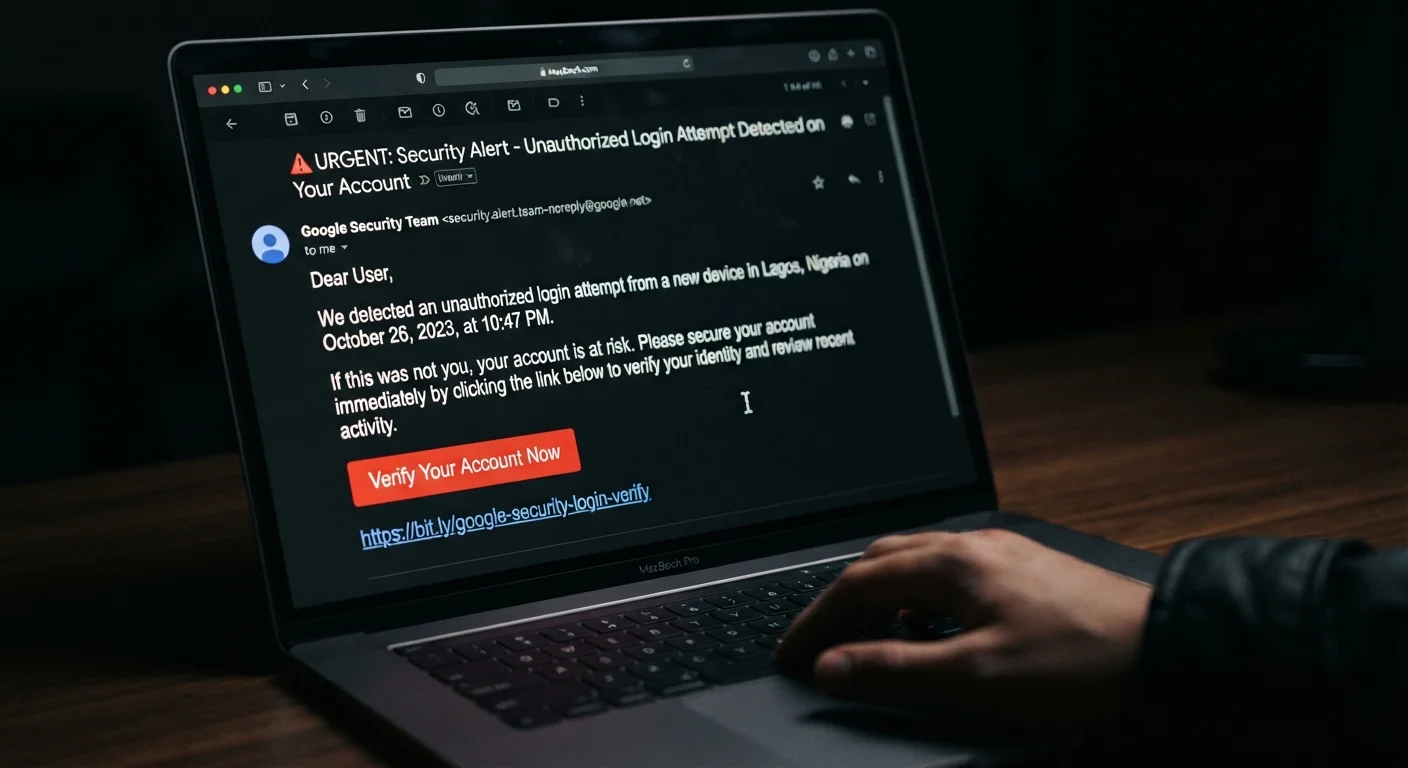
Key Takeaways
- Unsolicited password reset emails are one of the most reliable early signs of a phishing attempt.
- Login activity from unfamiliar locations or devices often means someone else is testing your credentials.
- Missing emails or altered account settings can indicate an attacker has already gained partial access.
- Enabling multi-factor authentication significantly reduces the damage a phishing attack can cause.
- Acting within minutes of spotting a warning sign dramatically improves your chances of protecting the account.
Summary
18 items · 15–30 minutes
Why Phishing Targets Your Accounts — Not Just Your Inbox
Phishing is not simply about tricking you into clicking a bad link. The real goal is almost always account access — your email, banking, social media, or cloud storage. Once an attacker controls even one account, they can pivot to others, intercept verification codes, and lock you out entirely.
The good news is that phishing attempts leave traces. Most targeted accounts show recognizable warning signs before a full compromise occurs. This checklist helps you identify those signals quickly and take the right steps before damage is done.
To understand why these signs appear in the first place, see our article on how attackers actually steal passwords. If you believe you've already been caught out, jump ahead to steps to take after being phished.
Don't Click to Investigate a Suspicious Email
If you receive a message that looks like a phishing attempt, go directly to the service's official website by typing the address into your browser — never click links within the suspicious email. Even hovering over a link can sometimes trigger tracking scripts. Report the message as phishing through your email client rather than replying or unsubscribing.
How to Use This Checklist
Work through each group below whenever you receive a suspicious message, notice something unexpected in your account, or just want a routine security audit. Items marked must require immediate attention. Items marked should are strongly recommended as part of any response. Nice-to-have items strengthen your defenses going forward.
You don't need to complete every group in one sitting, but if you trigger multiple warning signs in the Account Activity Red Flags group, treat it as urgent and work through the Immediate Response group right away.
For broader context on why even careful users get caught, read reasons people fall for phishing even when they know better.
Suspicious Message Signs
Account Activity Red Flags
Immediate Response Steps
Ongoing Hardening
Tools That Support Your Response
You don't need specialized software to work through this checklist, but a few resources make it significantly faster and more effective.
Have I Been Pwned (haveibeenpwned.com)
Check whether your email address has appeared in publicly known data breaches, which often precede targeted phishing.
Password Manager
Generate and store unique, strong passwords for every account so a single compromised credential cannot unlock others.
Authenticator App
Provide time-based one-time codes for multi-factor authentication, making account access significantly harder for attackers.
Email Client Security Settings
Review login history, connected apps, and forwarding rules directly within your email provider's security dashboard.
Act Immediately if Multiple Signs Are Present
If you identify two or more warning signs — for example, an unexpected password reset email combined with unfamiliar login activity — treat it as an active incident, not a precaution. Change your password, enable MFA, and end all sessions before doing anything else. Delays of even a few hours can give attackers enough time to lock you out permanently or harvest sensitive information. See our guide on signs your password has been compromised for a focused response checklist.
For guidance on locking down your passwords as part of your response, visit our Password Safety hub. If you're also concerned about threats to your home or mobile network, the Network Security hub covers those risks in detail.