

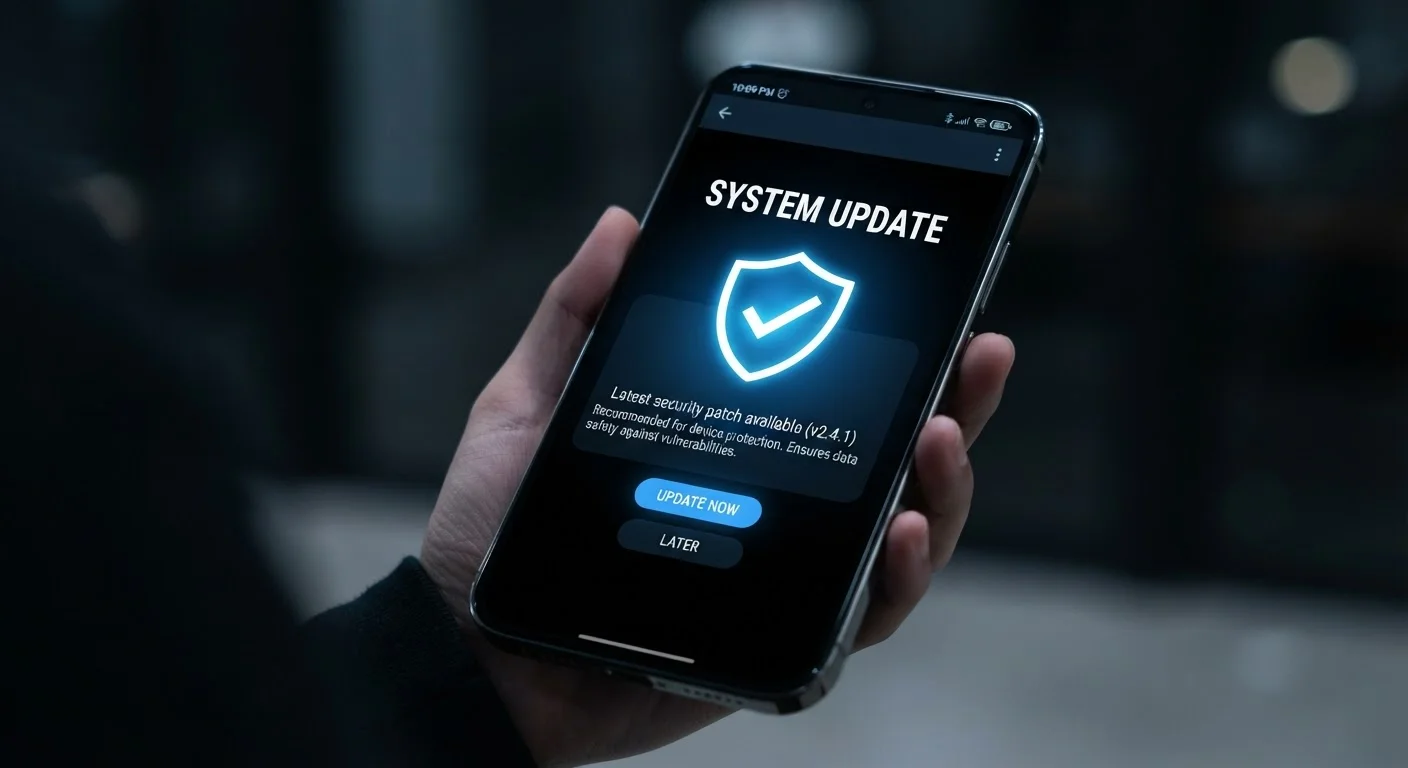
Key Takeaways
- Most successful cyberattacks exploit vulnerabilities that patches already exist to fix.
- Delaying updates — even by a few days — meaningfully increases your exposure window.
- Enabling automatic updates on all devices is one of the highest-impact, lowest-effort security habits.
- Updates cover more than features: they routinely fix serious security flaws in the background.
- Third-party apps need updates just as much as your phone's operating system does.
Why Updates Are a Security Issue, Not Just a Maintenance Task
Software is never finished. Every application and operating system contains code written by humans, which means it contains imperfections — and some of those imperfections are vulnerabilities that attackers can exploit. Updates are how developers fix those flaws once discovered.
The cycle works like this: a researcher or attacker identifies a weakness in a piece of software, the developer releases a patch to address it, and then a race begins. Users who update quickly are protected; users who don't remain exposed to a now-public vulnerability. That last part matters: once a flaw is disclosed, exploit tools often circulate in criminal communities within hours or days.
This is why updates belong in the same mental category as locking your door — not because you're certain something will happen, but because the cost of the habit is trivial and the cost of skipping it isn't. For a broader look at the habits that quietly chip away at your device's security posture, reviewing overlooked security settings is a worthwhile companion step.
60%+
Breaches linked to unpatched vulnerabilities
Industry security analyses consistently find that a majority of successful intrusions involve known vulnerabilities for which patches were already available.
~72 hrs
Median time attackers begin exploiting a new CVE
Threat intelligence reports indicate that after a vulnerability is publicly disclosed, active exploitation often begins within days, underscoring the urgency of prompt patching.
Common Mistakes That Leave Devices Exposed
Most people don't skip updates out of negligence — they skip them out of habit, inconvenience, or a genuine misunderstanding of what's at stake. The mistakes below are among the most common, and each one is straightforward to correct once you know what's driving it.
Dismissing update prompts repeatedly because the timing feels inconvenient.
Why it happens: Update notifications appear at the worst moments — during a call, mid-task, or when the battery is low — so tapping 'Later' becomes a reflex rather than a deliberate choice.
Assuming updates are only about new features, not security.
Why it happens: Manufacturers often market updates around visible improvements, so the underlying security fixes get buried in changelog fine print most users never read.
Updating the operating system but ignoring third-party apps.
Why it happens: People mentally separate 'the phone' from 'the apps on the phone,' not realizing that an outdated app can be exploited just as easily as an outdated OS.
Turning off automatic updates to avoid unexpected reboots or changes.
Why it happens: Some users have experienced an update that changed a familiar interface or triggered a slow reboot at an awkward time, and they disable automation entirely as a reaction.
Believing an older device is 'safe enough' because it still works fine.
Why it happens: A functioning device feels secure. If nothing seems wrong, users assume nothing is wrong — even when the manufacturer stopped providing security patches months ago.
Unpatched Devices Are Active Targets
Security researchers regularly document attackers scanning for devices running known-vulnerable software versions within days of a patch release. Once a vulnerability is publicly disclosed, the window between announcement and active exploitation can be very short — sometimes hours. Keeping automatic updates enabled is the single most reliable way to close that window without relying on your own timing.
One pattern worth calling out specifically: many users keep their phone's OS updated but forget about apps. Browsers, email clients, and messaging tools are frequent attack targets precisely because they handle untrusted content — links, attachments, media files — on your behalf. An unpatched browser can be compromised simply by visiting a malicious page. Automatic app store updates cost you nothing and remove an entire category of risk.
Don't Delay 'Just Until Later'
Tapping 'Remind Me Tonight' and then doing it again the next morning is a pattern that compounds risk. Each postponement extends the period your device runs with known, publicly documented weaknesses. If possible, schedule updates to run automatically overnight so the decision is never left to the moment.
It's also worth noting that good update habits don't exist in isolation. They pair naturally with broader scam-resistance habits and safer browsing practices to create a more complete defense.
Making Automatic Updates Work for You
The goal isn't to demand that you pay close attention to every patch — it's the opposite. The best update strategy is one that requires no ongoing attention from you at all.
On most smartphones, you can enable automatic OS and app updates in settings, then schedule them to run during a specific time window — overnight while the device charges is the standard recommendation. This means updates install, the device reboots if needed, and by morning everything is current with no interruption to your day.
For computers, similar options exist across major operating systems. The key is to verify that automatic updates are actually enabled rather than assuming they are — some devices ship with them on by default, others don't, and settings can sometimes be toggled off during initial setup without the user realizing.
If you're using a device that no longer receives updates because it has reached end-of-support, no setting can compensate for that gap. That's a device-level risk that support lifecycle awareness helps you anticipate before it becomes a problem. Keeping your hardware within its supported window is, in that sense, an extension of the same update habit applied at a longer time scale.
For more on how software habits affect your device over time, see habits that quietly degrade your phone.