

Key Takeaways
- No single lock method is perfect — each balances security strength against everyday convenience.
- Alphanumeric passwords offer the strongest theoretical protection but are slowest to enter.
- Biometrics are fast and convenient, but can be compelled or spoofed under certain circumstances.
- Pattern locks are the weakest option and are vulnerable to smudge attacks on your screen.
- Combining a biometric with a strong PIN as a fallback gives you solid day-to-day protection.
Our Verdict
For most everyday users, a 6-digit-or-longer PIN paired with fingerprint biometrics strikes the right balance between security and convenience. If your threat model is higher — such as traveling internationally or handling sensitive data — an alphanumeric password as your primary lock is worth the added friction. Pattern locks should generally be avoided as a primary method.
| Best for | Recommended |
|---|---|
| Everyday users who unlock their phone dozens of times a day | Fingerprint biometric + strong PIN fallback |
| Users who prioritize maximum security over speed | Alphanumeric password |
| Users in situations where biometrics could be legally compelled | PIN or alphanumeric password |
| Quick shared-device access in trusted environments | 6-digit PIN |
Why Your Lock Screen Choice Actually Matters
Your phone's lock screen isn't just about keeping curious eyes out. It's the primary barrier between a stranger — or a thief — and your email, banking apps, passwords, photos, and identity. As we explain in our deeper look at lock screen protections, a strong lock also interacts with device encryption, meaning an unlocked phone can expose data that encryption would otherwise protect.
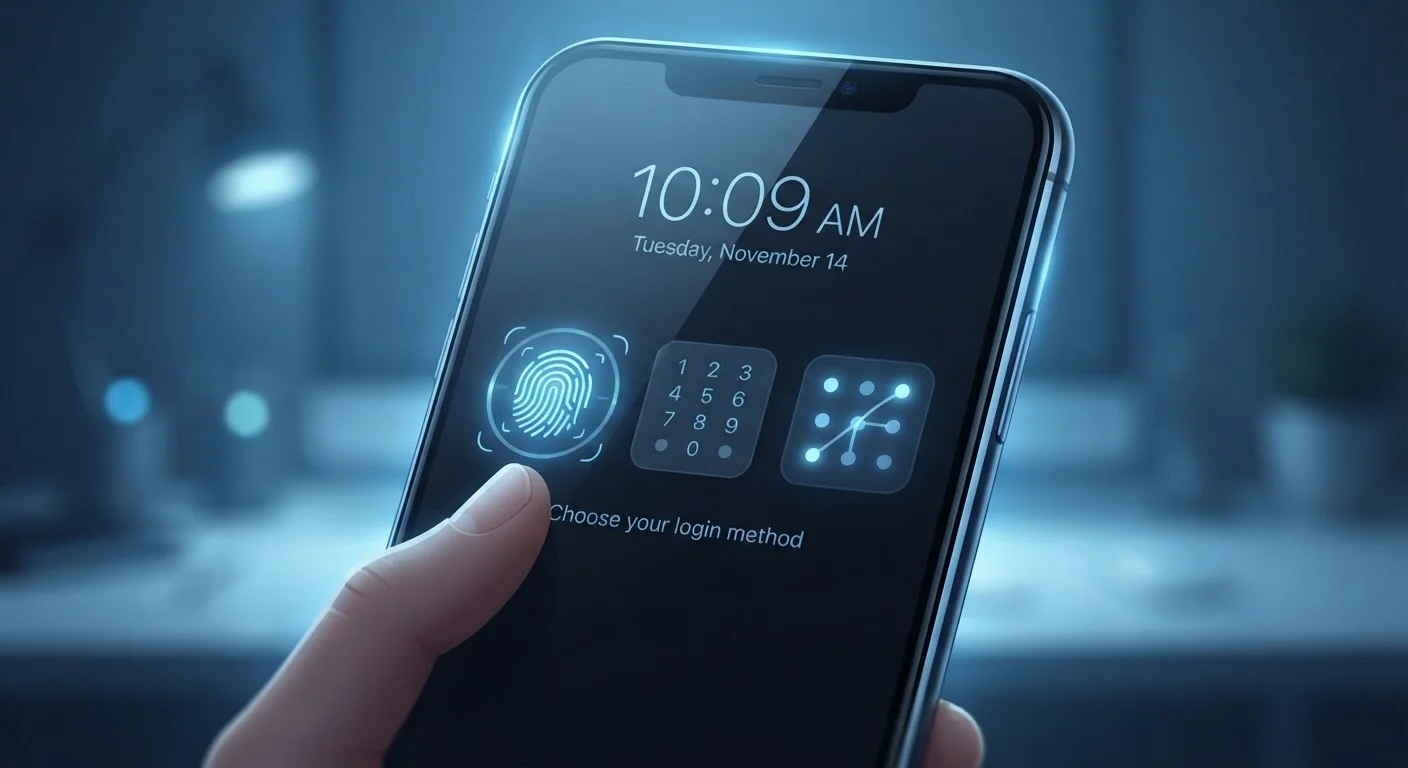
Modern phones offer four main lock methods: PIN, alphanumeric password, pattern, and biometrics (fingerprint or face recognition). Each comes with real trade-offs — not just in convenience, but in how difficult they are to defeat.
Breaking Down Each Lock Method
Understanding what each method actually does helps you make an informed decision rather than defaulting to whatever the setup wizard suggested.
PIN
A PIN (Personal Identification Number) is a numeric code, typically 4–6 digits, though most platforms allow longer ones. A 4-digit PIN has 10,000 possible combinations; a 6-digit PIN jumps to 1,000,000. Most devices enforce a lockout or delay after several failed attempts, which sharply limits brute-force guessing in person. The risk: short PINs are susceptible to shoulder surfing (someone watching you enter it) and, if the attacker knows you, to guessing based on birthdays or repeated digits.
Alphanumeric Password
Replacing digits with a mix of letters, numbers, and symbols dramatically expands the possible combinations — making it the hardest to crack by guessing or automated attack. The trade-off is entry speed: typing a complex password on a small touchscreen dozens of times a day creates real friction. For more on what makes a credential genuinely strong, see the science behind strong passwords.
Pattern
Pattern locks ask you to draw a shape across a 3×3 grid of dots. Despite feeling unique, research has consistently found that most people use a small set of predictable shapes — often starting from a corner and using 4–5 nodes. Beyond predictability, patterns leave smudge traces on a screen that can be read under certain lighting conditions. Pattern locks are widely considered the weakest of the four options and are best avoided as a primary lock.
Biometrics (Fingerprint and Face Recognition)
Biometric locks authenticate you by something you are rather than something you know. Fingerprint sensors are fast, accurate, and difficult to replicate in everyday scenarios. Face recognition varies considerably by implementation — 3D infrared mapping (used on some flagship devices) is significantly more secure than a simple 2D camera scan, which can sometimes be defeated with a photograph.
The critical legal and practical caveat: in some jurisdictions, a person can be compelled to unlock a device with a biometric but not with a memorized passcode. If this is a relevant concern, know how to quickly trigger a PIN-required lockout on your device (typically by pressing the power button rapidly or using an emergency restart).
| PIN | Alphanumeric Password | Pattern | Fingerprint | Face Recognition | |
|---|---|---|---|---|---|
| Security strength | Moderate | High | Low | High | Moderate to High |
| Convenience / speed | High | Low | High | Very High | Very High |
| Resistance to guessing | Moderate (6+ digits) | Very High | Low | Very High | High |
| Smudge / visual attack risk | Low | Low | High | None | None |
| Legal compellability risk | Low (memorized) | Low (memorized) | Low (memorized) | Higher in some jurisdictions | Higher in some jurisdictions |
| Works with cold/wet hands | Yes | Yes | Yes | No | Usually yes |
How to Build the Strongest Practical Setup
Security professionals generally recommend a layered approach: use biometrics for daily convenience, but set a strong PIN or password as the required fallback. Your fallback is what protects you when biometrics fail or are bypassed — it should never be an afterthought.
Set a Strong Fallback, Not Just Biometrics
Biometrics are convenient, but every device requires a PIN or password as a fallback after a restart or failed biometric attempts. Treat that fallback as your real lock — if it's weak, the biometric layer offers limited protection. Aim for at least a 6-digit PIN, or an alphanumeric password if you want stronger protection. Never reuse a PIN you use elsewhere.
A few specific practices make a meaningful difference:
- Use a 6-digit minimum PIN — avoid 4-digit PINs unless your device enforces a lockout after failed attempts.
- Avoid PINs based on dates, phone numbers, or repeated digits (e.g., 000000, 123456).
- Disable face unlock in insecure environments — consider using fingerprint only when possible.
- Enable auto-lock after a short idle period — 30 seconds to 1 minute is a reasonable default.
Your lock screen also works in tandem with other protections. Remote wipe and device encryption are separate safeguards that matter if your device is ever lost or stolen — all three layers working together give you the most complete protection.