
Password Managers Explained: How They Work and Why Security Experts Trust Them

Key Takeaways
- Password managers encrypt your credentials so only you can access them with your master password.
- They generate long, random, unique passwords for every account — eliminating password reuse.
- Reputable password managers use zero-knowledge architecture, meaning providers cannot see your data.
- A password manager is significantly more secure than reusing passwords or storing them in plain text.
- Pairing a password manager with two-factor authentication gives you layered account protection.
Password Manager
A password manager is an application that securely stores, organizes, and generates login credentials for all your online accounts. It remembers complex passwords so you don't have to, requiring you to remember only one strong master password. Most password managers also autofill your credentials when you visit a website or app.
Stored credentials are encrypted using strong algorithms such as AES-256. The master password is typically processed through a key-derivation function (like PBKDF2 or Argon2), meaning the service itself never stores or transmits your master password in a readable form.
How a Password Manager Actually Works
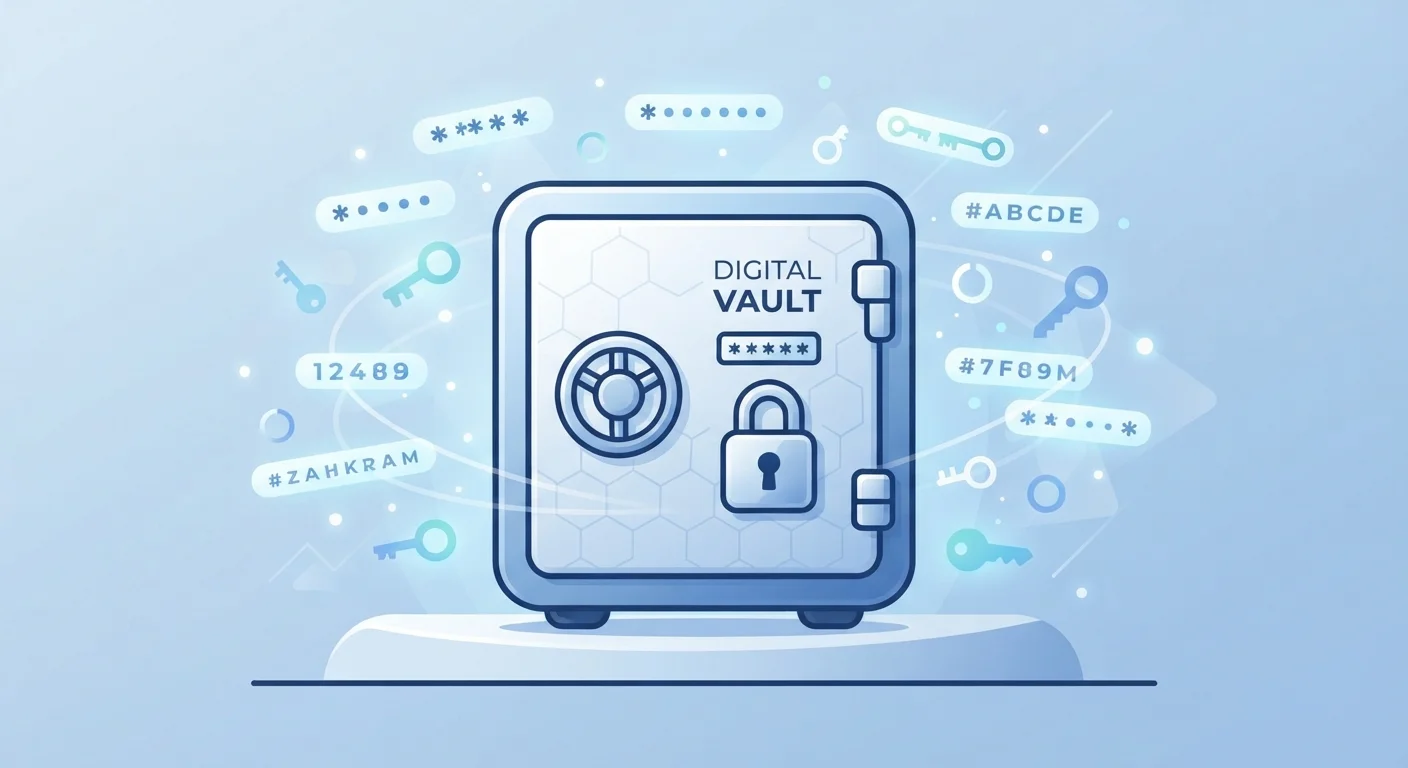
At its core, a password manager creates an encrypted vault on your device or in the cloud. When you save a login, the app encrypts that data before storing it, using your master password as the key. When you visit a site, the manager decrypts the relevant credentials locally and autofills them — your password never travels in plain text.
The concept of zero-knowledge architecture is central to understanding why security experts endorse this approach. In a zero-knowledge system, the service provider mathematically cannot read your vault contents. Even if their servers were compromised, attackers would encounter encrypted data they have no practical way to reverse. Your master password is hashed and stretched through a key-derivation function locally on your device before any network communication occurs.
Password managers also include a password generator — a tool that creates long, random, unique passwords on demand. Understanding what makes a password strong helps clarify why this matters: randomness and length are the two most important factors in resisting brute-force attacks.
81%
Of breaches involve weak or stolen passwords
According to Verizon's Data Breach Investigations Report, the vast majority of hacking-related breaches exploit compromised credentials.
100+
Average passwords per person
NordPass research has found that the average person has over 100 online accounts requiring passwords, making manual management impractical.
AES-256
Encryption standard used by leading managers
AES-256 is the same encryption standard used by government agencies and financial institutions to protect sensitive data.
What Password Managers Protect You From
The most common credential threat isn't a sophisticated hack — it's password reuse. When one service suffers a data breach and your email-and-password combination leaks, attackers automatically try that combination on banking sites, email accounts, and social media. This technique, called credential stuffing, exploits the fact that many people reuse the same passwords across accounts.
A password manager eliminates reuse entirely by making it easy to maintain a unique, complex password for every account. It also removes the temptation to simplify passwords so they're easier to remember — the manager remembers them for you.
Many password managers go further by monitoring known breach databases and alerting you when a saved credential appears in a leaked dataset. This proactive monitoring gives you time to change compromised passwords before attackers can exploit them.
Cloud vs. Local Storage
Most password managers sync your encrypted vault across devices via the cloud, which is convenient but means your data lives on a third-party server. Some managers offer local-only storage, keeping the vault on your own device. Both models use strong encryption; the right choice depends on your priorities around convenience and control.
Understanding the Limits
A password manager is a powerful tool, but it isn't a complete security solution on its own. Your entire vault's security depends on the strength of your master password. A weak or guessable master password undermines the encryption protecting everything inside.
Password managers also don't protect against phishing on their own. If you're tricked into entering your master password on a fake site, or if malware captures your keystrokes, your vault could be at risk. This is why combining a password manager with two-factor authentication is considered a security baseline — a stolen password alone can't unlock an account that requires a second verification step.
Cloud-synced vaults require trusting the provider's infrastructure, which is why choosing a well-audited service with a published security model matters. Locally stored vaults avoid this dependency but require you to manage your own backups. For a broader foundation of good practices, see our proven password habits guide.
Secure Your Master Password First
Before setting up a password manager, craft a master password that is at least 16 characters long and made up of random words or a mix of characters you haven't used elsewhere. Write it down and store that paper somewhere physically secure — not on your computer. This one password protects everything, so treat it accordingly.
Getting Started: The Practical Path Forward
Adopting a password manager doesn't require changing every password overnight. A practical approach is to start saving credentials as you log into sites naturally, then use the manager's audit tools to identify and replace weak or reused passwords over time.
Your master password should be long, unique, and not used anywhere else — a passphrase of four or more unrelated words is both strong and memorable. Store your recovery codes offline, such as printed and kept in a secure physical location.
For a complete picture of credential security — from creation to storage — our password safety guide covers every stage of the process. Taking this one step significantly reduces your exposure to the most common account-takeover methods in use today.