

Key Takeaways
- Android allows third-party app installs from outside the Play Store; iOS does not by default.
- Apple's App Store review process is stricter, which affects both quality control and developer flexibility.
- Both platforms have strong privacy tools, but they differ in transparency and user control.
- App availability gaps between platforms have narrowed, but some apps still launch on one platform first.
- Update timing and security patches often differ between Android devices due to manufacturer fragmentation.
Our Verdict
Neither ecosystem is objectively superior — each reflects a different set of priorities. iOS offers a tightly curated, consistent experience with predictable updates. Android offers more flexibility, openness, and hardware variety. The right choice depends on how much control you want over your apps and how you weigh openness against uniformity.
| Best for | Recommended |
|---|---|
| Users who prioritize consistency and security with minimal configuration | iOS App Ecosystem |
| Users who want flexibility, sideloading, or access to niche apps | Android App Ecosystem |
| Developers targeting a single premium-focused audience first | iOS App Ecosystem |
| Users on a range of devices and price points | Android App Ecosystem |
How Each Platform Distributes Apps
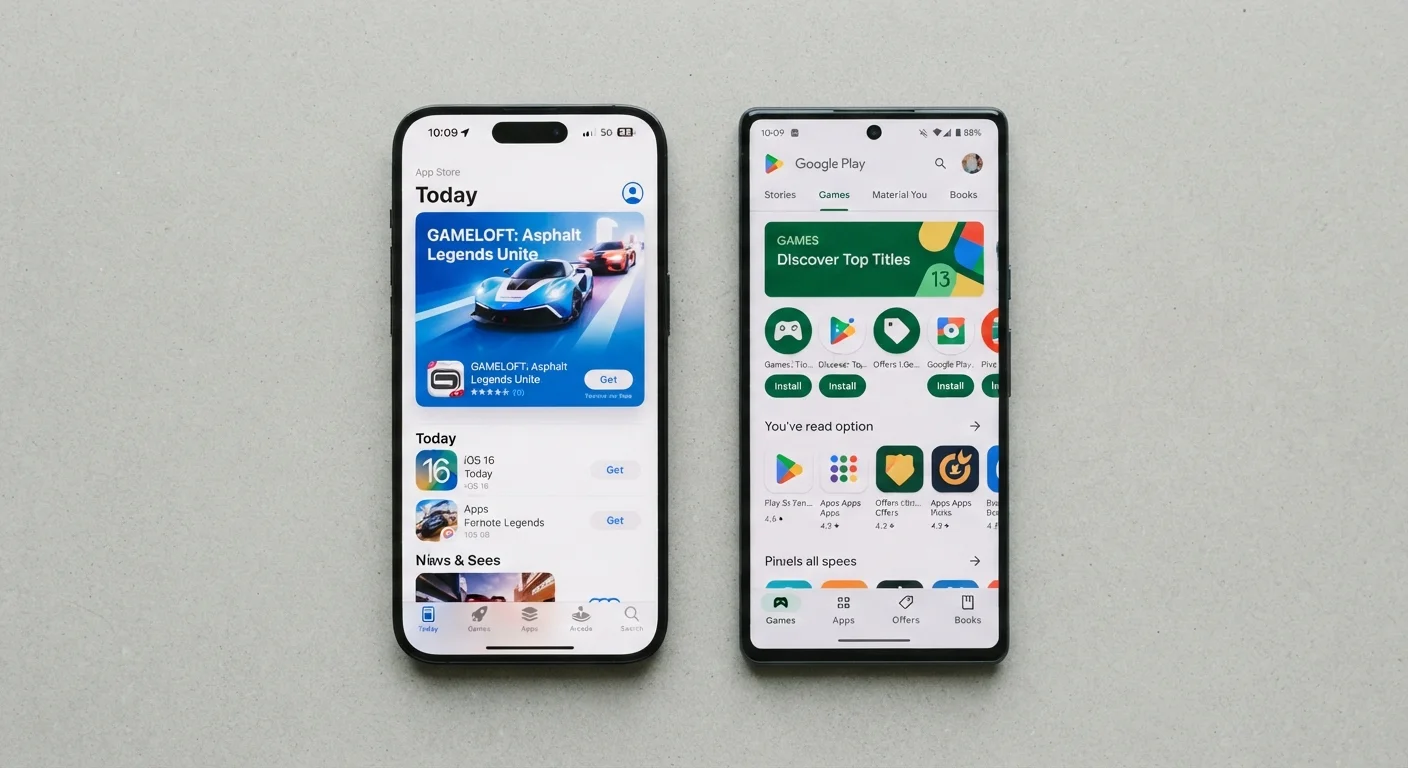
The most fundamental difference between Android and iOS app ecosystems is where apps come from. Apple's App Store is the only official source of apps on an iPhone or iPad — Apple reviews every submission before it reaches users. Google's Play Store is Android's primary marketplace, but Android also permits sideloading — installing apps from sources outside the Play Store entirely.
Sideloading gives Android users access to apps that haven't passed Google's review, experimental builds, or apps unavailable in their region. It also carries real risk: apps from unverified sources can contain malware. For most users, the Play Store is the right and safest starting point.
Apple's closed model means every app on your iPhone has cleared a documented review. That gate-keeping has tradeoffs — some apps are rejected or modified in ways developers didn't intend — but it creates a more uniform baseline of quality. To understand how these distribution philosophies connect to broader platform values, see how Android and iOS differ in design and philosophy.
Sideloading Carries Real Risk
Android's openness to installing apps outside the Play Store is a feature with a sharp edge. Apps from unverified sources bypass Google's security scanning and can contain malware or spyware. Unless you have a specific, well-researched reason to sideload, sticking to the Play Store is the safer default. Even within the Play Store, scrutinizing permissions and developer reputation matters — not every listed app is trustworthy.
App Availability and Launch Timing
The gap in app availability between the two platforms has closed significantly. Most major apps — social media, productivity tools, navigation, banking, streaming — are available on both. But meaningful differences remain.
Historically, high-profile apps launched on iOS first, partly because Apple's user base tends to spend more in apps, making it commercially attractive for developers. This pattern still occurs occasionally with games and creative tools. Android, by contrast, tends to host a wider variety of niche utilities and open-source apps that wouldn't meet Apple's guidelines.
For everyday categories — notes, navigation, communication, finance — availability is rarely a dealbreaker. The functional gaps worth filling first tend to have strong options on both platforms. Where the gap matters most is in highly specialized software or apps tied to specific hardware ecosystems.
| Android | iOS | |
|---|---|---|
| App sources | Play Store + sideloading allowed | App Store only (by default) |
| App review process | Moderate; automated + human review | Strict; manual human review |
| Update delivery | Via manufacturer; varies by device | Direct from Apple; simultaneous |
| Privacy tracking controls | Granular permission controls | System-wide tracking opt-in required |
| App availability (mainstream) | Broad; parity with iOS | Broad; parity with Android |
| Niche/open-source apps | Wider selection | More restricted by guidelines |
| Security patch speed | Variable; depends on manufacturer | Fast; applied across supported devices |
Updates, Security Patches, and Fragmentation
iOS updates roll out simultaneously to all supported iPhones, directly from Apple. When Apple releases a security patch or a new iOS version, users on supported hardware receive it at the same time regardless of which carrier or country they're in.
Android's update pipeline is more complex. Google releases Android updates, but most device manufacturers — Samsung, OnePlus, Motorola, and others — must adapt those updates for their own hardware and software layers before pushing them to users. This creates a fragmented landscape where the same Android version may arrive weeks or months later on some devices, or not at all on older models.
This matters for security: known vulnerabilities are patched faster on iOS because there's no intermediary in the chain. Android users on flagship devices from major manufacturers fare better than those on mid-range or budget hardware, where update support timelines are often shorter. If update reliability is a top concern, it's worth factoring into your platform decision — see the broader framework for choosing between ecosystems.
Privacy Controls and Data Transparency
Both platforms have invested heavily in privacy tools, but they take different approaches. Apple introduced App Tracking Transparency (ATT), which requires apps to ask permission before tracking your activity across other apps and websites. This is enforced system-wide and applies to all apps on the App Store.
Android provides granular permission controls — camera, microphone, location, contacts — and has added features like approximate location sharing and one-time permission grants. Google also requires apps to display a Data Safety label in the Play Store disclosing what data an app collects and how it's used.
In practice, both systems give informed users meaningful control. The difference is in defaults: iOS tends to be more restrictive out of the box, while Android offers more configurability but requires more deliberate setup. Before installing any new app on either platform, it's worth reviewing its permissions and data practices — a personal checklist for evaluating any new app covers exactly what to look for.
Check App Permissions Before You Install
On both Android and iOS, you can review what permissions an app requests before granting them. On Android, check the Data Safety section in the Play Store listing. On iOS, view the App Privacy label on any App Store page. Spending 30 seconds here can prevent an app from accessing data it doesn't need.