

Key Takeaways
- Permissions should match an app's stated purpose — mismatches are a red flag.
- A developer's track record, including update frequency, signals ongoing trustworthiness.
- Reading the privacy policy for data-sharing clauses takes only a few minutes and can reveal a lot.
- Negative reviews mentioning security or performance issues are more useful than star ratings alone.
- Knowing the app's pricing model before installing prevents unwanted subscription surprises.
Summary
18 items · 10–20 minutes per app
Why a Pre-Install Review Matters
Installing an app takes seconds. Undoing the consequences of a poorly chosen one can take considerably longer — from revoking permissions you didn't mean to grant, to disputing an unexpected subscription charge, to dealing with an app that quietly shares your location data with advertisers.
This checklist gives you a repeatable process for evaluating any app before it gets space on your device. It works whether you're downloading a productivity tool, a game, or a utility app. Think of it as a five-minute due diligence habit that compounds over time into meaningfully better security and privacy hygiene.
For broader context on managing the apps already on your phone, see our complete introduction to managing apps on your smartphone.
Developer & Source Verification
Permissions Review
Privacy Policy & Data Practices
Update History & Support
Reviews & Community Feedback
Pricing & Subscription Clarity
What to Use and What to Watch For
Most of the research this checklist requires can be done directly inside your app store — no special tools needed. The store listing, developer profile, and user reviews contain more useful signal than many people realise.
App Store or Google Play listing
Access permissions, data safety labels, update history, and developer information in one place.
Developer's official website
Verify the developer's legitimacy and find contact or support information.
Search engine
Research the developer's reputation, past security issues, and independent user reviews.
Privacy policy reader (e.g., browser with search function)
Quickly scan a privacy policy for key terms like 'sell', 'third party', and 'advertising'.
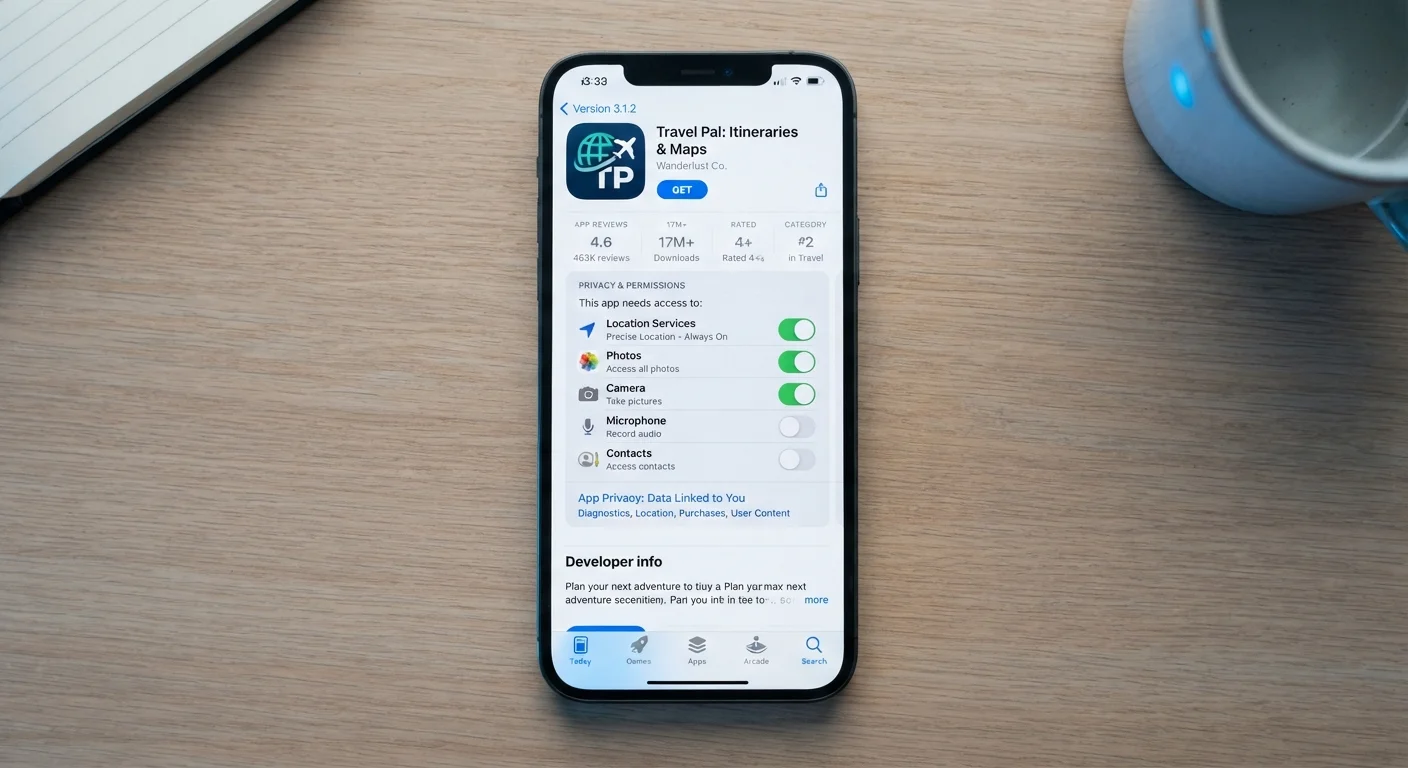
One area that rewards extra attention is permissions. On both Android and iOS, you can view exactly what an app will request access to before you agree to anything. A note-taking app that wants access to your microphone, contacts, and precise location deserves a harder look than one that requests only storage. The permission list is a window into what the app actually intends to do with your device.
Pricing models also deserve scrutiny before you tap install. Our breakdown of free vs. paid app tiers explains the difference between freemium, subscription, and one-time purchase models — and what each one typically means for your experience.
Clone Apps Are More Common Than You'd Think
Fraudulent apps that mimic the name and icon of popular, legitimate apps appear in official stores more often than many users expect. Always verify the developer name matches the company you expect — not just the app name. If the download count seems unusually low for a well-known brand, that's worth investigating before you proceed.
If you're also thinking about the broader security practices on your device, the same careful mindset applies when handling unfamiliar links. Our quick security check for suspicious links covers that territory.