

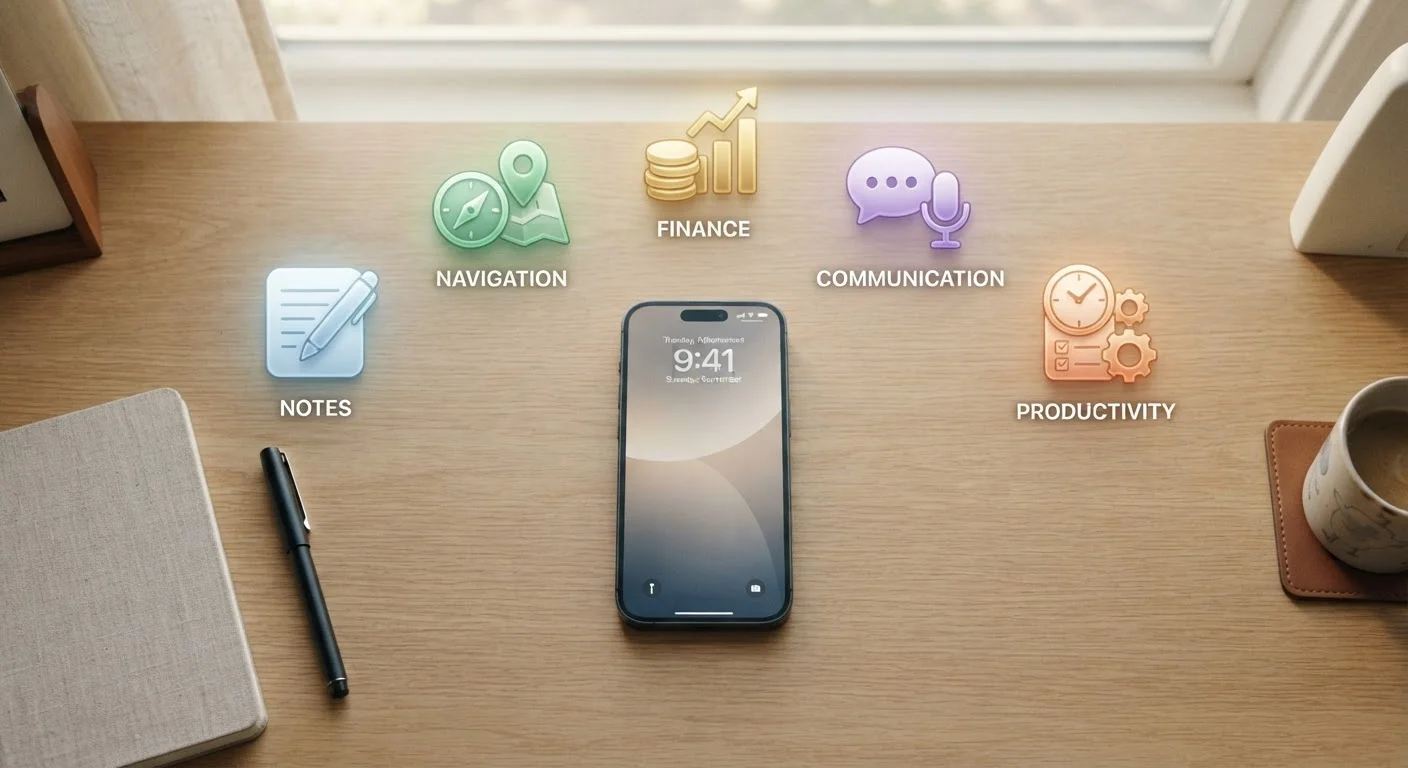
Key Takeaways
- Most smartphones ship with functional gaps that well-chosen third-party apps reliably fill.
- Prioritizing app categories by daily need — not novelty — leads to more consistent real-world use.
- A smaller set of purposeful apps consistently outperforms a cluttered home screen of rarely opened ones.
- Offline capability, privacy practices, and simplicity are worth weighing before installing any category staple.
- Matching an app's design to your actual habits matters more than choosing the most feature-rich option.
Start With What You Actually Do Every Day
When you set up a new phone — or audit an existing one — the instinct is often to install what seems popular. A better question is simpler: what do you reach for repeatedly, and is the tool you're using actually working for you?
Most smartphones ship with decent defaults, but defaults are built for broad compatibility, not personal fit. As our guide to native vs. third-party apps explains, built-in options often handle basic tasks adequately — but dedicated alternatives earn their place when they reduce friction in something you do constantly.
The categories below aren't a shopping list. They're functional gaps that appear across most people's daily routines. Fill the ones that match your life first, and resist installing anything that doesn't map to a real, recurring need. If you're thinking about this in the context of setting up a device from scratch, the structured walkthrough for new phone setup covers the broader decisions involved.
Quick capture and notes
The gap between having a thought and losing it is usually about three seconds. A reliable notes app — one that opens fast, syncs across devices, and doesn't require formatting before you can type — closes that gap reliably.
Look for an app that handles both short text snippets and longer structured notes without forcing you into one mode. Offline access matters here too: apps that hold up without a reliable internet connection are far more useful when you're in a subway, a building with poor signal, or traveling.
A notes app that opens in under two seconds is worth far more than one with unused features.
Personal finance tracking
Most banking apps show you what happened to your money. A dedicated finance or budgeting app helps you understand where it's going — a meaningfully different function. This category is worth filling if you find yourself repeatedly surprised by account balances or unable to recall what a charge was for.
The best options in this space let you set spending categories, flag recurring charges, and review weekly summaries without requiring you to manually enter every transaction. Look for one with a clear privacy policy about how financial data is stored and whether it's shared with third parties.
Knowing where your money went is reactive; knowing where it's going is the actual goal.
Navigation and local search
Phones ship with capable maps apps, but this is one category where personal fit varies significantly. Some people prioritize real-time traffic rerouting; others want transit directions that account for walking time between stops; others need reliable rural coverage.
If your default maps app consistently frustrates you — slow rerouting, missing local businesses, poor public transit data — this is a high-value category to revisit. Navigation is used under pressure (you're already driving or late), so friction here has an outsized daily cost compared to friction in lower-stakes apps.
Navigation apps fail at the worst possible moment — matching one to your real routes prevents that.
Focused communication
Most people use at least two or three messaging platforms already — email, SMS, and one or more chat apps. The problem usually isn't a missing app; it's that notifications from all of them compete equally for attention.
This category is less about adding something new and more about organizing what's already there. Consolidating work and personal communications into separate apps, or choosing a single cross-platform messaging tool for close contacts, reduces the mental overhead of checking multiple inboxes throughout the day.
Fewer communication channels managed well beats many channels managed poorly.
Password management
Reusing passwords across accounts remains one of the most common security vulnerabilities for everyday users. A password manager solves this by generating and storing unique, complex credentials for every account — so you only need to remember one strong master password.
This category is worth prioritizing early because the benefit compounds over time: every new account you create through the app becomes secure automatically. Most password managers also flag weak or reused credentials across existing accounts, helping you remediate old habits gradually rather than all at once.
A password manager doesn't just store credentials — it makes strong security habits nearly effortless.
Reading and long-form content
If you regularly save articles to read later — only to never find them again — a dedicated read-later or e-reader app addresses a real workflow gap. These apps strip away ads and navigation clutter, preserve content for offline reading, and give you a single organized queue instead of a graveyard of open browser tabs.
This category also matters if you subscribe to newsletters, follow long-form journalism, or want to separate reading from the notification-heavy environment of social feeds. The distinction between consuming content intentionally and consuming it reactively is often just a matter of having the right container for it.
Separating reading from browsing turns occasional content consumption into a sustainable daily habit.
Build Deliberately, Not Reflexively
The categories above cover the functional core of most people's daily digital lives. But filling them well means choosing thoughtfully — one app per category until it proves its worth, not three installed simultaneously because you couldn't decide.
One app per category, then evaluate
Install a single candidate for each category and use it exclusively for two to three weeks before judging it. Parallel testing — running two notes apps simultaneously, for example — prevents either from becoming a real habit, which makes it impossible to assess whether the app actually fits your workflow. Give one option a genuine trial period, then decide.
Before adding anything new, it's worth running through a personal checklist for evaluating any new app — permissions, update history, and data practices all matter. And if you're concerned about accumulation, keeping your phone organized without drowning in downloads offers practical guidance on auditing what's already there.
A phone loaded with the right six apps will serve you better than one crowded with thirty half-used ones. Start with the categories that match your actual friction points, and let usefulness — not habit or hype — determine what stays.