

Key Takeaways
- Smart home hubs translate between wireless protocols like Zigbee and Z-Wave, acting as a central translator for your network.
- Direct Wi-Fi devices connect straight to your router, requiring no hub but consuming more Wi-Fi network capacity.
- Hub-based setups often support local processing, meaning they still function when your internet goes down.
- Large numbers of direct Wi-Fi devices can strain a standard home router's connection capacity.
- The right choice depends on how many devices you plan to use and which protocols they support.
Option A
Smart Home Hubs
The central coordinator for multi-protocol smart home networks.
Best for: Households with many devices across different wireless protocols who want centralized control and reliable local processing.
Option B
Direct Wi-Fi Devices
The plug-and-play approach using your existing home network.
Best for: Consumers starting with a handful of smart devices who want straightforward setup without extra hardware.
If you're building a large smart home with sensors, locks, and lighting
Smart Home Hubs
Hubs handle many low-power devices efficiently via Zigbee or Z-Wave without overloading your Wi-Fi network, and local processing keeps automations running even during internet outages.
If you want a quick setup with just a few devices
Direct Wi-Fi Devices
With no hub required, Wi-Fi devices connect directly to your router and existing apps, making initial setup fast and hardware costs low.
If privacy and offline reliability are priorities
Smart Home Hubs
Many hubs process commands locally rather than routing them through the cloud, reducing data exposure and maintaining functionality without internet access.
If you rent or move frequently
Direct Wi-Fi Devices
Wi-Fi devices are easier to move, pair with any network, and don't require installing or configuring extra hub hardware at each new location.
How Each Approach Works
When a smart device needs to receive a command - say, turning off a light or locking a door - it has to communicate that instruction somehow. Two fundamentally different models handle this in home environments.
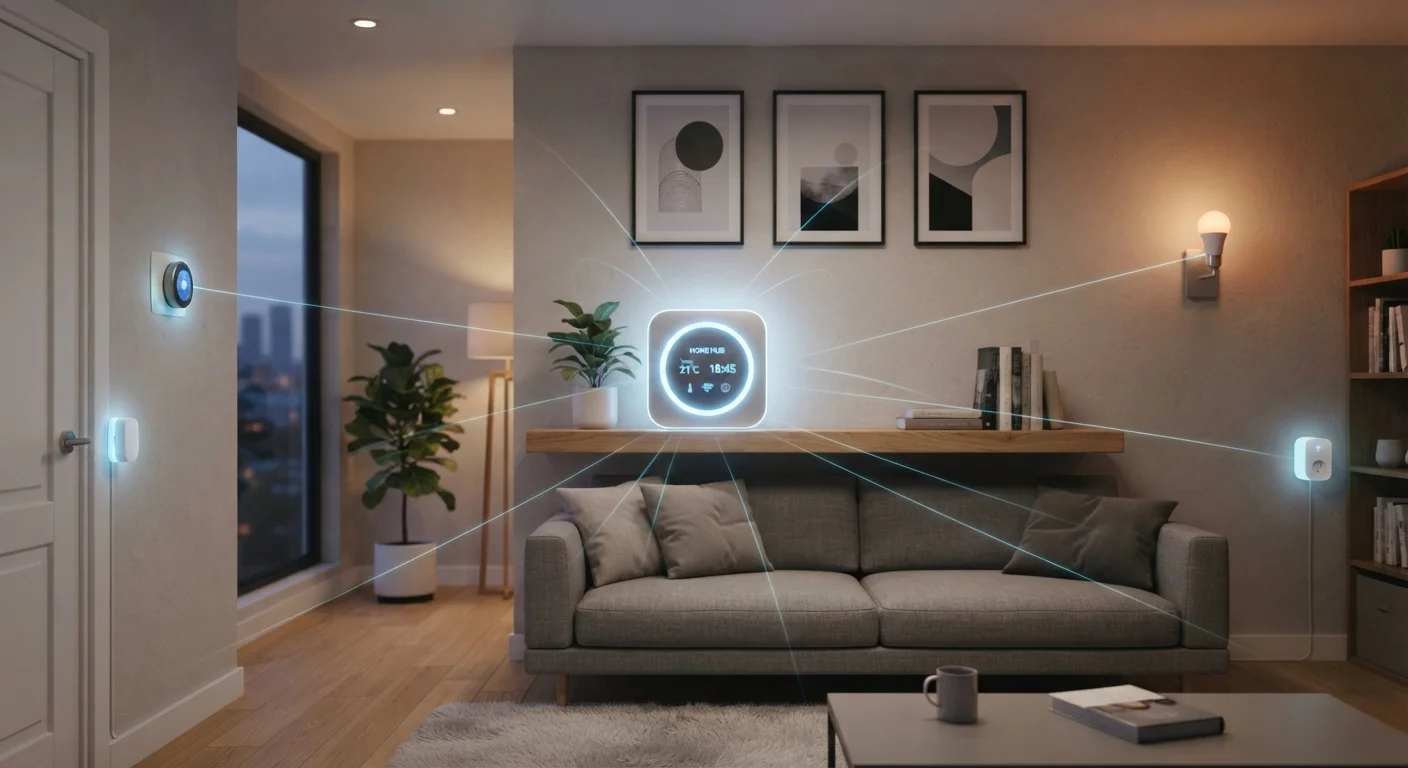
Smart home hubs sit in the middle of the network, acting as translators. Many smart devices don't use Wi-Fi at all. They use lower-power radio protocols like Zigbee or Z-Wave, which are designed for small, battery-operated sensors and switches. A hub speaks those protocols and converts commands into something your phone app or voice assistant can understand. See our plain-language guide to smart home protocols for a deeper look at how those wireless standards differ.
Direct Wi-Fi devices skip the middleman. They join your home router's network just like a laptop or phone would, communicating directly with a manufacturer's app or cloud service. Setup is typically a matter of downloading an app and pressing a button. No additional hardware is needed to get started.
| Criterion | Smart Home Hubs | Direct Wi-Fi Devices |
|---|---|---|
| Extra hardware required | Yes - a hub device | No - uses your router |
| Supported protocols | Zigbee, Z-Wave, Wi-Fi, Matter | Wi-Fi only |
| Network load | Low - separate radio band | Higher - shares Wi-Fi |
| Setup complexity | Moderate - hub configuration needed | Low - app-guided pairing |
| Offline functionality | Often supported locally | Usually requires internet |
| Multi-brand compatibility | Generally broader | Often brand-specific |
| Scalability | High - designed for many devices | Limited by router capacity |
Network Load, Range, and Reliability
One of the most practical differences between these two approaches is how they affect your home network over time. Zigbee and Z-Wave devices used with a hub operate on separate radio frequencies from Wi-Fi, so adding 20 smart sensors doesn't slow down your video streaming or video calls. Many hub-connected devices also form a mesh - each powered device relays signals for others, extending range throughout the home.
Direct Wi-Fi devices, by contrast, each claim a connection slot on your router. Basic home routers handle a limited number of simultaneous connections comfortably. For a home with a few smart plugs and bulbs, this rarely causes problems. For a home with dozens of sensors, cameras, and switches, it can become a bottleneck. Home networking fundamentals - including mesh router systems - can help mitigate this, but it adds cost and complexity.
~253
Average connected devices per US household
According to Deloitte's Digital Media Trends survey, the number of connected devices per US household has grown steadily, creating real strain on standard routers.
~32
Typical max simultaneous connections on budget routers
Most entry-level home routers are rated to handle around 32 concurrent device connections before performance begins to degrade noticeably.
Reliability is another dimension to consider. Many hubs process automations locally, meaning a scheduled routine or motion-triggered light can still fire even if your internet connection drops. Most direct Wi-Fi devices depend on cloud servers to interpret and relay commands, so an outage can leave them unresponsive. Our article on local vs. cloud processing in smart home devices explores this trade-off in detail.
Compatibility and Ecosystem Fit
Choosing between a hub and direct Wi-Fi devices often comes down to which ecosystem you're building inside. Wi-Fi devices are frequently tied to a single manufacturer's app and platform. Mixing brands can mean juggling multiple apps, which reduces the convenience smart home technology is supposed to deliver.
Hubs, particularly those supporting the Matter standard or platforms with broad protocol support, can unify devices from different brands under a single interface. This matters more as a smart home grows. For a fuller picture of how devices from different manufacturers communicate, see our guide to smart home ecosystems.
Matter: A Unifying Standard Worth Knowing
Matter is a relatively recent smart home connectivity standard backed by major platform owners. It is designed to let compatible devices work across different ecosystems without requiring a brand-specific hub. Not all devices support it yet, and implementation quality varies, but it represents a meaningful step toward reducing the fragmentation that has long complicated smart home setups. If cross-brand compatibility is a priority, checking for Matter support is worthwhile when evaluating any new device.
Understanding smart home device categories also helps here - sensors and locks often work best on hub-based protocols, while displays and speakers frequently connect over Wi-Fi by design.