

Key Takeaways
- The CPU executes every instruction your laptop receives, from opening apps to rendering video.
- More cores generally help with tasks running multiple programs at once.
- Clock speed (measured in GHz) describes how many cycles a core completes per second.
- Laptop CPUs are designed to balance performance with battery efficiency.
- A faster CPU cannot compensate for insufficient RAM or a slow storage drive.
Laptop Processor (CPU)
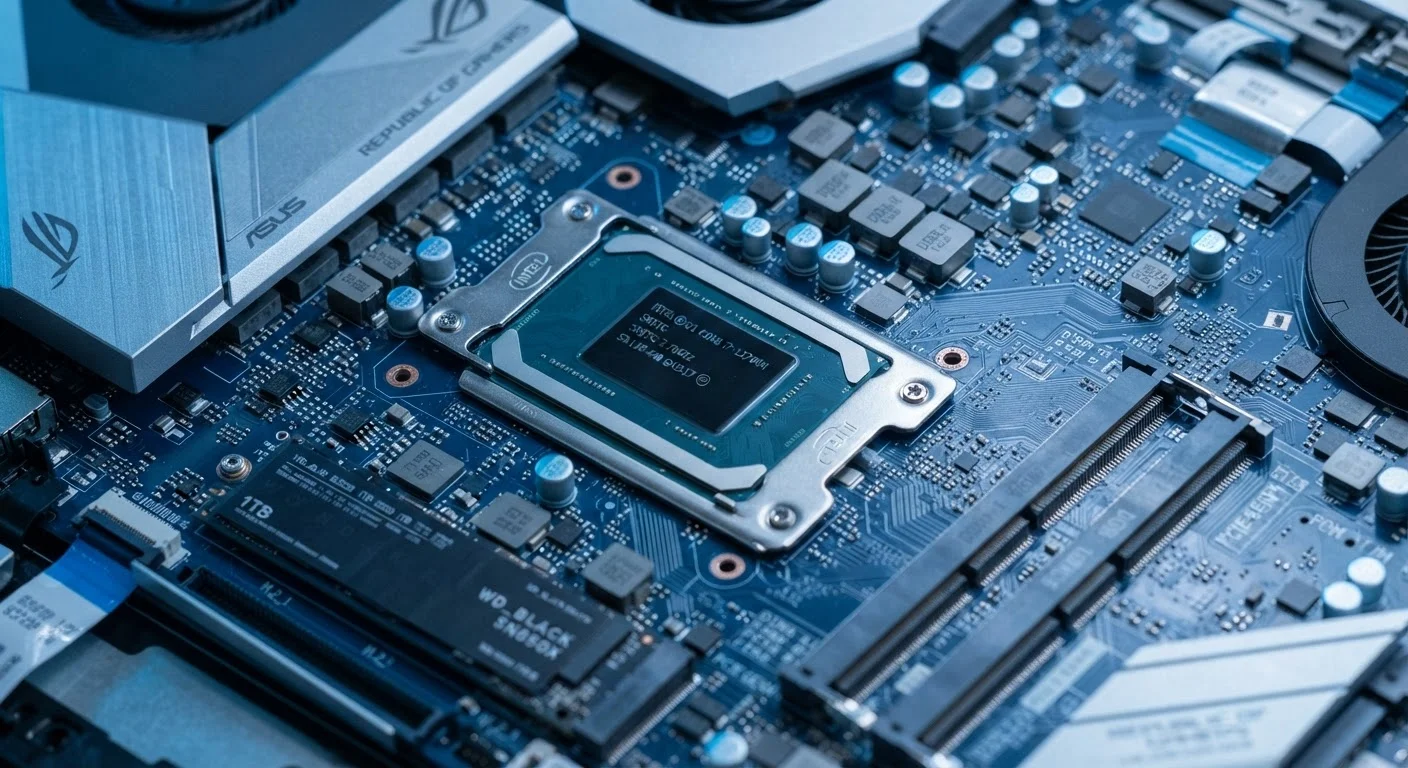
A laptop processor - also called a CPU, or Central Processing Unit - is the chip that carries out instructions. Every time you open an app, type a document, or load a webpage, the CPU is performing millions of calculations to make it happen. It coordinates the work of almost every other component in your laptop.
Modern laptop CPUs contain multiple independent processing units called cores, and each core can often handle two tasks simultaneously through a technique called simultaneous multithreading (SMT).
The CPU's Core Job: Running Instructions
Think of the processor as the part of your laptop that actually thinks. Every action you take - clicking a link, opening a spreadsheet, playing a video - is translated into a sequence of instructions. The CPU reads those instructions, executes them one after another at extraordinary speed, and sends the results somewhere useful: to your screen, your storage drive, or your network connection.
This fetch-decode-execute cycle happens billions of times per second. Clock speed, measured in gigahertz (GHz), describes roughly how many of these cycles the processor can complete each second. A 2.5 GHz core runs 2.5 billion cycles per second. Clock speed alone doesn't tell the full story of performance, but it gives you a rough sense of how quickly a single core can work through a task.
Don't Fixate on Clock Speed Alone
GHz numbers are not directly comparable across different processor families or generations. A newer chip at 2.8 GHz may outperform an older chip at 3.5 GHz for many tasks. When evaluating a laptop, look at the processor family and generation alongside the clock speed for a more accurate picture.
Cores, Threads, and Why They Matter
Modern laptop CPUs contain multiple cores - independent processing units on the same chip. A dual-core processor can work on two separate tasks simultaneously; an eight-core processor can juggle eight. This matters most when you're doing several things at once: streaming music while running a video call while syncing cloud files, for instance.
Many CPUs can also run two threads per core - a technique called simultaneous multithreading. Threads are streams of instructions, and handling two per core lets the processor stay busier between tasks, improving efficiency under varied workloads.
For most consumers, a processor with four to six cores handles everyday workloads without strain. Heavier work like video editing or 3D rendering benefits noticeably from six or more cores. Understanding how CPU, RAM, and storage interact helps clarify how these specs fit into the bigger picture.
4-6
Cores sufficient for most everyday laptop tasks
General industry guidance suggests four to six cores cover web browsing, productivity software, and casual media consumption without bottleneck.
~3 GHz
Typical base clock range for mid-range laptop CPUs
Mid-range consumer laptop processors commonly operate in the 2-3.5 GHz base clock range, boosting higher under short bursts of demand.
Performance vs. Efficiency: The Laptop Tradeoff
A laptop's processor faces a constraint that desktop chips don't: it must perform well and sip power gently enough to preserve battery life. Chip designers manage this through a combination of efficiency cores (tuned for light tasks like browsing) and performance cores (reserved for heavier lifting). When you're writing an email, the CPU routes that work to a low-power core. When you open a large spreadsheet, it shifts to the faster cores.
This architecture keeps the laptop cool and the battery lasting longer without sacrificing responsiveness when you need it. It also explains why comparing laptop CPU specs directly to desktop specs can be misleading - the design goals are fundamentally different. For a parallel look at how mobile chips handle similar tradeoffs, see how the processor inside your phone works.
What the Processor Cannot Do Alone
Even the fastest CPU hits a ceiling when other components can't keep up. RAM (random-access memory) holds the data the processor is actively working with. If there isn't enough RAM, the CPU must wait while data is swapped in and out of slower storage - a bottleneck that no amount of processing speed can fix.
Similarly, a slow HDD storage drive can make a fast processor feel sluggish when loading apps or files, because the CPU is waiting on data that hasn't arrived yet. An SSD dramatically reduces that waiting time.
Understanding the CPU's role in context helps when reading laptop listings. Decoding the full set of laptop specs gives you a practical lens for evaluating the complete picture. You can also explore how smartphone specs translate to real-world performance for useful comparison context.