

Key Takeaways
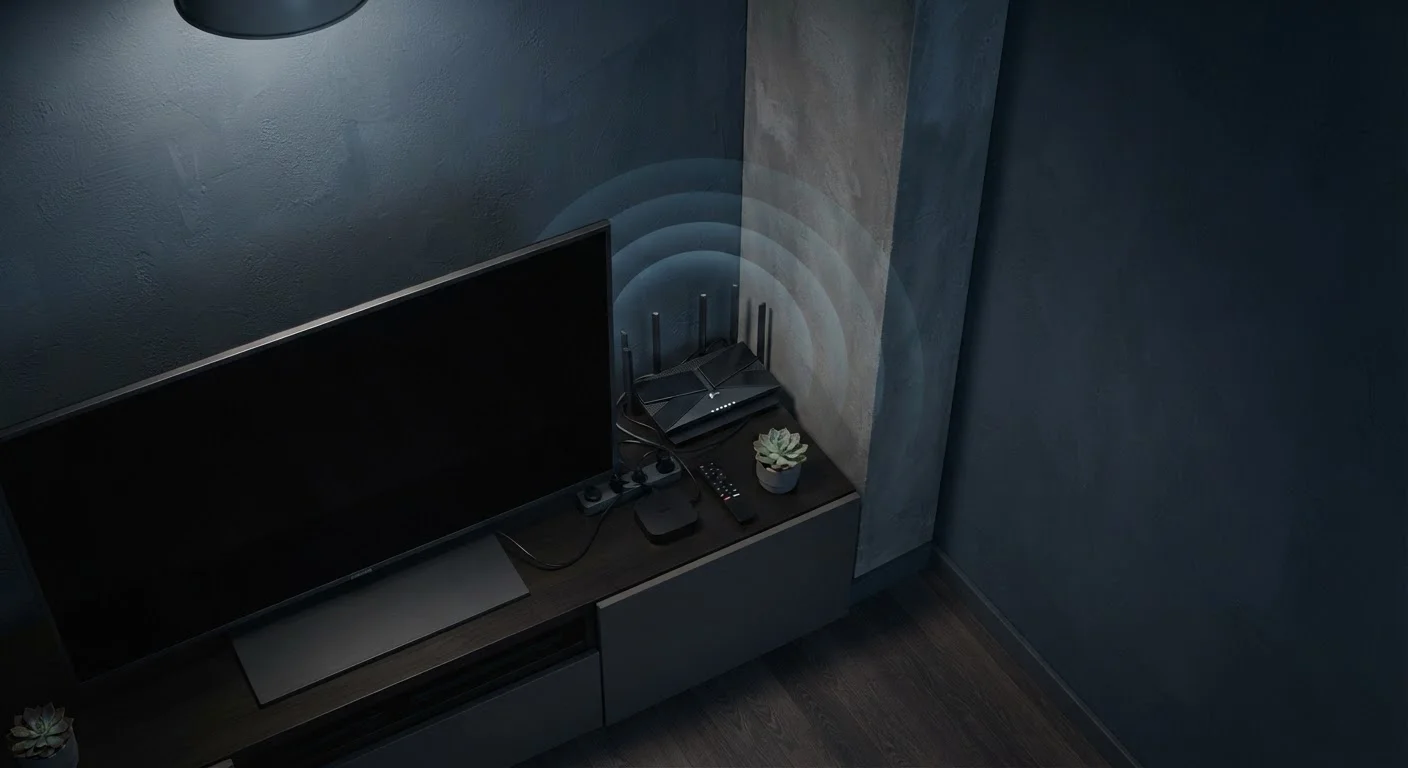
- Placing your router in a corner or cabinet can reduce usable signal range by more than half.
- Dense building materials like concrete and brick absorb radio waves far more than drywall does.
- Elevation and central placement are the two highest-impact changes most households can make immediately.
- Electronic appliances operating near 2.4 GHz — including microwaves — can actively interfere with Wi-Fi signals.
Why Placement Matters More Than Most People Realize
When Wi-Fi performance disappoints, most households look at their internet plan, their router model, or their provider. Placement — the single most controllable variable — rarely gets scrutinised first. Yet the physics of radio frequency propagation means that moving a router a few meters can produce a more dramatic improvement than upgrading to a faster service tier.
Radio waves radiate outward from the router's antennas and lose energy every time they encounter an obstacle. The denser the material — concrete, brick, metal — the greater the energy absorbed. By the time a signal has passed through two or three walls, it may have weakened to the point where connected devices struggle to maintain a stable connection, let alone deliver the speeds your plan supports.
Understanding these physical realities is the first step toward smarter placement. For a systematic approach to diagnosing broader Wi-Fi issues, see our Wi-Fi performance audit checklist before assuming your hardware needs replacing.
Physical Barriers Are the Leading Cause
No firmware update or speed-tier upgrade compensates for a router buried inside a cabinet or pressed against an exterior wall. Radio frequency signals lose strength every time they pass through a solid object — the denser the material, the greater the loss. Correcting placement is the single highest-return action for most households experiencing poor coverage.
The Most Common Router Placement Mistakes
The errors below appear across all home types and router brands. Each one has a straightforward physical explanation — and a practical correction that costs nothing but a few minutes of rearrangement.
Placing the router in a corner of the home, often near where the ISP cable enters the building.
Why it happens: Most people simply plug the router in wherever the modem or cable jack is located, which is frequently on an exterior wall or in a utility corner.
Hiding the router inside a closed cabinet, entertainment center, or closet to reduce visual clutter.
Why it happens: Routers are bulky and can look out of place, so households tuck them out of sight without realising the enclosure acts as a signal barrier.
Setting the router on the floor rather than at an elevated position.
Why it happens: Floor-level placement is convenient when power outlets are low, and many people underestimate how much elevation affects horizontal signal propagation.
Positioning the router directly next to or behind the television or other large electronics.
Why it happens: Entertainment units are a natural hub for cables, so routers often end up clustered with the TV, set-top box, and gaming console.
Placing the router on one floor of a multi-story home and expecting it to cover all floors adequately.
Why it happens: Households often install routers at modem locations on the ground floor without considering the additional signal loss introduced by floor and ceiling materials.
If you're experiencing dead zones despite correcting your router's position, the problem may extend beyond placement. Our guide to Wi-Fi dead zones explains the other factors at play.
Microwaves and Baby Monitors Can Disrupt 2.4 GHz Wi-Fi
The 2.4 GHz band used by many routers overlaps with the operating frequency of microwave ovens and some cordless phones and baby monitors. Running these devices near your router can cause intermittent drops and reduced throughput. If your router supports 5 GHz, connecting bandwidth-sensitive devices to that band reduces this interference risk.
What the Signal Data Actually Shows
~50%
Signal loss through a single concrete wall
RF engineering references consistently show that a standard concrete or brick wall can attenuate a 2.4 GHz signal by roughly 10–15 dB — equivalent to cutting usable range by around half.
3x
Coverage improvement from central placement
Moving a router from a corner of a floor plan to a central location can effectively triple the area receiving a usable signal, because the signal radiates outward in all directions equally.
These figures illustrate why placement decisions compound quickly. A router in a corner, on the floor, and inside a cabinet simultaneously stacks multiple sources of attenuation. Correcting even one of those three conditions can yield noticeable improvement; correcting all three often transforms coverage in homes where dead zones previously seemed unavoidable.
For a deeper look at the principles that govern optimal placement — including antenna orientation and the role of building materials — see our detailed guide on placing your router for the strongest possible signal. And if you've encountered advice about foil reflectors or other folk remedies, our piece on Wi-Fi signal myths separates evidence from folklore.