

Key Takeaways
- Both Android and iOS let you control notifications at the individual channel level, not just per app.
- Notification priority settings directly affect battery life by controlling how aggressively apps wake your device.
- Lock screen visibility, alert style, and notification grouping are each independently configurable.
- Do Not Disturb and Focus modes can be scheduled and exception-listed for critical contacts or apps.
- Reviewing notification permissions regularly reduces both distraction and background data usage.
Smartphone Notification System
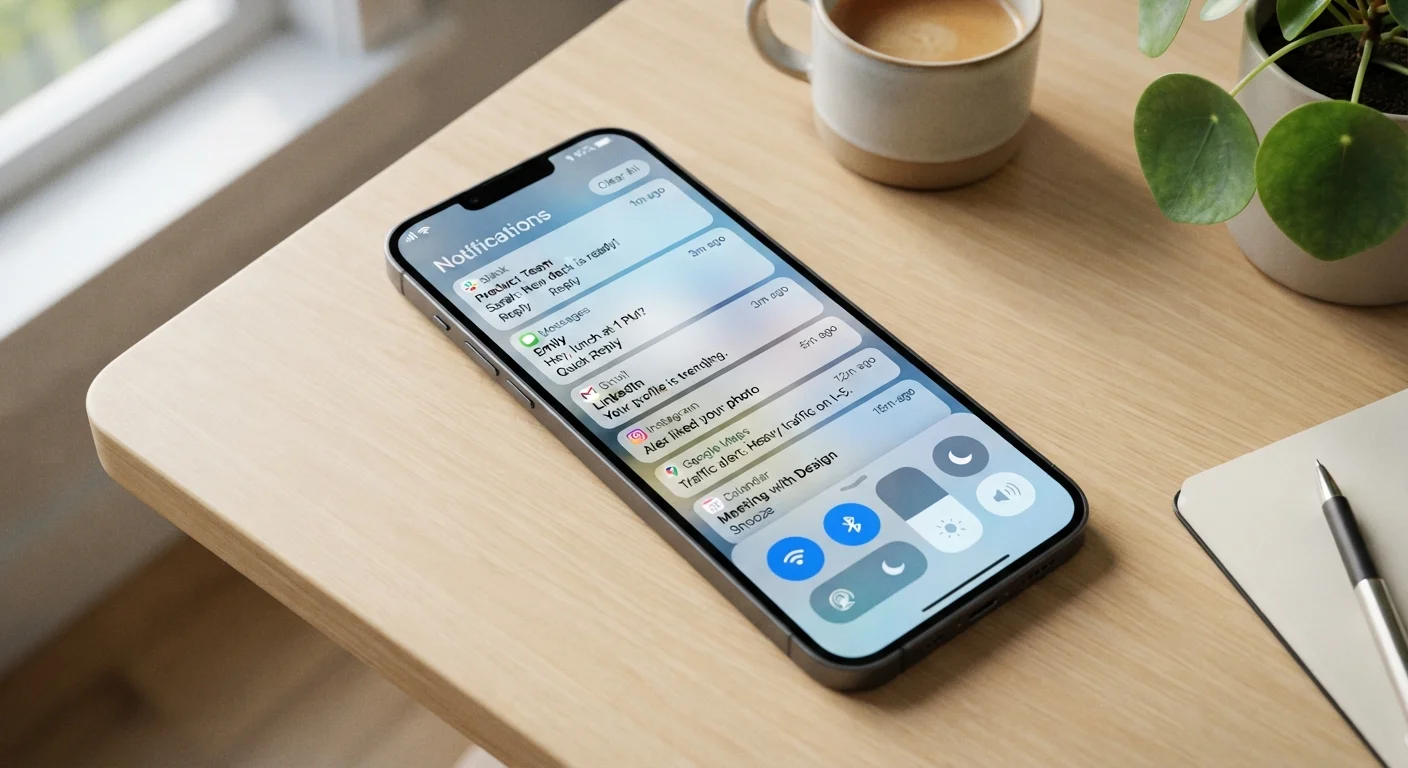
A smartphone's notification system is the built-in framework that receives, organizes, and delivers alerts from apps, the operating system, and connected services. It controls not just whether an alert appears, but how it looks, sounds, and behaves — and which apps are allowed to interrupt you at all. Modern notification systems on both Android and iOS are layered with per-app, per-channel, and system-level controls that most users never explore.
On Android, notifications are managed via 'notification channels' — distinct streams within a single app that can each carry independent priority, sound, and visibility settings. iOS uses a comparable per-app model with additional options like notification summaries and time-sensitive delivery.
Beyond the On/Off Switch
Most people treat notification settings as a binary toggle — either an app can alert you or it can't. In reality, both Android and iOS expose a much deeper hierarchy. Each app can deliver multiple distinct notification types, and each type can be independently configured for sound, visual style, lock screen visibility, and interrupt priority.
On Android, these distinct streams are called notification channels. A single messaging app might have separate channels for direct messages, group chats, call alerts, and promotional notices. You can silence the promotional channel entirely while keeping direct message alerts at full priority — without touching a single other setting. iOS uses a parallel model under each app's notification preferences, where you can separately control Banners, Sounds, Badges, and whether alerts appear on the lock screen.
This granularity matters practically. Tuning notifications by channel rather than by app is the most precise way to reduce interruptions without losing alerts you actually need.
Notification Channels Require App Support
On Android, individual notification channels only appear if the app's developer has implemented them. Older or less-maintained apps may present only a single on/off toggle with no channel breakdown. If you don't see channel options for a given app, the app itself hasn't defined them — that's a limitation of the app, not the OS.
Priority, Interruption, and Battery Impact
Notification priority is not just a courtesy setting — it has measurable effects on device performance and battery life. High-priority notifications can wake a phone's display, trigger background app refresh, and even initiate network requests, all of which consume power. The processor and power management subsystem must handle each wake event, however brief.
Android lets you assign priority levels — from Urgent down to Silent — to individual notification channels. Silent-priority notifications are delivered without sound, vibration, or display wake, meaning they accumulate quietly in the shade until you check. iOS offers a similar mechanism through its Immediate Delivery vs. Scheduled Summary options, which batch non-urgent alerts into a digest delivered at times you choose.
46+
Average daily notifications per smartphone user
Research from app analytics firm Airship has consistently found users receive dozens of push notifications daily across all installed apps.
~23 min
Average time to refocus after an interruption
Widely cited attention research, including work from the University of California, Irvine, suggests a single interruption can delay return to deep focus by over 20 minutes.
Scheduling non-critical apps to deliver summaries rather than live alerts is one of the lowest-effort ways to reclaim both attention and battery life simultaneously.
Focus Modes, Schedules, and Smart Exceptions
Do Not Disturb has evolved considerably on both major platforms. What was once a simple silence switch is now a programmable filter with exception logic. You can allow calls from specific contacts, permit repeated calls to ring through, or whitelist certain apps regardless of the active mode.
iOS Focus modes extend this further, letting you build named profiles — Work, Sleep, Driving, Personal — each with its own allowed apps and contacts list. Android's Digital Wellbeing and third-party launcher tools offer comparable automation. Both platforms support scheduled activation, so your Sleep profile engages automatically at bedtime without manual input.
Audit Notification Permissions Quarterly
Set a recurring reminder to review which apps have notification permissions on your device. Apps you've stopped using actively may still wake your phone and consume background data. Both Android and iOS show a full list of apps with notification access in the main Settings menu — revoking unused permissions takes seconds and compounds over time into measurable battery and focus improvements.
These tools work best when paired with a periodic audit of which apps even have notification permission in the first place. Notification access permissions granted to third-party apps are worth reviewing — some apps request the ability to read notification content from other apps, which is a meaningful privacy consideration.
For a detailed walkthrough of how Android and iOS handle these controls differently — and how to troubleshoot when alerts stop working as expected — see the side-by-side comparison of notification behavior on both platforms.