

Key Takeaways
- Native apps often handle everyday tasks well enough for most users without any tradeoffs.
- Third-party apps add real value only when they solve a specific gap the default cannot fill.
- Every extra app you install adds permissions, storage use, and potential privacy exposure.
- System integration — like Siri, Google Assistant, or lock-screen widgets — often favors native apps.
- Switching costs are real: your data, habits, and sync setups all move with you.
Option A
Native (Built-In) Apps
The pre-installed, deeply integrated default.
Best for: Users who want a seamless, low-friction experience without managing extra installs or permissions.
Option B
Third-Party Apps
The specialized, independently developed alternative.
Best for: Users with specific workflow needs or preferences that the default app genuinely cannot meet.
If you want a simple, low-maintenance phone setup
Native (Built-In) Apps
Default apps require no extra installation, request fewer additional permissions, and integrate tightly with your OS — reducing complexity without sacrificing core functionality.
If you need advanced features for a specific task
Third-Party Apps
Dedicated apps for tasks like note-taking, email management, or navigation often offer significantly deeper functionality than any built-in equivalent.
If privacy and data minimization are priorities
Native (Built-In) Apps
Native apps generally collect data within the platform's existing privacy framework, whereas third-party apps introduce separate data practices worth evaluating individually.
If you rely on cross-platform or cross-device workflows
Third-Party Apps
Apps not tied to a single OS ecosystem — such as cross-platform note or task tools — typically sync reliably across Android, iOS, and desktop environments.
What 'Native' Really Means — and Why It Matters
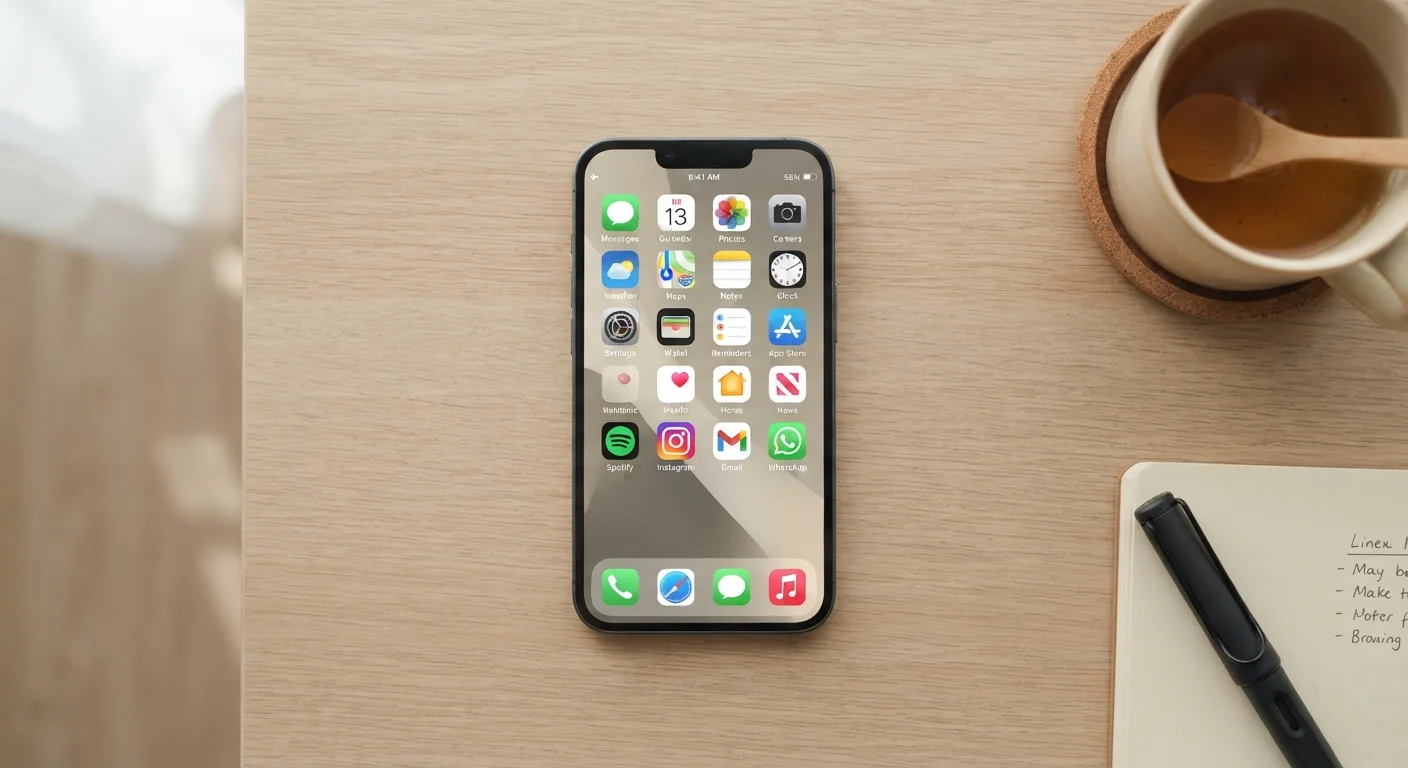
Native apps are the applications that ship pre-installed on your device, built and maintained by the platform maker — Apple, Google, or a device manufacturer. They include things like the default Camera, Calendar, Maps, Phone dialer, and Notes. Because they are developed in tandem with the operating system, they tend to be deeply woven into how the phone functions.
That integration has real benefits. Native apps can respond to system-level events — an alarm from your Calendar, a location ping from Maps, a notification routed through your default Phone app — without you doing any configuration. They also tend to receive OS updates automatically and carry no additional installation footprint. For many everyday tasks, that tight coupling means they simply work without friction.
The question worth asking isn't whether native apps are good in absolute terms — it's whether they're sufficient for your specific use. See which app categories are most worth evaluating on any phone to understand where defaults commonly leave gaps.
Head-to-Head: How They Compare Across Key Dimensions
Choosing between the default and a dedicated alternative isn't just about features. Privacy exposure, battery and storage impact, and long-term reliability all factor in. The table below summarizes the core tradeoffs.
| Criterion | Native Apps | Third-Party Apps |
|---|---|---|
| OS Integration | Deep, automatic | Varies by app |
| Feature Depth | General-purpose | Often more specialized |
| Privacy Surface Area | Within platform framework | Additional, separate policies |
| Cross-Platform Sync | Tied to one ecosystem | Often OS-agnostic |
| Update Reliability | Bundled with OS updates | Depends on developer |
| Storage & Battery Impact | Minimal extra overhead | Adds to device footprint |
| Switching Cost | Low — tied to platform backup | Higher — data stays in-app |
One dimension that often gets overlooked is switching cost. When you rely on a third-party app for months, your data — notes, saved routes, email filters, contacts — accumulates inside that app's ecosystem. Moving away later requires deliberate effort. Native apps, by contrast, typically sync within your existing platform backup (iCloud, Google One), making them easier to recover if you change devices.
When the Default Is Genuinely Enough
For a surprisingly broad set of tasks, built-in apps meet the bar. A few practical examples:
- Photos and Camera: Platform cameras have caught up substantially in computational photography. Unless you shoot RAW files or need manual exposure controls, the native camera app typically handles everyday shots well.
- Notes: Apple Notes and Google Keep both support checklists, images, and shared notes. If you're not building a knowledge base or linking notes together, a simpler default often does the job.
- Maps and Navigation: Platform-native maps are deeply integrated with your OS — they hand off to CarPlay or Android Auto reliably and surface results from your contacts automatically. The case for a third-party alternative is strongest when you need offline maps in areas with poor coverage.
- Calendar: For personal scheduling, the system calendar syncs across your devices with minimal setup. Third-party calendar apps primarily earn their keep for users juggling multiple accounts or needing task/project integration.
If you find yourself defaulting to the built-in option without frustration, that's useful signal. Keeping your phone organised without drowning in downloads explores how to audit what's genuinely earning its place on your home screen.
When a Third-Party App Adds Genuine Value
There are real scenarios where a dedicated app meaningfully outperforms any built-in option — and it's worth recognizing them clearly rather than defaulting out of habit in either direction.
Email with heavy volume or complex filtering: If you manage multiple accounts, rely on scheduled sends, or need snooze-and-follow-up features, a purpose-built email client provides tools the stock Mail app typically lacks.
Cross-platform note-taking: If you work across iOS, Android, and Windows or macOS, a third-party notes app with universal sync removes the friction of platform lock-in.
Offline-capable apps: Some built-in apps require connectivity in ways third-party alternatives do not. Apps that hold up without reliable internet access are worth evaluating especially if you travel or live in areas with inconsistent coverage.
80%+
Smartphone users who never change default apps
Research from various mobile analytics firms consistently finds the large majority of users stick with pre-installed defaults for core functions like browsers and email.
~40
Average apps installed per smartphone
Industry estimates suggest most users have around 40 apps installed, though only a fraction are used regularly — reinforcing the value of evaluating each addition.
Before installing any third-party app, it's worth reviewing what permissions it requests and how the developer handles your data. Our checklist for evaluating any new app covers the questions worth asking before committing to a download.
A Practical Decision Framework
Rather than defaulting to "always keep the built-in" or "always find a better app," a structured question set makes the decision easier:
- Does the native app cover the core task? If yes, identify specifically what it fails to do before looking elsewhere.
- How often do you need the missing feature? A capability you'd use weekly justifies a switch; one you'd use monthly probably doesn't.
- What does the third-party app cost — in permissions, storage, and data practices? Every additional app extends your privacy surface area.
- Does the alternative work across all your devices? If you move between platforms, cross-compatibility matters.
- What happens to your data if the app is discontinued? Third-party apps, especially smaller ones, carry business continuity risk that native apps do not.
Apps that promise to consolidate everything into a single interface carry their own tradeoffs. What all-in-one super apps actually deliver — and what they cost is worth reading before committing to any one platform.
Platform Defaults Can Change Over Time
Both Apple and Google periodically improve their native apps, sometimes closing gaps that previously justified third-party alternatives. An app you installed two years ago to fill a missing feature may now be redundant. It's worth periodically revisiting whether each third-party app on your phone still earns its place, especially after major OS updates.