

Key Takeaways
- Resolution measures how many pixels a TV uses to build a picture - more pixels means finer detail.
- SD (480p) is obsolete for modern TVs; HD (720p/1080p) remains the mainstream standard for most content.
- 4K (2160p) is the current sweet spot, offering noticeably sharper images especially on screens 50 inches and larger.
- 8K TVs exist but have almost no native content, making the upgrade difficult to justify for most households.
- Viewing distance and screen size matter as much as resolution - sitting too far away negates the difference.
TV Resolution
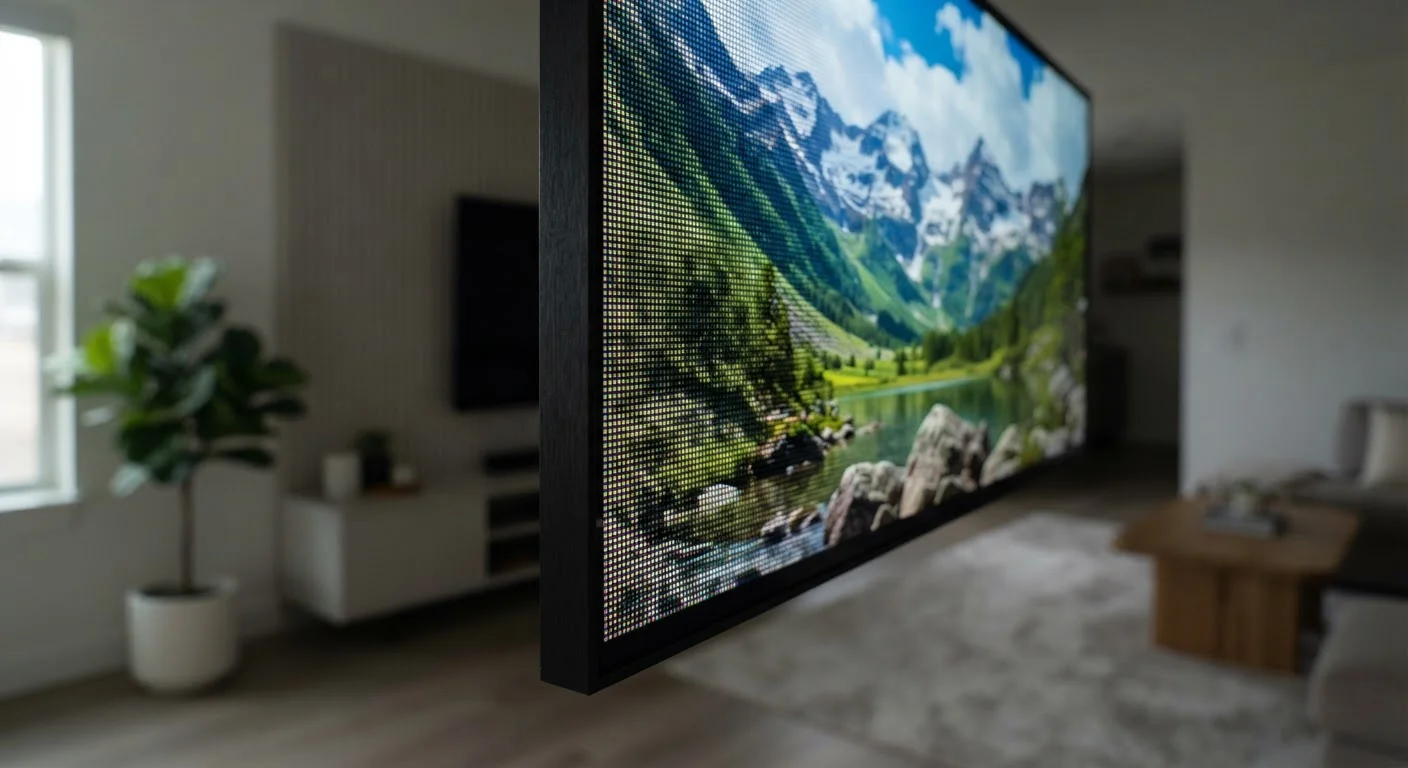
TV resolution describes how many individual pixels make up the picture on your screen. Pixels are the tiny dots of light that combine to form an image - more pixels generally means a sharper, more detailed picture. Resolution is expressed as a pixel count, either by the number of horizontal lines (like 1080p) or by approximate width in thousands (like 4K).
Resolution is measured as horizontal × vertical pixels. A 4K UHD display is typically 3840 × 2160 pixels - exactly four times the pixel count of 1080p Full HD.
What Resolution Actually Measures
Every image on a TV screen is built from a grid of pixels - microscopic squares of colored light. Resolution tells you exactly how many of those pixels are packed into the display. A television described as 1920 × 1080 has 1,920 pixels running across and 1,080 running top to bottom, totaling roughly two million pixels in the whole frame.
The practical upshot: a higher resolution screen can render finer lines, sharper edges, and more visible texture in the picture. The difference is most apparent when you're close to a large screen or watching content that was filmed or produced at that resolution. A 4K movie on a 65-inch TV viewed from six feet away will show noticeably more detail than the same scene in 1080p - individual blades of grass, fabric weaves, and facial features render more crisply.
Resolution is only one dimension of picture quality, though. Panel technology, contrast ratio, color volume, and local dimming all shape what you actually perceive. See our breakdown of OLED, QLED, and LED panel types for how the screen's hardware layers on top of raw resolution.
8.3 MP
Pixel count of a 4K UHD display
A 3840 × 2160 screen contains approximately 8.3 million pixels - four times the 2 million pixels of a 1080p Full HD panel.
4×
Pixel increase from 1080p to 4K
Each step up the resolution ladder - from 1080p to 4K, and from 4K to 8K - multiplies the pixel count by four, requiring proportionally more processing and bandwidth.
~7 ft
Ideal viewing distance for 55-inch 4K
Display industry guidelines suggest sitting within approximately 7 feet of a 55-inch 4K TV to perceive the full detail benefit over a 1080p display.
SD, HD, Full HD, 4K, and 8K: The Full Ladder
These are the four main resolution tiers you'll encounter when shopping for or discussing TVs:
- SD - Standard Definition (480p): 640 × 480 pixels. This was the television standard for decades. Today it's found only in older DVD content and some legacy broadcast signals. The picture looks noticeably soft and blocky on any modern flat-panel display.
- HD - High Definition (720p): 1280 × 720 pixels. Still used by some broadcast channels and older streaming sources. Acceptable on smaller screens but visibly less sharp than 1080p at typical viewing distances.
- Full HD (1080p): 1920 × 1080 pixels. The workhorse resolution of modern television. The majority of Blu-ray discs, cable channels, and streaming content at the standard tier is delivered at 1080p. For screens up to about 50 inches, it remains entirely satisfying.
- 4K / Ultra HD (2160p): 3840 × 2160 pixels. Four times the pixel count of 1080p. This is the current mainstream standard for new TVs 50 inches and above. Major streaming platforms offer substantial 4K libraries. The detail improvement is genuine and visible at normal living-room viewing distances on large screens.
- 8K (4320p): 7680 × 4320 pixels. Sixteen times the pixels of 1080p. Available in a small number of high-end TVs, but native 8K content from broadcast or streaming sources is essentially nonexistent for consumers at this time. Most 8K TVs rely on internal upscaling to fill the pixel count.
Match Resolution to Screen Size and Distance
Before prioritizing resolution, consider how large your screen is and how far you'll sit from it. A 4K resolution upgrade makes a genuine visual difference on screens 50 inches and above at typical living-room distances. On smaller screens or from greater distances, the investment in higher resolution is less impactful than improvements in contrast, brightness, or panel quality.
Why Viewing Distance and Screen Size Change the Equation
Resolution doesn't exist in isolation - your eyes, your room, and your screen size all determine whether extra pixels make a visible difference. Human visual acuity has a hard limit: beyond a certain distance, the eye can't distinguish individual pixels regardless of how many are present.
As a practical framework: on a 55-inch 4K TV, most viewers need to sit within roughly 7-8 feet to notice a meaningful difference over 1080p. On a 75-inch screen, that window extends further. Conversely, a 32-inch 4K TV watched from a typical sofa distance offers almost no visible advantage over 1080p - the pixels are simply too small to differentiate at that range.
This also explains why 8K offers little perceptible benefit on any screen size found in a typical home. Even the sharpest human eyes, at close range, on a large 8K panel, would struggle to see the full resolution benefit without native 8K source material.
Upscaling Is Not the Same as Native Resolution
Most modern 4K and 8K TVs include upscaling processors that stretch lower-resolution signals to fill the screen. Upscaling can improve the visual quality of HD content on a 4K panel, but it does not generate real detail that wasn't present in the original signal. Native 4K content filmed and mastered at 4K will always look sharper than upscaled 1080p on the same display.
For a broader look at which TV numbers actually move the needle on picture quality, see our guide to TV specs that matter - and the ones that don't. And if motion smoothness during sports or gaming is a priority, refresh rate explained is the next piece to understand.
Content Availability: The Other Half of the Equation
A TV can only display what the source material contains. A 4K TV receiving a 1080p signal will upscale the image - a processing step that improves perceived sharpness but doesn't add real detail. The result is better than unscaled 1080p on a 4K panel, but noticeably behind genuine 4K content.
4K content is now widely available: major streaming services offer extensive 4K catalogs, and physical 4K Blu-ray discs provide some of the highest-quality home video available. Broadcast television in the US lags behind - most over-the-air and cable channels transmit at 1080i or 720p as of current broadcast standards.
8K content is a different story. There are no mainstream 8K streaming tiers, no 8K Blu-ray format, and broadcast 8K is limited to isolated pilot projects. This practical gap is the strongest argument against prioritizing 8K for most households today.
If you enjoy decoding these kinds of specs more broadly, our smartphone specs decoder applies the same plain-language approach to mobile devices.