

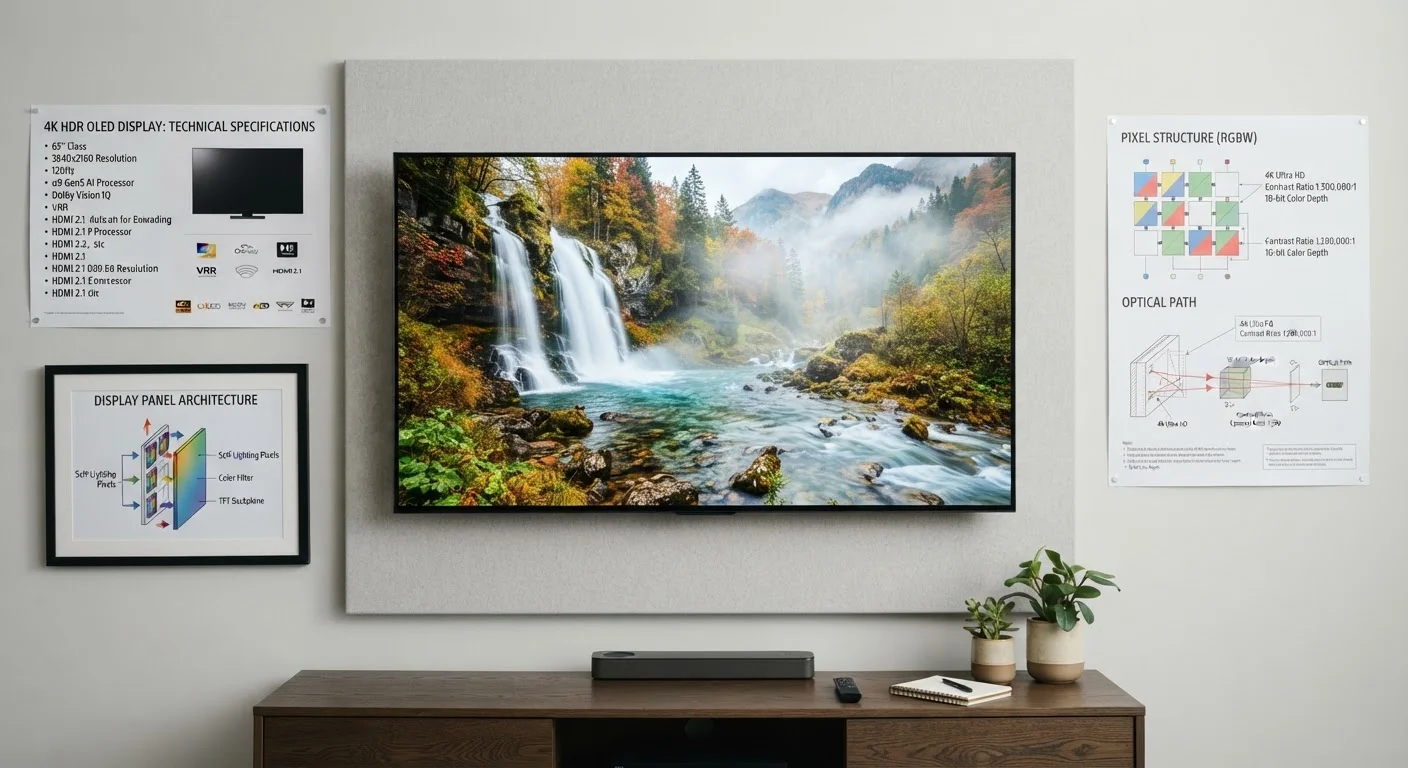
Specs That Genuinely Affect Picture Quality
Two specifications reliably predict how good an image will look in a real living room: peak brightness (measured in nits) and contrast ratio. Peak brightness determines how well a TV handles HDR (High Dynamic Range) content - the vivid highlights in sunlit scenes, fire, and specular reflections. For meaningful HDR performance, look for at least 600 nits of peak brightness; panels capable of 1,000 nits or more handle HDR highlights noticeably better.
Contrast ratio describes the difference between the brightest white and the darkest black a panel can produce simultaneously. Panel technology is the biggest driver here - for a deeper look at how OLED, QLED, and LED differ in this regard, see our panel technology breakdown.
Color volume - how accurately and fully a display renders colors across different brightness levels - also matters more than the simple "billions of colors" marketing claims that appear on many boxes.
Resolution, Refresh Rate, and the Marketing Numbers
Resolution (4K/UHD at 3840×2160 pixels) is now a reasonable baseline expectation for any screen 43 inches or larger. Upgrading from 1080p to 4K is meaningful at typical viewing distances; the jump from 4K to 8K, however, is difficult to perceive without sitting unusually close - and native 8K content remains scarce.
Refresh rate is where marketing figures routinely mislead. Manufacturers advertise numbers like "240Hz" or "TruMotion 240" that do not represent the panel's actual native refresh rate. Most panels run natively at 60Hz or 120Hz; the larger number describes a motion-interpolation algorithm, not additional hardware frames. For most TV viewing, a native 60Hz panel is fine. Sports and gaming enthusiasts benefit from a genuine native 120Hz panel, which reduces motion blur on fast-moving content.
Input lag - the delay between a signal being sent and appearing on screen - is critical for gaming but irrelevant for passive viewing. Look for a dedicated Game Mode that reduces input lag to under 20 milliseconds if gaming matters to you. Similar nuances apply to other screens; laptop display specs follow comparable logic.
Specs You Can Largely Ignore
Dynamic contrast ratio figures in the millions-to-one range are essentially meaningless. They measure the difference between the screen at maximum brightness and the screen with the backlight nearly off - two states that never occur simultaneously in normal use. Native contrast ratio is the only figure worth comparing.
Manufacturer-branded "processor" names (Alpha 9, X1, etc.) convey little without independent testing. Processing quality affects upscaling and motion handling, but spec sheets give no standardized way to compare chips across brands.
Speaker wattage listed in specs rarely predicts real-world audio quality. Thin panel designs physically limit acoustic performance regardless of wattage claims; most consumers adding even a modest soundbar will notice a greater improvement than any on-paper speaker spec suggests.
Once you have your TV set up, default factory settings are optimized for showroom floors, not home use - find out why and how to fix it. And remember that even the sharpest panel is subject to what streaming services deliver - streaming compression affects what you actually see.