

Key Takeaways
- Overnight charging and extreme temperatures are among the fastest ways to degrade battery health.
- Ignoring software updates leaves your phone slower, less secure, and more bug-prone over time.
- Keeping storage near capacity strains the processor and accelerates performance decline.
- Many harmful habits feel harmless because their effects accumulate gradually over months.
Why Small Habits Add Up to Big Damage
Most smartphone problems don't arrive suddenly — they build quietly. A phone that slows down, holds less charge, or crashes unexpectedly usually got there through months of low-grade stress applied by everyday habits. The tricky part is that none of these habits feel destructive in the moment. That's exactly why they persist.
Understanding the mechanisms behind degradation helps. Modern smartphones use lithium-ion batteries, NAND flash storage, and tightly integrated processors that all have defined tolerances. Push any of them consistently outside those tolerances and the decline accelerates. The good news: most of these habits are easy to change once you recognize them. For a broader view of what's happening inside a sluggish device, see why phones slow down over time.
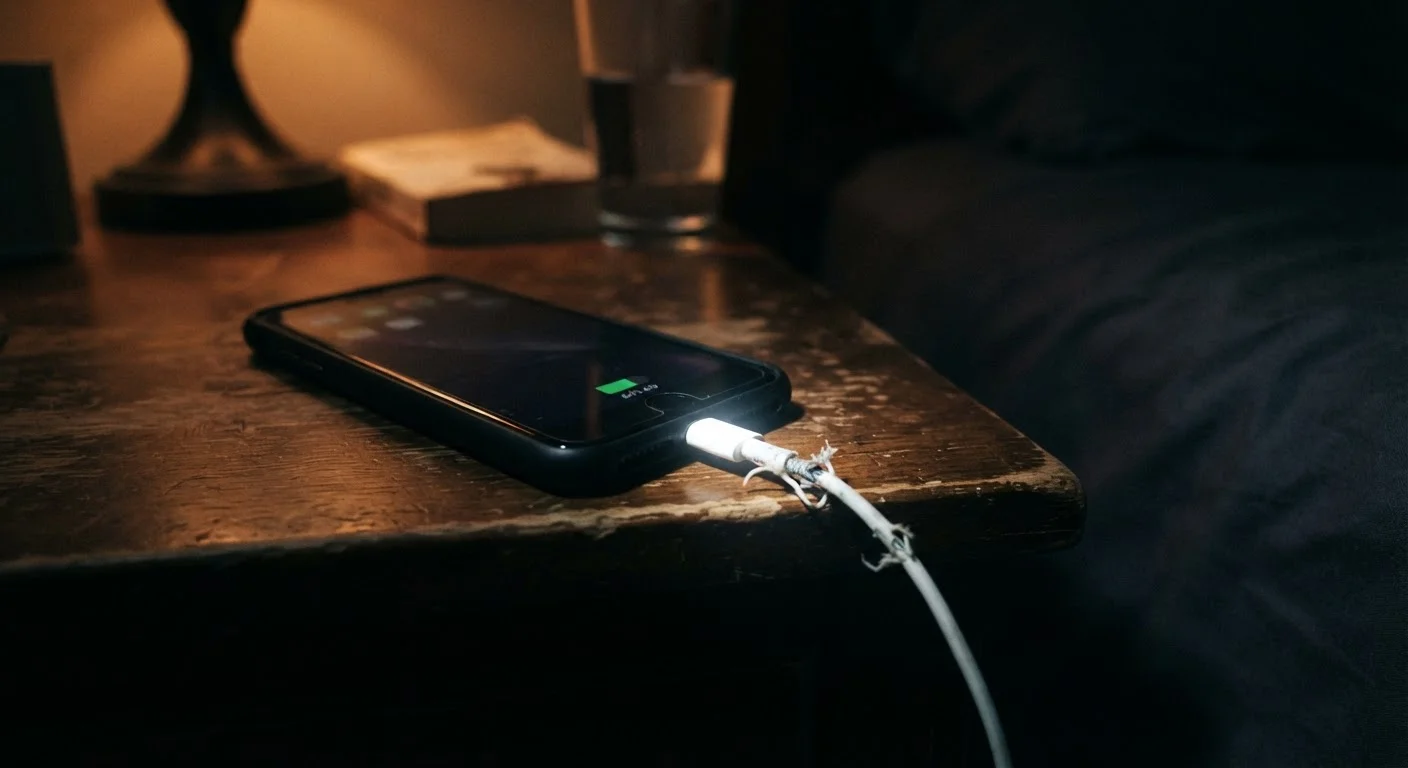
Leaving the phone on charge every night until morning.
Why it happens: It's convenient to plug in before sleep and unplug in the morning — the phone is always at 100% and the habit requires no monitoring.
Using the phone in very high or very low temperatures without precaution.
Why it happens: Temperature effects on electronics aren't visible or immediately felt, so most users don't associate a hot car or cold ski slope with accelerated battery aging.
Postponing software updates indefinitely.
Why it happens: Updates interrupt workflow and occasionally introduce temporary bugs, which trains users to delay them. Some people simply dismiss the notification every time.
Running storage at near-full capacity for months at a time.
Why it happens: Photos, apps, and cached data accumulate gradually, and the phone continues to function until the problem becomes severe — so there's no obvious trigger to act.
Using any available charger regardless of wattage or quality.
Why it happens: Cables and chargers are often interchangeable-looking, and users assume that if a cable fits, it's compatible.
Heat, Storage, and Updates: The Three Hidden Culprits
Beyond the mistakes outlined above, three systemic factors consistently shorten phone lifespans in ways users rarely connect to their own behavior.
~80%
Battery capacity retained after 500 full charge cycles
Lithium-ion batteries in smartphones are generally rated to retain around 80% of original capacity after approximately 500 full charge cycles under standard conditions, according to commonly cited manufacturer specifications.
85–90%
Storage threshold where performance starts degrading
Mobile OS engineers and device manufacturers broadly acknowledge that consistent storage utilization above roughly 85–90% begins to impair write performance and multitasking efficiency.
Heat is the single most damaging environmental factor for lithium-ion batteries. Using processor-intensive apps — including navigation, gaming, or video recording — in direct sunlight compounds thermal stress dramatically. Even leaving your phone face-down on a sun-warmed surface for extended periods raises internal temperatures enough to accelerate chemical degradation inside the battery.
Storage saturation is subtler. When internal storage fills above roughly 85–90% capacity, the operating system struggles to write temporary files and cache data efficiently. This forces the processor to work harder for routine tasks, generating more heat and consuming more battery in the process. It's a compounding problem: less space leads to more heat, more heat leads to faster battery wear. Our smartphone tips and tricks hub covers practical ways to reclaim storage without losing anything important.
Deferred updates close a loop that many users leave open. OS and security patches don't only fix vulnerabilities — they often include battery optimization fixes, memory management improvements, and storage efficiency gains. Skipping them means your phone misses improvements it was designed to receive. For more on why update timing matters, see why automatic updates are a security habit worth keeping.
Fast Charging Adds Heat — Use It Selectively
Fast and ultra-fast charging technologies push more current into the battery in a shorter window, which generates more heat than standard charging. While modern phones include thermal management to mitigate this, habitual use of maximum-speed charging for every charge cycle can accelerate battery wear over time. Reserve fast charging for when you genuinely need a quick top-up, and use standard charging speeds when time allows.
If your phone is already showing signs of wear — rapid battery drain, sluggish performance, or unexpected restarts — the Phone & Tablet Fixes hub offers targeted solutions for each symptom.