

Key Takeaways
- Do Not Disturb works during work hours, commutes, and meetings — not just overnight.
- Exception rules let urgent callers or specific contacts break through DND automatically.
- Scheduled DND activates and deactivates without manual intervention every day.
- App-specific overrides allow calendar alerts or alarms to bypass DND selectively.
- Focus Modes on iOS and Digital Wellbeing on Android extend DND into context-aware profiles.
- Proper DND configuration can meaningfully reduce phone-induced interruptions throughout the day.
Do Not Disturb (DND) Mode
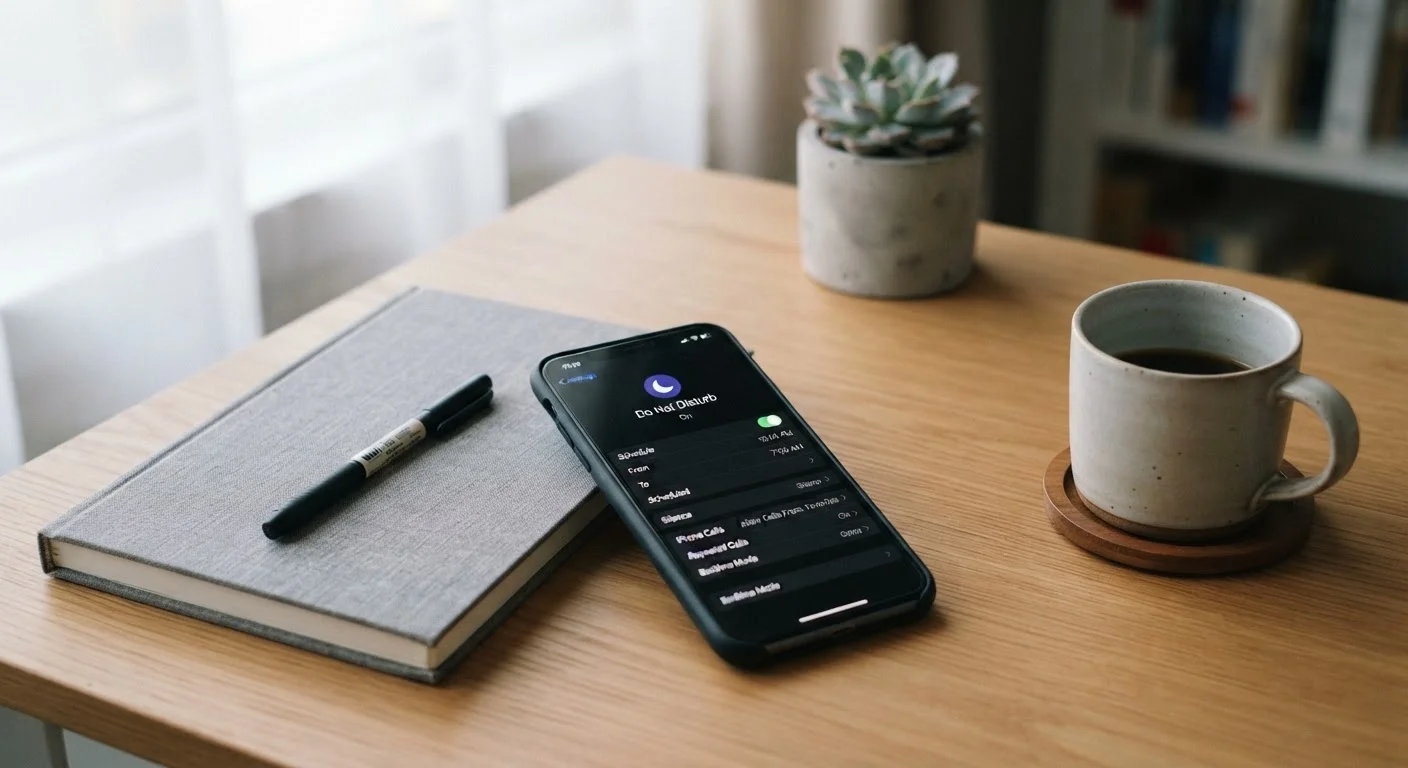
Do Not Disturb is a system-level feature on smartphones that suppresses incoming notifications, calls, and alerts according to rules you define. Rather than silencing everything permanently, it lets you set conditions — schedules, exceptions, and app-specific overrides — so only the right interruptions reach you at the right time. It works independently of your ringer volume, meaning even a phone set to full volume will stay quiet when DND is active.
On both Android and iOS, DND operates at the OS level, intercepting notifications before they trigger visual or audio output — though apps still receive data in the background unless Low Power or battery-saving modes are also active.
Beyond Bedtime: The Real Scope of Do Not Disturb
Most people activate Do Not Disturb once, at night, and forget it exists until the next time they need sleep. That barely scratches the surface. DND is fundamentally a rules-based interruption filter, and it applies just as powerfully during a 9 a.m. strategy meeting, a two-hour deep-work session, or a weekend hike where you want genuine disconnection.
The core mechanism is simple: when DND is active, incoming notifications are intercepted before they can produce sound, vibration, or a lit-up screen. Critically, this is separate from your ringer volume — a phone on loud will still stay silent under DND. What makes the feature genuinely powerful is everything built on top of that core: schedules, exception lists, and context-aware profiles that let you define when silence applies and who or what can still reach you.
For a broader look at what notification systems can do, see how notification controls actually work at the OS level.
~23 min
Average time to regain focus after an interruption
Research from the University of California, Irvine has consistently found that task resumption after a distraction takes considerably longer than the interruption itself.
74%
Smartphone users who have used DND at least once
According to Pew Research Center survey data on smartphone feature usage among U.S. adults, the majority have encountered DND but many use it only occasionally.
Schedules, Exceptions, and App Overrides
The three levers that transform DND from a blunt tool into a precision filter are schedules, contact exceptions, and app-specific overrides.
Scheduled Activation
Both Android and iOS let you set recurring DND windows that activate automatically — no manual toggle required. A useful configuration might be: DND on from 9 a.m. to 12 p.m. Monday through Friday for focused work time, then again from 10 p.m. to 7 a.m. for sleep. Once scheduled, the phone manages itself.
Contact Exceptions
Adding key contacts — a partner, a child's school, a manager — to your Favorites or Starred list means their calls break through DND automatically. The 'repeated calls' option adds a safety net: if the same number calls twice within three minutes, it's treated as urgent and allowed through. This resolves the most common objection to DND: the fear of missing a genuine emergency.
App-Specific Overrides
Calendar reminders, medication alerts, or banking security codes can be set to bypass DND while social media and news apps remain silenced. On iOS, this is managed per-app under Focus settings; on Android, the notification priority system within Digital Wellbeing handles the same function. The result: your phone stays quiet except for the alerts that genuinely require a response.
Test Your Exceptions Before You Rely on Them
After configuring contact exceptions and app overrides, have a trusted contact call or message you while DND is active to confirm the exception works as expected. Settings interactions — especially on Android devices with manufacturer UI layers — can sometimes produce unexpected results. A two-minute test is far less stressful than discovering a misconfiguration during an important period.
Focus Modes and Context-Aware Profiles
Modern smartphone operating systems have extended DND into something more sophisticated: context-aware Focus profiles. Apple's Focus system and Android's Digital Wellbeing Focus Modes both allow you to create named profiles — Work, Personal, Driving, Exercise — each with its own set of allowed apps, permitted contacts, and home screen layouts.
This matters because the right silence profile for driving is different from the one for deep work. During a commute, you might want navigation alerts and music controls active while suppressing everything else. During a work session, you might allow calendar notifications but mute all messaging apps. Each profile can be triggered manually, on a schedule, or automatically based on contextual cues like location or connected Bluetooth devices.
If you find managing these settings complex, a practical guide to app notification control walks through the priority and channel settings that underpin all of these features.
DND and Sleep Mode Are Different Features
Sleep Mode (available on iOS and some Android versions) combines DND-style silencing with a dedicated lock screen and Health app integration for sleep tracking. It is distinct from simply enabling Do Not Disturb. If you've set up Sleep Mode through your Health or Wellbeing app, it may already be managing your overnight DND window — check both settings to avoid conflicts or redundant configurations. For more on common misunderstandings around device modes, see common myths about sleep and device modes.
Practical Configurations Worth Setting Up Today
Getting meaningful value from DND takes about ten minutes of setup. Here are configurations that apply to most users:
- Deep work block: Schedule DND for your most productive morning hours. Allow alarms and calendar apps; block all messaging and social apps.
- Sleep window: Set a consistent overnight DND window aligned with your actual sleep schedule. Enable the repeated calls exception so true emergencies still reach you.
- Meeting mode: Create a manual DND shortcut in your quick settings tile so you can activate it instantly when a meeting starts and release it when done.
- Driving profile: Use the automatic Driving Focus (iOS) or Android Auto's DND integration to suppress notifications whenever the phone detects vehicle motion.
The investment is small relative to the payoff. Unmanaged notifications have measurable effects on concentration — each interruption carries a recovery cost well beyond the seconds it takes to glance at the screen. DND, configured deliberately, is one of the most practical tools on a smartphone for reclaiming that attention.