

Key Takeaways
- Free tiers often fund themselves through ads, data collection, or feature restrictions rather than being truly cost-free.
- Subscription pricing means you pay repeatedly — evaluate long-term cost, not just the monthly figure.
- One-time purchase apps are less common today but offer permanent access without ongoing fees.
- The most valuable upgrades remove friction from tasks you perform frequently.
- Unused paid features represent wasted money — audit your app subscriptions regularly.
Freemium App Pricing
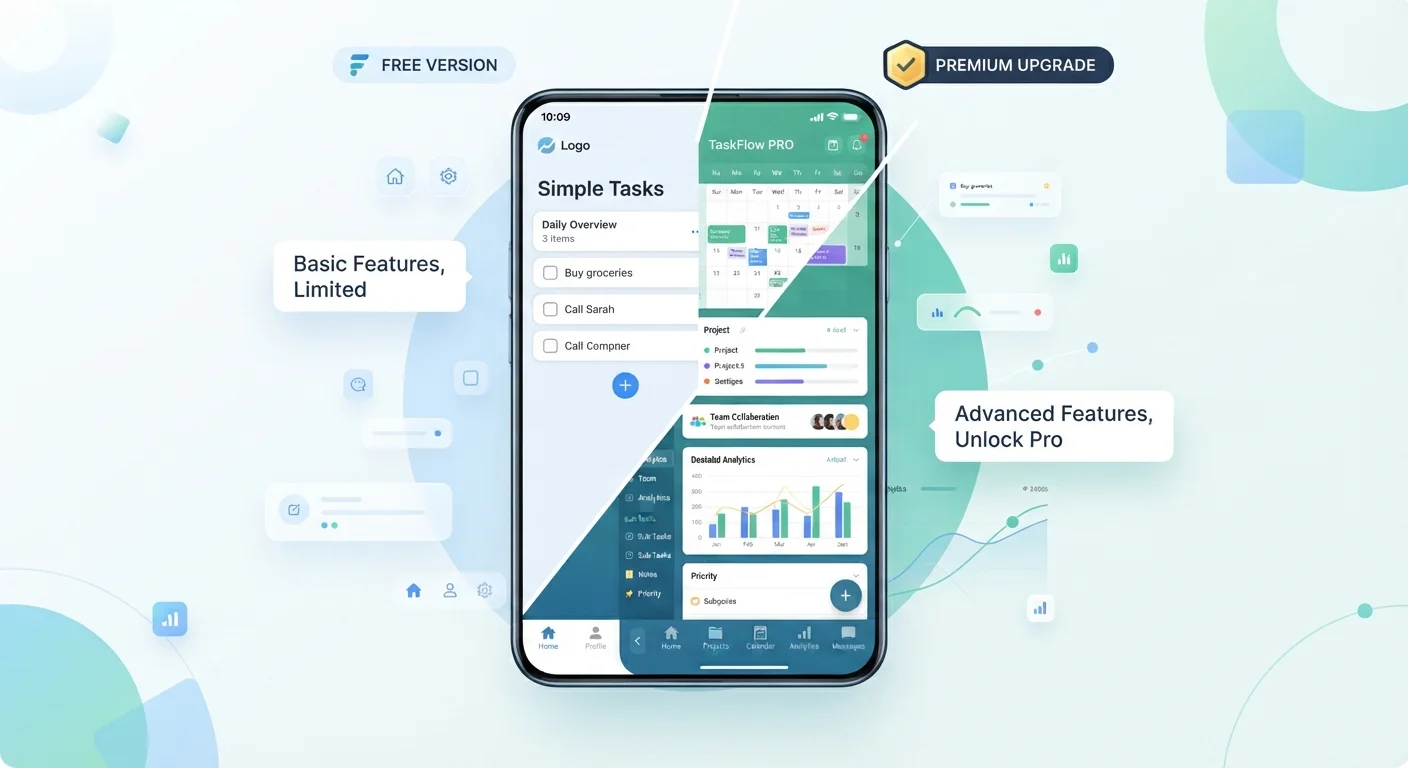
Freemium is a pricing model where an app is free to download and use at a basic level, but charges money to unlock additional features, remove ads, or increase usage limits. Most mobile apps today use some variation of this model. The goal is to let users experience the app before deciding whether to pay.
Freemium differs from a free trial: a trial gives full access for a limited time, while freemium permanently restricts certain features unless you upgrade.
The Three Pricing Structures You'll Encounter
App stores present pricing in ways that aren't always transparent at a glance. Before evaluating whether an upgrade is worthwhile, it helps to understand the three models most apps use.
Freemium is the most common structure. The app is free to download, and a subset of features is available at no charge. Additional functionality sits behind a paywall — either a subscription or a one-time in-app purchase. The free tier is deliberately designed to be functional enough to attract users but limited enough to encourage upgrades.
Subscription pricing charges you on a recurring cycle, typically monthly or annually. Annual plans usually offer a lower effective monthly rate, but require a larger upfront commitment. Critically, access ends the moment you stop paying — in some apps, this can restrict your ability to view content you created while subscribed.
One-time purchase (paid upfront or in-app unlock) is less common than it once was, but still exists. You pay once and retain access to that feature set indefinitely. The trade-off is that developers have less revenue incentive to maintain or update the app long-term.
When setting up a new phone, you'll encounter all three models across different app categories — knowing which is which helps you budget accordingly.
What Free Tiers Actually Cost You
Calling an app "free" describes what you pay in money, not what you give up in exchange. Free tiers are funded somehow, and the three most common mechanisms are advertising, data practices, and deliberate feature friction.
97%
Of App Store revenue from freemium apps
According to data cited by app market analysts, the vast majority of mobile app revenue comes from freemium models rather than paid-upfront downloads.
~5%
Of freemium users who convert to paid
Industry estimates consistently suggest that only a small fraction of free-tier users ever upgrade, which shapes how developers design their restriction strategies.
Advertising is the most visible cost. Banner ads and interstitials consume screen space and interrupt focus. In productivity apps, this friction is more disruptive than in casual games where interruptions are expected.
Data practices are less visible. Many free apps collect usage patterns, device information, and behavioral signals to support targeted advertising or analytics products. If this matters to you, check the app's privacy policy before installing — a habit covered in more detail in our guide on evaluating any new app before you install.
Feature friction is intentional design. Storage caps, export limits, file-size restrictions, and watermarks are not bugs — they are calculated constraints meant to illustrate the value of upgrading. Recognizing them as such helps you assess whether the limitation genuinely affects your use case.
Free Trials Are Time-Limited Full Access
Many paid apps offer a 7- or 14-day free trial of their premium tier. This is different from the permanent free tier — trials give you full feature access temporarily to demonstrate value before you commit. Set a calendar reminder before the trial ends if you're not certain you want to subscribe, since most trials auto-convert to paid plans unless canceled.
Evaluating Whether an Upgrade Is Worth It
The right question is not "is this app worth paying for?" but rather "does this specific upgrade solve a real problem I have regularly?"
“The best upgrade is one that removes a frustration you experience every single day. If you have to think hard about whether a feature limitation bothers you, it probably doesn't bother you enough to pay for.”
— Internet & Apps Editorial Team, Consumer technology editorial team
Start by identifying which free-tier limitations you actually encounter. If you've used an app for two weeks and haven't hit a paywall, the free tier is likely sufficient for your needs. If you find yourself working around a restriction daily — re-exporting files, watching ads between every task, or bumping into storage limits — the friction is real and a paid tier may be justified.
Next, calculate the actual annual cost. A $2.99/month subscription is $35.88 per year. Stack three or four of these and you're spending over $100 annually on apps. Treat subscriptions with the same scrutiny you'd apply to any recurring expense.
Finally, check whether a one-time unlock option exists before defaulting to a subscription. Some apps offer both, and if the feature set is stable rather than actively evolving, a one-time purchase may deliver more value over time.
Audit Your Subscriptions Quarterly
Set a reminder every three months to review every active app subscription on your account. Both iOS and Android provide a centralized subscriptions management screen in their respective settings menus. Cancel anything you haven't actively used since the last review — unused subscriptions are a reliable source of quiet, recurring waste.
For a broader look at how these decisions fit into your overall device setup, the differences between Android and iOS app ecosystems also affect which pricing models are available to you on each platform.