

Key Takeaways
- Desktops generally deliver more computing power per dollar than laptops at comparable price points.
- They are not portable - committing to a desktop means committing to one location.
- Upgrade flexibility is a major long-term advantage over laptops and tablets.
- Setup costs include the monitor, keyboard, and mouse, which are rarely bundled together.
- For home-based users with stable needs, a desktop can be a durable, cost-effective choice.
More performance per dollar than comparable laptops
Desktop components don't need to be miniaturized or thermally constrained the way laptop parts do, which generally translates to higher clock speeds and better sustained performance at the same price point.
Easier and more extensive upgrade options
Most towers allow you to add RAM, swap storage drives, or install a new graphics card without professional help. This extends the useful life of the machine significantly compared to sealed laptop designs.
Better thermal management for sustained workloads
Full-size cases can accommodate larger fans and airflow systems, meaning a desktop is less likely to slow itself down (a process called thermal throttling) during intensive tasks like video rendering or extended gaming sessions.
Monitor choice is yours - and can be upgraded independently
Because the display is separate, you can choose a screen that matches your exact needs - size, resolution, refresh rate - and replace it independently of the computer itself.
Generally longer useful lifespan
The combination of upgradability and better thermal performance means a desktop purchased today can often remain capable for seven to ten years with selective component upgrades, rather than a full replacement.
Completely stationary - no portability at all
A desktop cannot be moved from room to room conveniently, and taking it out of the home is not a practical option. For anyone whose work or study habits require flexibility, this is a fundamental constraint.
Requires purchasing peripherals separately
Most desktops ship without a monitor, keyboard, or mouse, meaning the true cost of setup is higher than the sticker price suggests. Budgeting for these extras is essential before comparing prices with all-in-one laptops.
Needs a dedicated physical space
Even compact desktop towers require a stable surface, cable management, and reasonably consistent access to power outlets. In small apartments or shared living spaces, finding suitable room can be a genuine challenge.
Power outages affect desktops immediately
Unlike a laptop, which runs on its internal battery during a power interruption, a desktop shuts off instantly unless connected to an uninterruptible power supply (UPS) - a separate accessory that adds cost and complexity.
Higher upfront complexity for first-time buyers
Selecting compatible components, setting up cables, and configuring peripherals can be daunting for users who've only owned laptops or tablets. The learning curve is real, even if manageable with guidance.
Our Verdict
Desktops remain a genuinely strong choice for users who work primarily from one location and want reliable performance over the long term. The trade-offs - fixed placement, setup complexity, and no built-in display - are real but manageable for the right household. Where desktops struggle is with anyone whose workflow or lifestyle demands mobility.
Home users, creative professionals, students with a dedicated workspace, and anyone who wants to upgrade hardware over time rather than replace devices every few years.
What Makes a Desktop Different in 2024
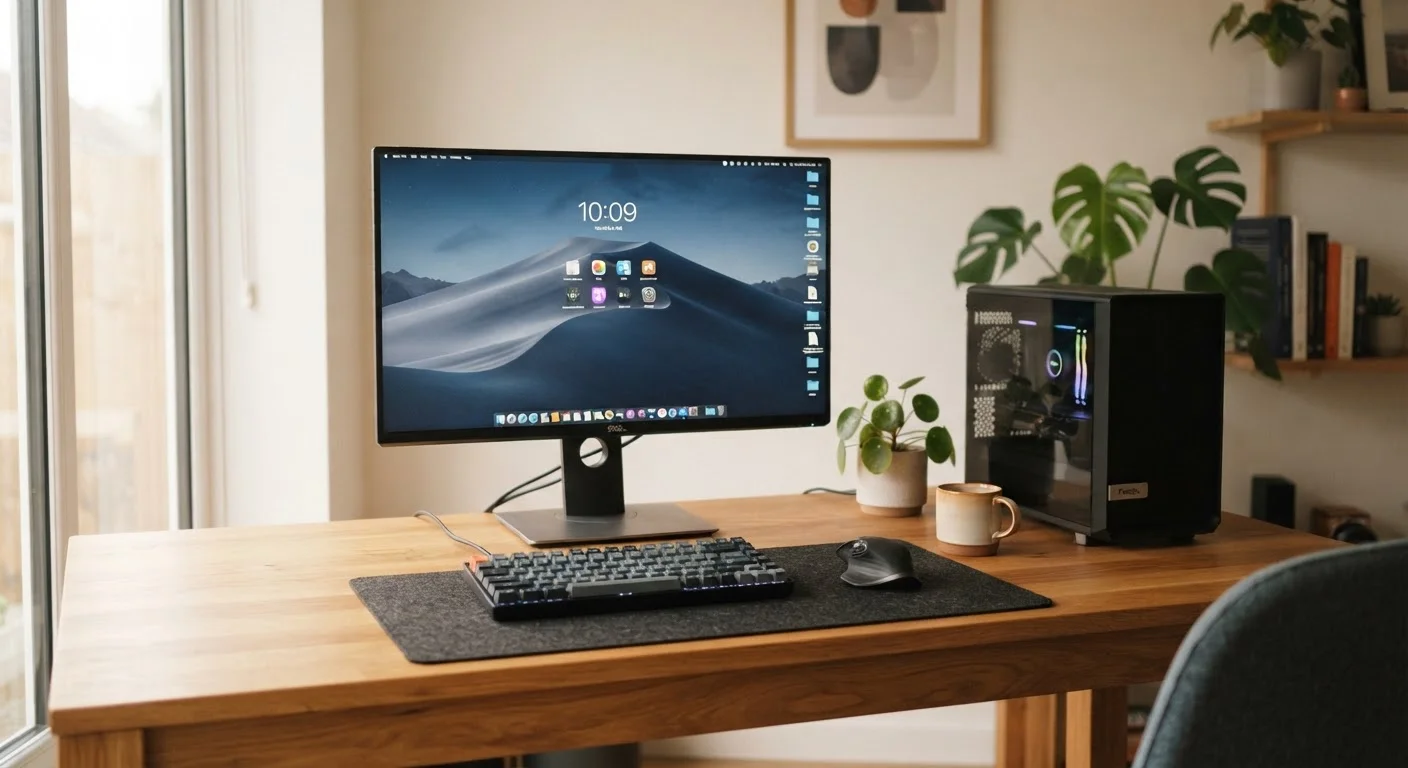
A desktop computer is a stationary system - the processor, memory, and storage live inside a separate tower or compact chassis, connected to a monitor, keyboard, and mouse that you supply. Unlike a laptop, nothing is self-contained, and unlike a tablet, there's no touchscreen or battery-powered portability.
That distinction shapes every advantage and every limitation on this list. If you're new to thinking through the decision, the complete starting point for new desktop buyers walks through the core hardware concepts before you dive in.
More performance per dollar than comparable laptops
Desktop components don't need to be miniaturized or thermally constrained the way laptop parts do, which generally translates to higher clock speeds and better sustained performance at the same price point.
Easier and more extensive upgrade options
Most towers allow you to add RAM, swap storage drives, or install a new graphics card without professional help. This extends the useful life of the machine significantly compared to sealed laptop designs.
Better thermal management for sustained workloads
Full-size cases can accommodate larger fans and airflow systems, meaning a desktop is less likely to slow itself down (a process called thermal throttling) during intensive tasks like video rendering or extended gaming sessions.
Monitor choice is yours - and can be upgraded independently
Because the display is separate, you can choose a screen that matches your exact needs - size, resolution, refresh rate - and replace it independently of the computer itself.
Generally longer useful lifespan
The combination of upgradability and better thermal performance means a desktop purchased today can often remain capable for seven to ten years with selective component upgrades, rather than a full replacement.
The Real Drawbacks Worth Knowing
No hardware category is without compromise, and desktops carry some genuine downsides that shouldn't be glossed over.
Completely stationary - no portability at all
A desktop cannot be moved from room to room conveniently, and taking it out of the home is not a practical option. For anyone whose work or study habits require flexibility, this is a fundamental constraint.
Requires purchasing peripherals separately
Most desktops ship without a monitor, keyboard, or mouse, meaning the true cost of setup is higher than the sticker price suggests. Budgeting for these extras is essential before comparing prices with all-in-one laptops.
Needs a dedicated physical space
Even compact desktop towers require a stable surface, cable management, and reasonably consistent access to power outlets. In small apartments or shared living spaces, finding suitable room can be a genuine challenge.
Power outages affect desktops immediately
Unlike a laptop, which runs on its internal battery during a power interruption, a desktop shuts off instantly unless connected to an uninterruptible power supply (UPS) - a separate accessory that adds cost and complexity.
Higher upfront complexity for first-time buyers
Selecting compatible components, setting up cables, and configuring peripherals can be daunting for users who've only owned laptops or tablets. The learning curve is real, even if manageable with guidance.
Before committing, it's worth running through a structured pre-purchase checklist that covers space, connectivity, and future needs.
How Desktops Compare to Laptops
The desktop-versus-laptop question comes down to how you actually use a computer day to day. Desktops win on raw performance per dollar and long-term upgradability. Laptops win on flexibility and portability. Neither is objectively superior - the right answer depends on your workflow and living situation.
~30%
Typical performance gap at equivalent price points
Industry hardware analysts have generally observed that desktops deliver roughly 20-30% more processing headroom than same-price laptops, owing to fewer thermal and size constraints on components.
7-10 years
Average useful lifespan with selective upgrades
Consumer technology research suggests that desktop computers, when upgraded incrementally, tend to remain in productive use significantly longer than the average laptop replacement cycle of 3-5 years.
One under-discussed factor is upgrade potential. Desktops allow you to swap out individual components - RAM, storage, and often the graphics card - as your needs grow. Laptops typically offer far fewer options. The upgrade paths for laptops versus desktops article covers the specifics in detail.
If you're weighing the broader decision, desktop vs. laptop - which one fits your life offers a practical framework for thinking it through. Users drawn to the laptop side may also find value in understanding the trade-offs between thin-and-light and performance laptops.
All-in-One Desktops Are a Middle Ground
All-in-one desktops (where the computer components are built directly into the monitor) reduce cable clutter and take up less space than a traditional tower-and-monitor setup. However, they typically offer fewer upgrade options and can be more expensive to repair, since components are tightly integrated. They're worth considering if space is limited but portability isn't a priority.
Who Should - and Shouldn't - Consider a Desktop
A desktop is a strong fit if your workspace is stable, you want sustained performance for tasks like video editing, gaming, or data work, or you plan to own the machine for five-plus years. It's also practical for households sharing one computer in a fixed room.
A desktop is harder to justify if you frequently move between locations, work in multiple rooms, travel regularly, or live in a small space where a permanent setup isn't realistic.
For a broader view of everything involved in desktop ownership - from choosing components to long-term maintenance - the complete consumer guide to desktop PCs pulls it all together in one place. And if you're already interested in improving what you own, the Computer Upgrades hub offers practical guidance on getting more out of existing hardware.