
Wired Ethernet vs Wi-Fi: When Going Wireless Costs You More Than Convenience

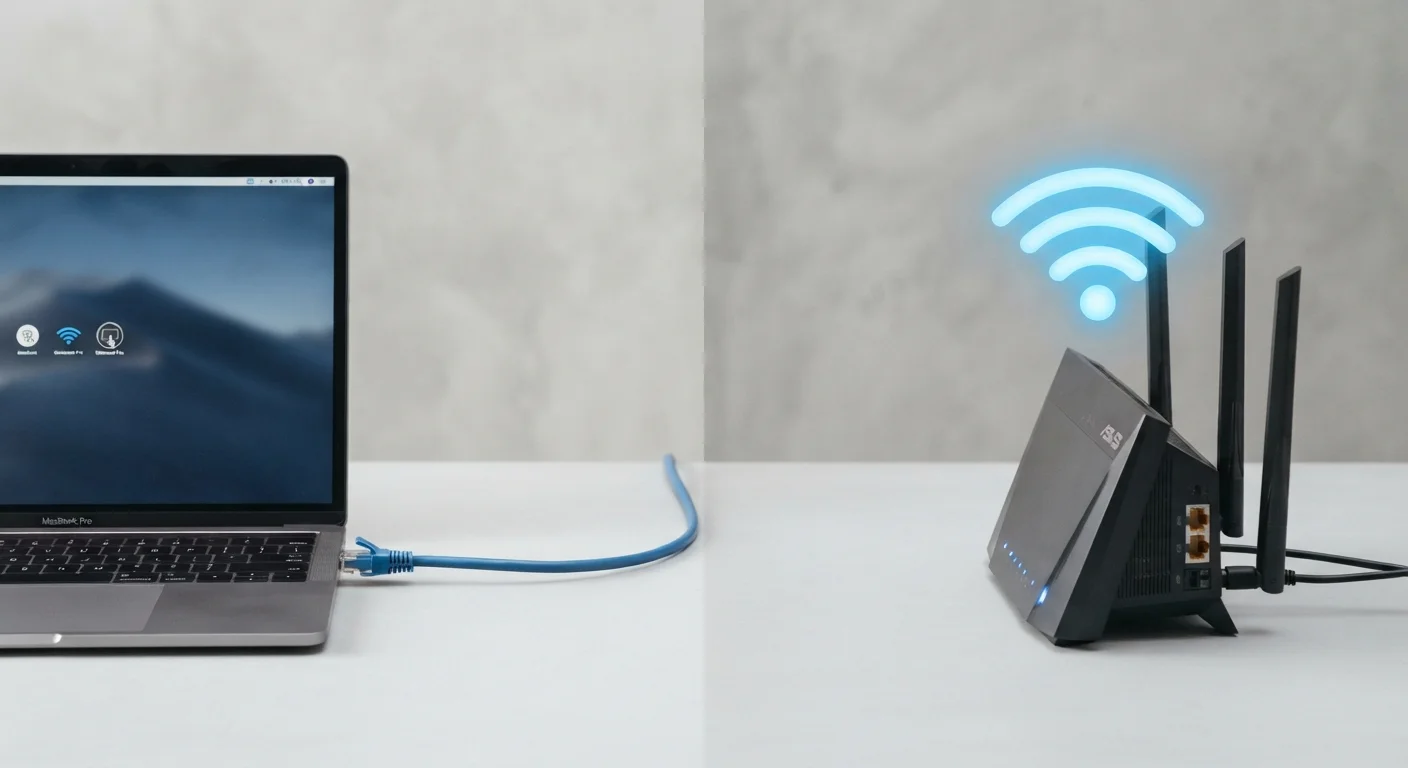
Key Takeaways
- Wired Ethernet consistently delivers lower latency and more stable throughput than Wi-Fi under real-world conditions.
- Wi-Fi interference from neighboring networks, walls, and appliances can meaningfully reduce effective speeds.
- Modern Wi-Fi 6 and Wi-Fi 7 standards close the speed gap but cannot fully eliminate the stability advantage of a physical cable.
- Ethernet installation costs time and effort upfront, but eliminates the ongoing troubleshooting Wi-Fi often demands.
- For stationary devices — desktops, smart TVs, game consoles — a wired connection is almost always the better technical choice.
Option A
Wired Ethernet
The dependable, high-performance foundation of home networking.
Best for: Users who demand consistent speeds, low latency, and rock-solid reliability — especially for gaming, video calls, or 4K streaming.
Option B
Wi-Fi
The flexible, cable-free connection built for modern mobile living.
Best for: Users who prioritize freedom of movement and multi-device convenience over peak performance.
If you work from home and rely on video conferencing daily
Wired Ethernet
Dropped frames and audio glitches during calls are often caused by Wi-Fi fluctuations. A wired connection eliminates that variable entirely.
If you game online and care about competitive response times
Wired Ethernet
Ethernet typically delivers latency under 5 ms on a local network, while Wi-Fi can introduce unpredictable spikes that affect gameplay.
If you need to connect smartphones, tablets, and laptops across a large home
Wi-Fi
Mobile devices don't have Ethernet ports, and running cables to every room isn't practical. A well-placed router or mesh system is the right answer.
If you rent your home or can't run cables through walls
Wi-Fi
Wi-Fi avoids the physical constraints of cable routing, making it the only realistic option in many living situations.
If you stream 4K content or run a NAS (network-attached storage) device
Wired Ethernet
High-bandwidth, sustained data transfers benefit significantly from the consistent throughput that Ethernet provides over wireless connections.
Speed and Throughput: What the Numbers Actually Mean
Router packaging and ISP marketing love to quote theoretical maximum speeds. In practice, neither Ethernet nor Wi-Fi delivers those figures consistently — but the gap between them matters.
A Gigabit Ethernet connection (the standard on most modern routers and computers) delivers up to 1,000 Mbps with near-zero signal degradation over runs up to 100 meters. That ceiling is effectively constant regardless of what else is happening on your network.
Wi-Fi, by contrast, is a shared radio medium. Advertised speeds on Wi-Fi 5 (802.11ac), Wi-Fi 6 (802.11ax), and Wi-Fi 7 (802.11be) routers represent best-case figures in ideal conditions — one device, close to the router, zero interference. Real-world speeds are typically 40–60% of that maximum once walls, distance, and competing signals enter the picture. For a deeper look at what the latest wireless standards actually deliver in practice, see our breakdown of Wi-Fi 6 and Wi-Fi 7 trade-offs.
| Criterion | Wired Ethernet | Wi-Fi |
|---|---|---|
| Typical max throughput | 1 Gbps (standard); 2.5–10 Gbps (higher-end) | Varies; often 40–60% of advertised max |
| Latency (local network) | Under 5 ms, consistent | 5–50+ ms, variable |
| Interference susceptibility | None | High — walls, appliances, neighboring networks |
| Setup effort | Moderate to high — cable routing required | Low — plug in router, connect devices |
| Device mobility | None — physical tether required | Full — move freely within range |
| Ongoing reliability | Very high — stable and predictable | Moderate — subject to environmental changes |
| Best suited for | Desktops, consoles, smart TVs, NAS | Phones, tablets, laptops, smart home devices |
Latency, Stability, and the Hidden Cost of Wireless
Speed gets the headlines, but latency — the time it takes for a data packet to travel from your device to its destination and back — is what determines whether your video call feels smooth or choppy, and whether your online game responds instantly or lags.
Ethernet latency on a local network is typically measured in single-digit milliseconds. Wi-Fi adds overhead at the radio layer, and that overhead fluctuates. A momentary surge in interference from a neighbor's network, a microwave running in the kitchen, or simply too many devices contending for airtime can push Wi-Fi latency into the tens or even hundreds of milliseconds unpredictably.
Stability is the less-discussed cousin of speed. Even when average Wi-Fi throughput looks acceptable, jitter — variation in packet delivery timing — can disrupt applications that depend on consistent data flow. Voice calls, video conferencing, and real-time gaming are all sensitive to jitter in ways that casual browsing and social media scrolling are not.
40–60%
Typical real-world Wi-Fi speed vs. advertised maximum
Environmental factors including wall attenuation, device distance, and spectrum congestion consistently reduce effective Wi-Fi throughput below stated figures.
<5 ms
Typical Ethernet local network latency
Gigabit Ethernet connections on a local network routinely achieve sub-5 ms round-trip times, a figure Wi-Fi connections rarely match consistently.
100 m
Maximum reliable Ethernet cable run (Cat5e or higher)
Standard Ethernet specifications support cable runs up to 100 meters without signal degradation, covering the vast majority of residential floor plans.
For devices that sit in one place — a desktop PC, a smart TV, a gaming console — the case for running a cable is straightforward. The performance advantage of Ethernet over Wi-Fi for stationary devices is well-documented across networking literature.
Setup, Practicality, and When Wi-Fi Is the Right Answer
Acknowledging Ethernet's technical advantages is not the same as recommending it universally. Cable management is a real constraint.
Running Ethernet through walls requires either existing cable channels, a willingness to drill, or the help of a professional installer. In apartments, rentals, or older homes without structured wiring, that simply isn't feasible. In those environments, Wi-Fi isn't a compromise — it's the appropriate solution.
Wi-Fi also remains the only practical option for smartphones, tablets, and laptops that move around the home. No amount of Ethernet cable replaces wireless mobility for these devices. If whole-home coverage is the priority rather than peak performance, the decision between a single router and a mesh system becomes more relevant than the wired-versus-wireless question itself. Our comparison of single router vs mesh network setups covers that trade-off in detail.
A hybrid approach — Ethernet for stationary, high-demand devices; Wi-Fi for mobile devices — is what many networking professionals consider the practical ideal for a well-designed home network. This doesn't require wiring every room; even a single Ethernet drop to a desk where a work computer or gaming console lives can meaningfully improve the experience. See the Home Networking hub for guidance on planning your setup.
For further context on resolving connectivity issues that arise regardless of which connection type you use, the Network & Connectivity troubleshooting hub offers practical diagnostic guidance.