

Key Takeaways
- A mobile hotspot rebroadcasts your phone's cellular data as a local Wi-Fi network.
- Hotspot speed is determined by your carrier plan, signal strength, and connected device count.
- Running a hotspot is one of the fastest ways to drain a smartphone battery.
- Carrier plans often throttle hotspot data separately from your main data allowance.
- Several built-in settings can meaningfully extend session life and improve security.
What a Mobile Hotspot Actually Is
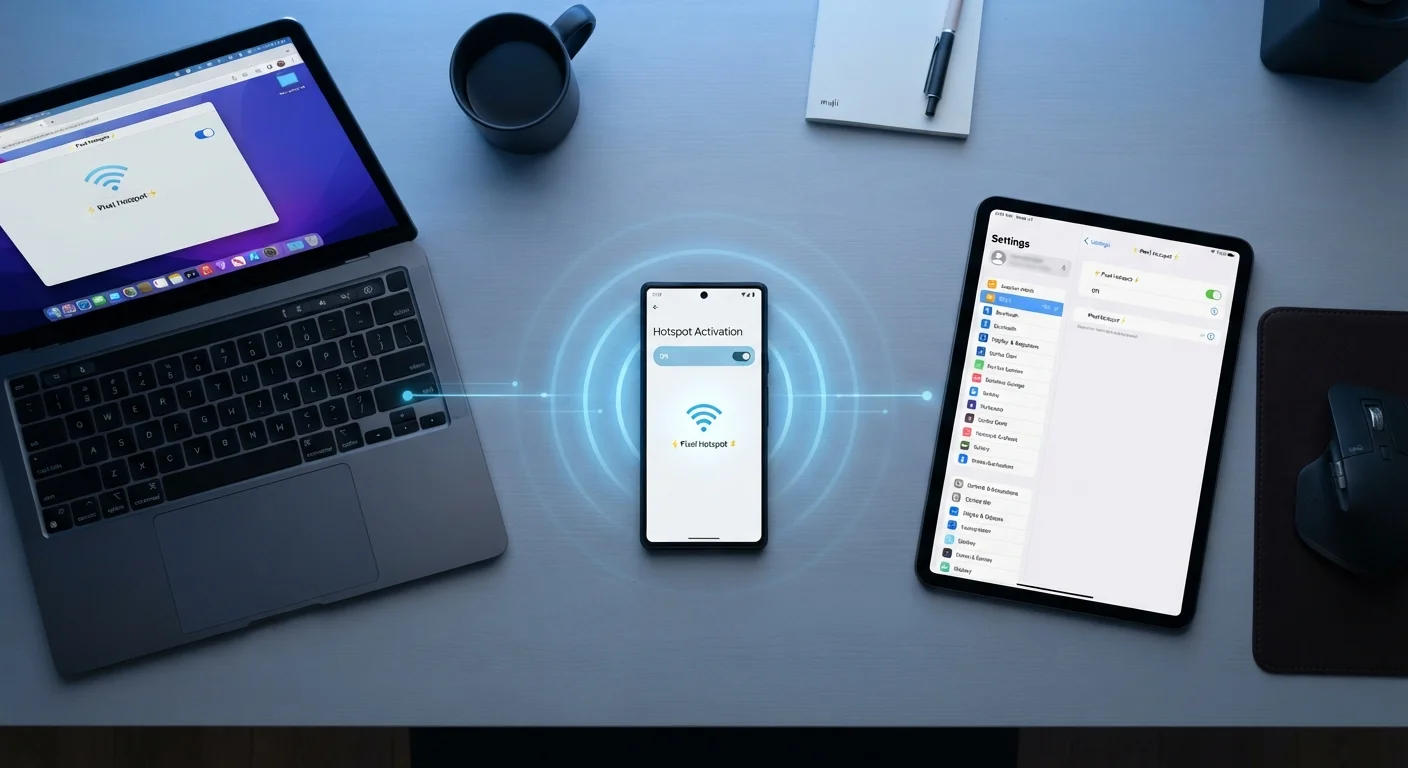
A mobile hotspot is a feature built into virtually every modern smartphone that lets the device share its cellular internet connection with other devices — laptops, tablets, smart TVs, or even another phone — over a short-range Wi-Fi signal. The phone acts as both a modem (receiving data from the cell tower) and a wireless router (distributing that connection locally).
Dedicated hotspot devices exist too — sometimes called MiFi devices or portable routers — but most consumers use the hotspot function built into their existing smartphone. To understand the Wi-Fi side of this, our Wi-Fi explainer covers exactly what happens when a device connects to any wireless network.
How a Hotspot Works Under the Hood
When you enable hotspot mode, your phone performs a two-step job simultaneously. First, it maintains an active cellular data connection to a nearby tower using your carrier's network — 4G LTE or 5G, depending on coverage. Second, it creates a small, independent Wi-Fi access point that nearby devices can join with a password.
Data requested by connected devices travels: connected device → phone's Wi-Fi radio → phone's cellular modem → carrier network → internet. Every packet makes that round trip in reverse. This is fundamentally different from a home broadband setup; for a deeper comparison, see our home networking guide.
Understanding the distinction between bandwidth, latency, and throughput helps set accurate expectations for a hotspot session. This plain-language breakdown explains all three without jargon.
50 GB
Typical premium-plan hotspot data cap
Many major US carrier unlimited plans cap full-speed hotspot data between 15 GB and 50 GB before throttling kicks in.
2–3×
Battery drain multiplier while hotspotting
Running simultaneous cellular and Wi-Fi radios roughly doubles or triples normal battery consumption during active hotspot use.
10
Typical max simultaneous connected devices
Most smartphones support up to 10 connected devices in hotspot mode, though performance degrades significantly above 3–5 active connections.
When to Use a Hotspot — and When Not To
Hotspots are genuinely useful in a handful of scenarios: working from a location without reliable Wi-Fi, keeping a laptop online during travel, or providing temporary connectivity during a home internet outage. They're a reliable backup, not a permanent replacement for fixed broadband.
Public Wi-Fi is the obvious alternative when available, but it carries real risks. Understand what threats exist on open networks before deciding between a café's Wi-Fi and your own hotspot. A personal hotspot — password protected and controlled by you — is meaningfully more private than most public networks.
Hotspot Data Is Usually Capped Separately
Even on so-called "unlimited" plans, hotspot (tethering) data is almost always subject to its own, lower data cap — separate from the data your phone uses directly. Once that cap is reached, hotspot speeds are typically throttled to 600 Kbps or lower. Always verify your plan's specific hotspot allowance before relying on it for work or travel.
What Affects Hotspot Speed
Several variables interact to determine how fast your hotspot actually performs:
- Network generation: A 5G connection can theoretically deliver multi-gigabit speeds; a congested 4G LTE signal may feel closer to home broadband from a decade ago. Real-world performance sits well below theoretical maximums in both cases.
- Signal strength: One or two bars of LTE will produce noticeably slower, less stable speeds than a strong 5G signal, regardless of your plan.
- Carrier throttling: Most plans allocate a finite amount of full-speed hotspot data — commonly 15 GB to 50 GB — before throttling hotspot traffic to lower speeds, even if your main data remains unthrottled. Check your plan's fine print carefully.
- Connected device count: Each additional device splits available bandwidth. Streaming video on three devices simultaneously will saturate most hotspot connections.
Check your carrier's fine print on hotspot data specifically — it's almost always a separate, lower allowance than your main data bucket, and it throttles independently.
Consumers frequently assume their unlimited plan covers unlimited hotspot use at full speed, leading to surprise slowdowns mid-session.
If you're connecting a single laptop, use USB tethering instead of Wi-Fi hotspot — it's faster, more stable, and dramatically easier on your battery.
USB tethering bypasses the Wi-Fi radio entirely, reducing the number of active radios and heat generated during extended sessions.
Battery and Data Impact
Running a hotspot is one of the most power-intensive things a smartphone can do. The device is simultaneously running two radios — the cellular modem and the Wi-Fi transmitter — while managing network traffic. In practical terms, expect battery drain roughly two to three times faster than normal screen-on usage during an active hotspot session.
Data consumption is another consideration. Activity on connected devices counts against your cellular plan, not the connected device's own plan. A laptop automatically downloading system updates or syncing large files in the background can consume several gigabytes in minutes without any visible indication.
Monitor Background Data on Connected Devices
Before starting a hotspot session, disable automatic updates and cloud backups on any connected laptop or tablet. Operating system updates alone can consume 3–5 GB without prompting. On Windows, setting the hotspot connection as a 'Metered Connection' instructs the OS to pause non-essential downloads automatically.
Hidden Settings Worth Using
Both Android and iOS include hotspot configuration options that most users never touch. The following are worth knowing:
- Band selection (2.4 GHz vs. 5 GHz)
- The 5 GHz band delivers faster speeds over short distances with less interference. The 2.4 GHz band has greater range but slower throughput. Many phones default to 2.4 GHz for compatibility; switching to 5 GHz on modern devices and nearby clients can noticeably improve performance.
- Auto-shutoff / idle timeout
- Most phones allow you to configure how long the hotspot stays active when no devices are connected. Enabling a short timeout (one to five minutes) prevents accidental all-day broadcasts that drain the battery.
- Maximum connected devices
- Limiting connections reduces load and prevents unauthorized devices from joining if your password was shared previously.
- USB and Bluetooth tethering
- Connecting a laptop via USB transfers data without using the Wi-Fi radio, reducing battery drain and providing a more stable connection — particularly useful for extended work sessions.
For a broader look at data-related phone settings, this practical rundown covers network mode toggles, data saver options, and more. You can also explore the full 5G and mobile data hub for related topics.
Wi-Fi Basics Hub
Core concepts behind home and public Wi-Fi networks explained simply — a useful companion when understanding how hotspot connections differ from router-based Wi-Fi.
Mobile Data Settings Guide
A practical rundown of data-related smartphone settings most people ignore, including network mode toggles, data saver options, and roaming controls that also affect hotspot performance.
Carrier Plan Comparison Tool
Use your carrier's official plan comparison page to check the specific hotspot data allotment on your current plan — this figure is often buried in fine print.