

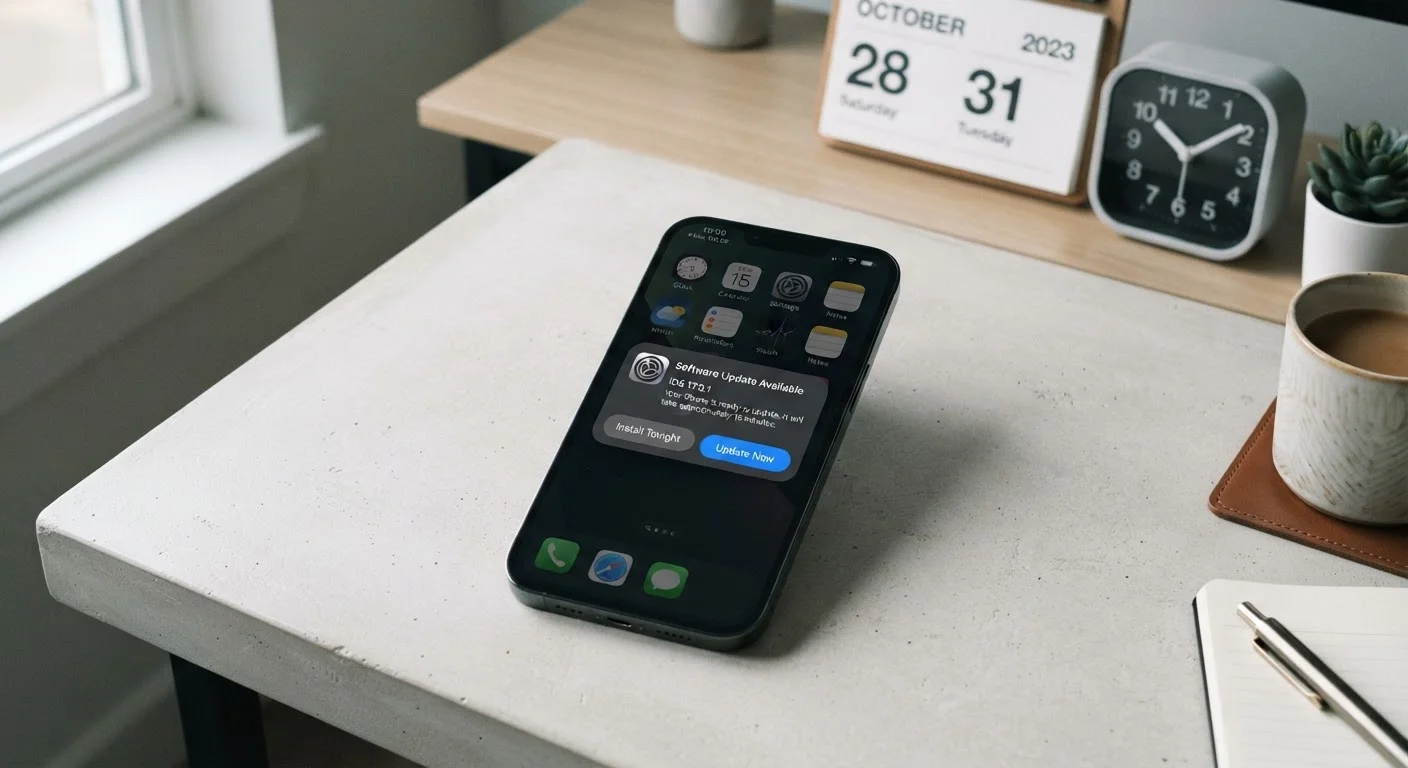
Key Takeaways
- A phone's support cycle — not its hardware — often determines when it becomes a security liability.
- OS update guarantees and security patch windows are two separate commitments with different end dates.
- Longer support windows directly translate to a longer period of safe, fully functional daily use.
- After the support window closes, a phone doesn't stop working, but it does stop being defended.
- Checking a manufacturer's stated support policy before purchasing is a practical way to assess long-term value.
Software Support Cycle
A software support cycle is the period during which a phone manufacturer commits to delivering operating system (OS) updates and security patches to a device. Once that window closes, the phone stops receiving official fixes for newly discovered vulnerabilities and no longer gains access to new OS features. The length of this cycle is one of the clearest indicators of how long a phone will remain genuinely usable.
Support cycles are typically divided into two tracks: major OS version upgrades (e.g., Android 14 to 15) and security patch updates, which address specific vulnerabilities and can continue even after OS upgrades end.
What a Support Cycle Actually Covers
When a manufacturer sells a phone, they're also implicitly selling a service: the commitment to keep that device's software current. This commitment breaks down into two distinct tracks.
OS upgrades move the phone from one major platform version to the next — for example, from one Android release to the following year's version. These bring new features, interface changes, and compatibility with newer apps.
Security patches are a separate, more frequent stream of updates targeting specific vulnerabilities discovered in the OS, chipset firmware, or core system components. These patches can arrive monthly and are the last line of software defense even after OS upgrades stop.
Both tracks matter, but they matter differently. OS upgrades affect functionality and app compatibility. Security patches affect whether the device is actively defended against known threats. A phone can be years behind on OS versions and still receive security patches — but once both stop, the device is fully unsupported.
Security Patches vs. OS Upgrades: Not the Same Thing
It's common to conflate OS upgrades with security patches, but they serve different purposes. An OS upgrade moves the device to a new platform version with new features. A security patch fixes specific, known vulnerabilities in the existing OS without changing its version. Some manufacturers continue monthly security patches for a year or more after OS upgrades stop — always check both commitments separately.
Why the Length of the Window Matters So Much
A phone that receives five years of security patches is a fundamentally different long-term proposition than one that receives two. This isn't just about features — it's about the practical safety floor of the device.
Security researchers continuously discover vulnerabilities in mobile operating systems and the underlying software layers. Manufacturers work with chipset suppliers and platform developers to patch these flaws. The moment a device falls out of the support window, discovered vulnerabilities simply go unaddressed on that hardware.
3–4 years
Average smartphone ownership period in the US
Consumer research consistently suggests US smartphone users keep devices for three to four years before upgrading, making support window length a practical daily-use concern.
2–3 years
Typical OS upgrade window (entry-level Android)
Many entry-level and mid-range Android devices have historically received two to three major OS version upgrades, often falling short of average ownership periods.
Up to 7 years
Maximum OS support now offered by some manufacturers
Several manufacturers have extended flagship support commitments to seven years of OS and security updates, a significant shift from the two-to-three-year norm of earlier generations.
For users who keep phones for three or four years — which many consumers do, particularly at higher price points — the support window determines whether the final year or two of ownership is safe or risky. A phone bought expecting four years of use, but supported for only two, spends half its life as a liability rather than an asset.
This also intersects with app longevity. Developers typically build apps to target current and recent OS versions. A phone stuck on a platform version from three years ago may find that key apps begin requiring newer OS versions than the hardware can reach.
How Support Cycles Vary Across the Market
Support commitments are not standardized across the industry. Different manufacturers make different pledges, and those pledges have shifted meaningfully over time — generally toward longer windows, particularly in the premium segment.
Some Android manufacturers now publicly commit to a set number of OS upgrades and a separate, often longer, security patch period. Others publish policies that vary by device tier, with flagship models receiving more generous treatment than entry-level handsets. The iPhone platform has historically offered longer de facto support windows for older hardware, though the specifics of what any given model receives changes with each new iOS release cycle.
The important consumer takeaway is that stated support policy is a searchable, verifiable specification — just like screen resolution or battery capacity. It belongs in any serious evaluation of a device's long-term value. Understanding the full cost of a shorter support window can change how you assess seemingly similar devices at similar price points.
Check the Support Policy Before You Buy
Most major manufacturers publish their software support commitments publicly, either on their product pages or in support documentation. Look for two specific numbers: how many years of OS upgrades are promised, and how many years of security patches. If a device's support window ends before you plan to replace it, factor that gap into your decision.
It's also worth noting that software longevity interacts with hardware habits. Everyday habits that quietly degrade your phone — such as ignoring available updates — can compound the problem, leaving a device both physically worn and software-vulnerable sooner than necessary.
Making Support Cycles Work for You
Treating a phone's stated support window as a hard expiration date is a practical approach. It sets a realistic expectation for when a device transitions from a maintained tool to legacy hardware.
Before the window closes, it's reasonable to audit which apps and services you depend on most, and check whether they continue to function on your current OS version. This gives advance warning of whether a hardware upgrade is becoming necessary for functional, not just security, reasons.
After the support window closes, the calculus shifts. The phone doesn't become useless overnight, but the risk profile changes. Limiting sensitive activity — banking apps, work email, password management — on an unsupported device is a reasonable precaution.
For those who prefer to keep devices running as long as possible, choosing hardware with a generous upfront support commitment is one of the most durable ways to maximize the useful life of any phone. The same logic that applies to extending the useful life of a laptop — understanding the platform's long-term trajectory — applies directly to mobile hardware decisions.