

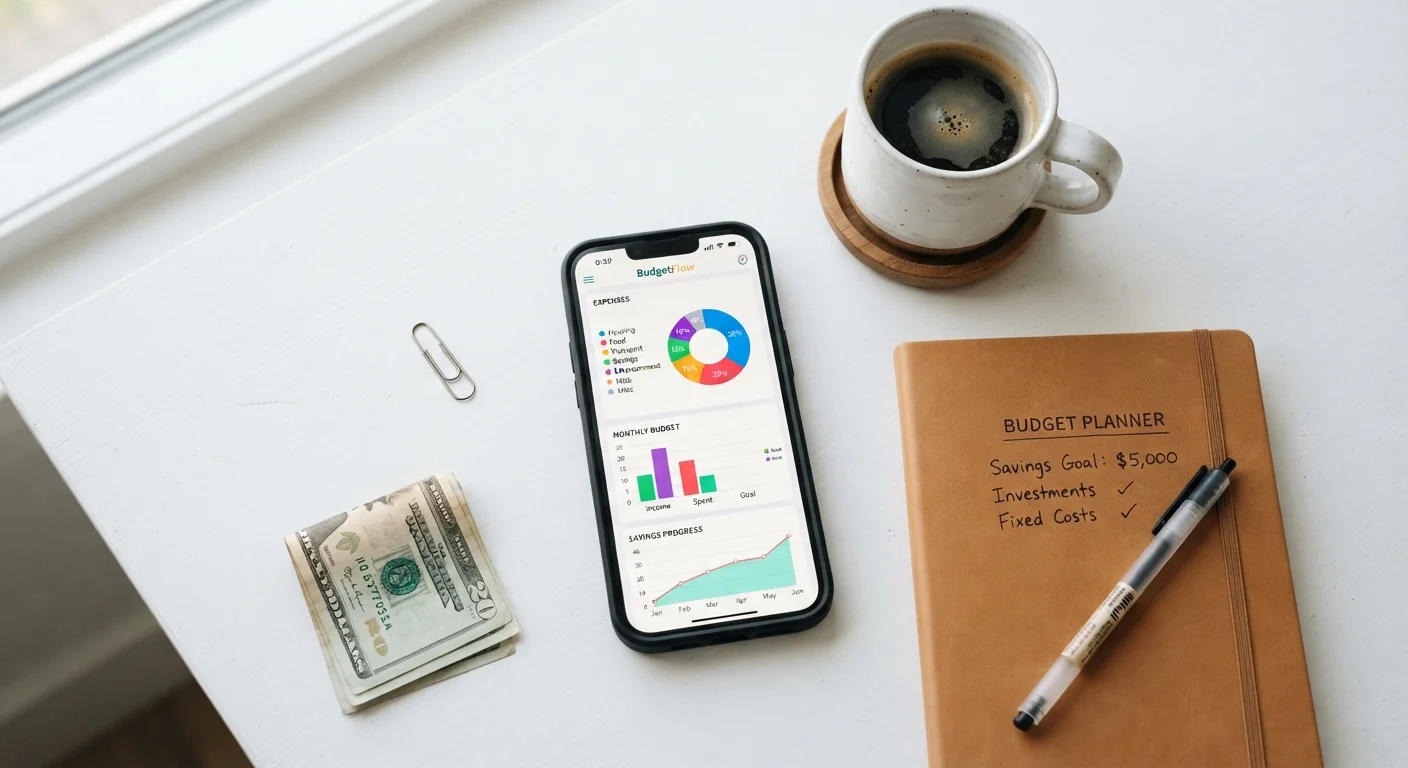
Key Takeaways
- Budgeting apps are most effective when paired with a genuine intention to review spending regularly.
- Most apps can track and categorize expenses automatically, but they cannot make decisions for you.
- Data security varies widely — always check what permissions an app requests before connecting bank accounts.
- Free tiers often cover core tracking needs; premium upgrades rarely change financial outcomes on their own.
- Apps work best as one layer of a broader financial habit, not as a standalone solution.
Surfaces spending patterns quickly and clearly
Automatic transaction import and categorization makes it easy to see, at a glance, where money is actually going — often revealing patterns that manual review would miss.
Reduces friction in financial check-ins
Because the data is aggregated and visualized for you, the barrier to reviewing your finances drops significantly, making consistent monitoring realistic rather than aspirational.
Bill reminders reduce costly missed payments
Built-in due-date alerts for recurring bills help users avoid late fees, which can add up meaningfully over time even on small accounts.
Free tiers cover most core tracking needs
The majority of useful budgeting functionality — transaction import, basic categorization, spending summaries — is available without a paid subscription on most platforms.
Supports goal-setting with visual accountability
Progress bars, category limits, and monthly summaries give abstract financial goals a concrete, trackable form that many people find motivating.
Automatic categorization is frequently inaccurate
Irregular merchants, subscription bundles, and split purchases often land in wrong categories, requiring manual correction to keep the data reliable.
Insight alone does not change behavior
An app can show you that you're overspending, but it cannot make the decision to cut back — that requires deliberate action the app cannot take on your behalf.
Connecting accounts introduces privacy tradeoffs
Third-party data aggregators vary in their security standards and data-sharing practices; free-tier apps in particular may monetize user data in ways not immediately obvious.
No substitute for personalized financial advice
Complex situations — significant debt, major life transitions, tax planning — require human judgment that no algorithm-driven app is equipped to provide.
Subscription costs add up if left unreviewed
Many apps offer free trials that roll into paid plans; without an active review habit, users may continue paying for a tool they rarely open.
Our Verdict
Money management apps genuinely help you see where your money goes, catch patterns you'd otherwise miss, and stay accountable between paychecks. They cannot substitute for financial judgment, emergency savings, or professional advice when your situation is complex. Used consistently and critically, they earn their place on your phone.
Anyone who wants clearer visibility into their day-to-day spending and is prepared to act on what they find.
What Money Management Apps Actually Do
At their core, budgeting and expense-tracking apps do three things: they aggregate financial data from accounts you connect, categorize transactions automatically, and display that data in dashboards designed to make patterns visible. Some go further, letting you set spending limits by category, schedule bill reminders, or project cash flow across a pay period.
The genuine value here is speed and visibility. Manually reconciling a checking account against a spreadsheet takes time most people don't spend. An app that imports and sorts two weeks of transactions in seconds removes that friction — which means you're far more likely to actually look at the data.
These apps fit into the broader category of tools worth having on your phone, alongside notes, navigation, and communication. See The Everyday App Categories Worth Filling First for a sense of where money management fits in a well-organized app stack.
Surfaces spending patterns quickly and clearly
Automatic transaction import and categorization makes it easy to see, at a glance, where money is actually going — often revealing patterns that manual review would miss.
Reduces friction in financial check-ins
Because the data is aggregated and visualized for you, the barrier to reviewing your finances drops significantly, making consistent monitoring realistic rather than aspirational.
Bill reminders reduce costly missed payments
Built-in due-date alerts for recurring bills help users avoid late fees, which can add up meaningfully over time even on small accounts.
Free tiers cover most core tracking needs
The majority of useful budgeting functionality — transaction import, basic categorization, spending summaries — is available without a paid subscription on most platforms.
Supports goal-setting with visual accountability
Progress bars, category limits, and monthly summaries give abstract financial goals a concrete, trackable form that many people find motivating.
Where These Apps Fall Short
The limitations are real and worth understanding before you connect a bank account. First, automatic categorization is imperfect — subscription services, irregular income, and split transactions regularly land in the wrong bucket. Left uncorrected, miscategorized data gives you a distorted picture of your habits.
Second, an app that shows you overspending on dining out does nothing unless you change your behavior. The insight is only as useful as the decision it prompts. This mirrors a broader pattern with productivity tools: downloading an app is the easy part. Why Productivity Apps Fail Most People Who Download Them explores exactly why the gap between installing a tool and using it effectively is wider than it looks.
Third, these apps are not financial advisors. They cannot evaluate whether your current savings rate is appropriate for your age and circumstances, flag tax implications, or help you navigate debt repayment strategies in a personalized way.
Automatic categorization is frequently inaccurate
Irregular merchants, subscription bundles, and split purchases often land in wrong categories, requiring manual correction to keep the data reliable.
Insight alone does not change behavior
An app can show you that you're overspending, but it cannot make the decision to cut back — that requires deliberate action the app cannot take on your behalf.
Connecting accounts introduces privacy tradeoffs
Third-party data aggregators vary in their security standards and data-sharing practices; free-tier apps in particular may monetize user data in ways not immediately obvious.
No substitute for personalized financial advice
Complex situations — significant debt, major life transitions, tax planning — require human judgment that no algorithm-driven app is equipped to provide.
Subscription costs add up if left unreviewed
Many apps offer free trials that roll into paid plans; without an active review habit, users may continue paying for a tool they rarely open.
Security and Privacy: What to Weigh Before Connecting Accounts
Most money management apps connect to financial institutions through read-only data aggregators. This means the app can see your transaction history but theoretically cannot initiate transfers. That said, granting any third party access to financial account credentials carries inherent risk, and the level of encryption, data retention policies, and breach response plans varies between providers.
Before connecting an account, review what the app requests: Does it need read-only access or full credentials? Does it store your login details, or does it use a tokenized handshake through your bank? Check the privacy policy for language about selling or sharing data with advertisers — this is more common in free-tier apps than many users realize.
Read-Only Access Explained
When a budgeting app says it uses "read-only" bank access, it means the app can view your transaction history and balances but cannot move money or make changes to your account. This access is typically granted through a data aggregator that sits between the app and your bank. Even so, you should review the app's privacy policy and check whether your bank offers a direct, tokenized connection option rather than requiring you to share your full login credentials.
If you prefer not to link accounts directly, many apps support manual transaction entry or CSV imports from your bank's export feature. You lose the automation benefit, but you retain full control over what data leaves your devices.
Building Habits That Make the App Worth Keeping
An app you check once and forget delivers nothing. The ones that actually shift financial behavior tend to share a common pattern: users set a specific, short review window — often ten minutes on Sunday evening — to scan the week's transactions, correct any miscategorizations, and compare spending against their stated limits.
Pairing this review habit with a simple goal makes it more durable. Rather than a vague aim to "spend less," a concrete category target (say, keeping discretionary food spending under a set amount per week) gives the app's alerts real meaning.
As your app collection grows, it's worth auditing periodically to make sure each tool is genuinely earning its place. Keeping Your Phone Organised Without Drowning in Downloads offers a practical framework for that kind of audit.
~60%
Adults without a formal monthly budget
Gallup surveys have consistently found that a majority of American adults do not maintain a detailed household budget, suggesting significant room for structured tracking tools.
3–5 min
Typical daily app engagement for active users
Research on personal finance app usage patterns suggests that effective users tend to engage briefly but consistently, rather than in long infrequent sessions.