

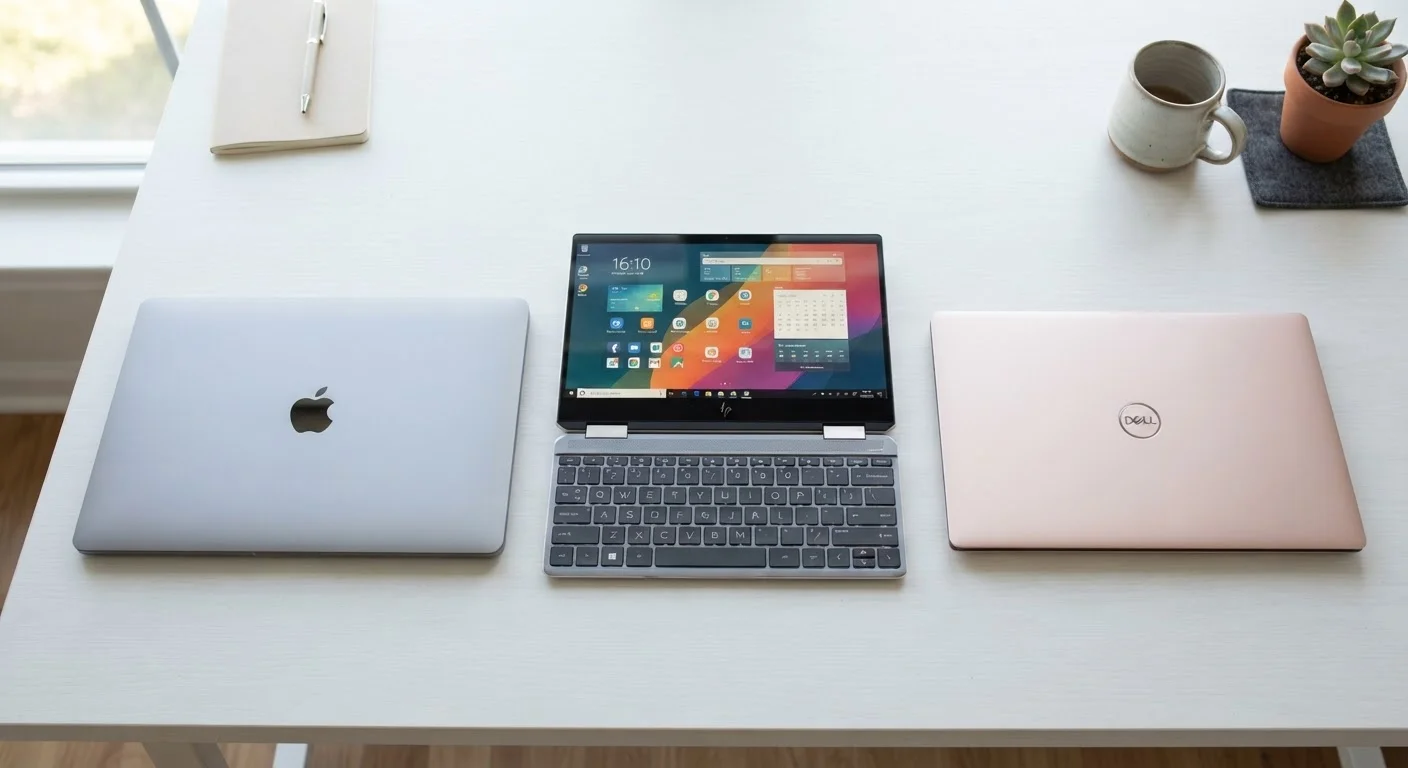
Key Takeaways
- Clamshell laptops are the most common design and suit most everyday users well.
- 2-in-1 convertibles fold 360° or detach entirely, doubling as a tablet.
- Ultrabooks are slim clamshells optimized for portability, not a separate form factor.
- Rugged laptops sacrifice thinness for durability in demanding environments.
- The right form factor depends on how and where you actually plan to use the device.
Laptop Form Factor
A laptop's form factor describes its physical design - how it's shaped, how it opens, and whether it can fold or detach. Different form factors affect portability, screen interaction, keyboard usability, and overall versatility. Choosing the right form factor is just as important as picking the right processor or amount of RAM.
Form factor is distinct from chassis size (screen diagonal) or weight class (ultrabook vs. standard); a single form factor category can span multiple sizes and weight tiers.
The Clamshell: The Baseline Design
When most people picture a laptop, they're picturing a clamshell. It has two panels connected by a hinge: a display on top and a keyboard with a trackpad on the bottom. You open it, use it, close it. Simple.
Clamshells are the dominant form factor for a reason. They offer a stable typing surface, a straightforward design, and typically the widest range of options across screen sizes, performance tiers, and price points. If you're using a laptop mainly for web browsing, writing, video calls, and streaming, a clamshell almost certainly meets your needs without compromise.
The main limitation is rigidity - the screen stays at a fixed angle relative to the keyboard, and there's no touch or stylus interaction in most models. That's rarely a problem for everyday computing, but it matters if you want to sketch, annotate documents by hand, or use the screen like a tablet.
Match the Form Factor to Your Real Habits
Before choosing a form factor, think about where you actually use a laptop - at a desk, on a couch, in transit, outdoors. Most people overestimate how much they'll use tablet or tent modes on a 2-in-1. If you don't already have a habit of sketching or reading on a tablet, a standard clamshell will likely serve you better at a lower cost.
Ultrabooks: Slim Clamshells, Not a Separate Category
You'll often see laptops marketed as ultrabooks or thin-and-light laptops. These are still clamshells - the distinction is in dimensions and weight rather than a fundamentally different design philosophy.
Ultrabooks typically weigh under three pounds and measure less than 0.7 inches thick. They prioritize battery life and portability, often trading some thermal headroom (the space for cooling hardware) for a slimmer chassis. That tradeoff means they may not match thicker laptops in sustained performance during intensive tasks like video rendering, but for most daily work, the difference is negligible.
Understanding what's inside matters as much as the form factor itself. Our guide to decoding laptop specs explains which numbers actually affect real-world performance.
~70%
Laptop market share held by clamshell designs
Industry analysts consistently find that traditional clamshell laptops account for the large majority of global laptop shipments, with 2-in-1s representing a growing but still minority share.
Under 3 lbs
Typical weight of a consumer ultrabook
Most thin-and-light clamshells marketed as ultrabooks weigh between 2.4 and 2.9 pounds, compared to 4-6 pounds for standard or gaming laptops.
2×
Use modes offered by a 2-in-1 versus a clamshell
A 2-in-1 supports at minimum laptop and tablet modes; 360-degree hinge models also offer tent and stand configurations, expanding where and how the device can be used.
2-in-1 Convertibles: Two Devices in One
A 2-in-1 laptop bridges the gap between a laptop and a tablet. There are two main variants:
- 360-degree hinges (tent and tablet modes): The screen folds all the way back so the laptop lies flat or props up like a tent. The keyboard remains attached but becomes inactive in tablet mode.
- Detachable keyboards: The display separates entirely from the keyboard base, functioning as a standalone tablet. Typing performance can vary - the keyboard attachment is often shallower than on traditional clamshells.
2-in-1s are well-suited to users who take handwritten notes, sketch, review documents on the couch, or present to small groups without wanting a keyboard in the way. Stylus support (sold separately in many cases) expands what's possible.
The tradeoff is usually price - reinforced hinges and touchscreens add cost - and occasionally weight. Detachables, in particular, can feel unbalanced when used in laptop mode on uneven surfaces.
Rugged Laptops and Other Specialized Designs
Beyond mainstream form factors, there are purpose-built designs worth knowing about:
- Rugged laptops
- Built to withstand drops, dust, extreme temperatures, and moisture. Common in construction, military, healthcare, and field research. They're heavier and more expensive, and not practical as everyday consumer devices.
- Gaming laptops
- Still clamshells, but with thicker chassis to accommodate powerful processors and dedicated graphics cards, along with enhanced cooling systems. Their bulk is a deliberate tradeoff for sustained performance.
- Chromebooks
- Available in both clamshell and 2-in-1 designs, Chromebooks run ChromeOS instead of Windows or macOS. The form factor works the same way; the operating system changes what software you can run. Our OS comparison guide covers those differences in detail.
If you're still weighing whether a laptop is the right choice at all, the broader decision - including how laptops compare to desktop computers - is covered in our first-time laptop buyer's guide.
Desktop Form Factors Follow Similar Logic
Just as laptops come in different physical designs, desktop computers split into towers, all-in-ones, and mini PCs - each with its own tradeoffs in space, performance, and upgradability. Our desktop form factor guide explains how those decisions work if you're also considering a desktop.