

Key Takeaways
- Adding smart devices without a clear plan often creates more complexity, not less.
- Ecosystem fragmentation is one of the leading causes of smart home frustration.
- A phased approach - starting small and expanding deliberately - produces more reliable results.
- Security and network capacity are frequently overlooked until problems appear.
- Household buy-in matters as much as the technology itself.
Why Speed Works Against You
Smart home technology is genuinely compelling. The promise of lights that adjust themselves, locks you can control from anywhere, and thermostats that learn your schedule is hard to resist - especially when devices are increasingly affordable. The temptation is to automate everything at once.
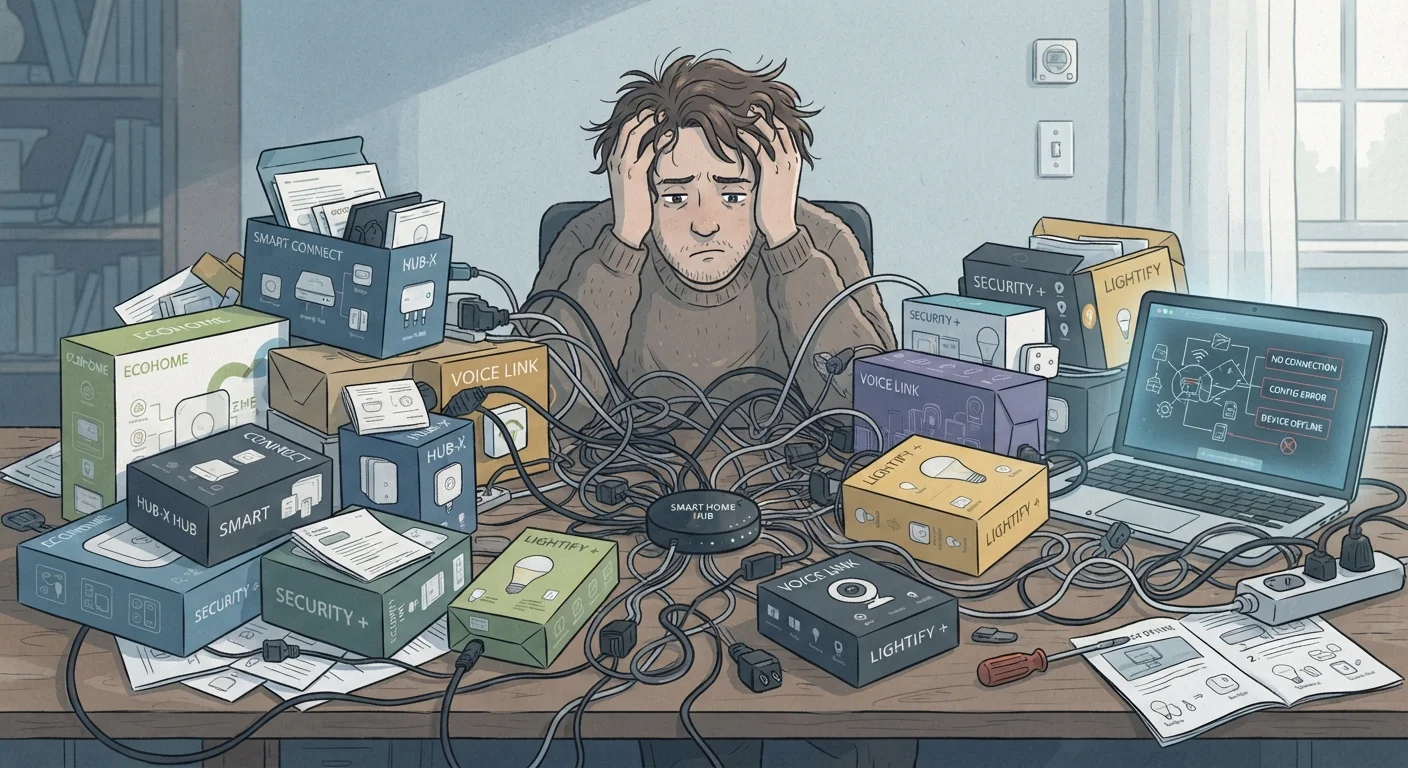
But speed is where most new smart home setups go wrong. Rushing the process typically means buying devices before understanding how they communicate, skipping network planning, and setting up automations that conflict with how your household actually lives. The result isn't a seamless home - it's a patchwork of apps, unreliable triggers, and frustrated family members.
If you're just getting started, the practical starting guide for new users covers the foundational concepts worth understanding before you buy your first device. Building on solid groundwork makes every subsequent step easier.
Buying devices across incompatible ecosystems without a unifying platform.
Why it happens: Consumers often purchase devices based on individual features or price without checking whether they share a common protocol or hub. Different brands frequently use different communication standards - Zigbee, Z-Wave, Wi-Fi, Thread - that don't natively talk to each other.
Setting up complex automations before understanding individual device behavior.
Why it happens: Automation is the exciting end goal, so many users jump straight to building routines before they've confirmed individual devices respond reliably under normal conditions.
Ignoring the needs of other household members during setup.
Why it happens: The person setting up the system understands it intuitively; others in the household often don't share that context and find unfamiliar triggers or app requirements intrusive.
Underestimating the impact on home network performance.
Why it happens: Most people don't think of smart bulbs or plugs as network devices, but each one occupies a slot on the router and generates traffic. Older or entry-level routers can become unstable as device counts climb.
Treating every smart feature as a necessary upgrade.
Why it happens: Marketing emphasizes novelty, and it's easy to conflate "can be automated" with "should be automated." Not every device benefits meaningfully from automation in every household.
Building a Setup That Actually Lasts
Sustainable smart home setups share a common thread: they started small, proved value, and expanded intentionally. Rather than automating every room simultaneously, consider anchoring your setup around one high-impact area - lighting, climate control, or entry management - and living with it long enough to understand its quirks before expanding.
57%
Smart home owners reporting setup frustration
A Parks Associates consumer survey found that more than half of connected home device owners experienced difficulty during initial setup or integration.
3-4
Average apps managing a typical smart home
Industry research has consistently found that households with multiple device brands require several separate apps, contributing to management overhead and user fatigue.
Network capacity is a practical ceiling that catches many households off guard. Every connected device competes for bandwidth and router connections. A router that handles a laptop and a few phones reliably may struggle under the load of twenty smart devices, especially older models that lack adequate WPA3 support or band-steering. Auditing your network before scaling up is a step that pays dividends later.
Security deserves attention from the start, not as an afterthought. Connected devices can introduce vulnerabilities if left on default credentials or running outdated firmware. The guide to locking down your connected devices offers practical steps that don't require technical expertise.
Once your foundation is solid, automation routines are where the real daily value emerges. Building routines that work reliably in daily life is a natural next step once individual devices are stable and your household is comfortable with the basics. And before you invest further, it's worth reviewing common misconceptions that trip up new buyers - some widely held assumptions about interoperability and ease of setup don't hold up in practice.
Don't Automate Away Manual Fallbacks
Fully automating critical systems - door locks, HVAC, security cameras - without maintaining manual overrides creates real risk during internet outages or device failures. Always ensure physical controls remain functional and accessible. Smart home convenience should complement reliability, not replace it.