

Key Takeaways
- Smart speakers may store voice recordings even when you haven't intentionally triggered them.
- Smart cameras typically upload video clips or still images to cloud servers for processing.
- Thermostats and sensors build detailed profiles of when and how you occupy your home.
- Most data collection can be partially limited through device privacy settings and app controls.
- Reading a device's privacy policy reveals what is collected, retained, and shared with third parties.
Smart Home Data Collection
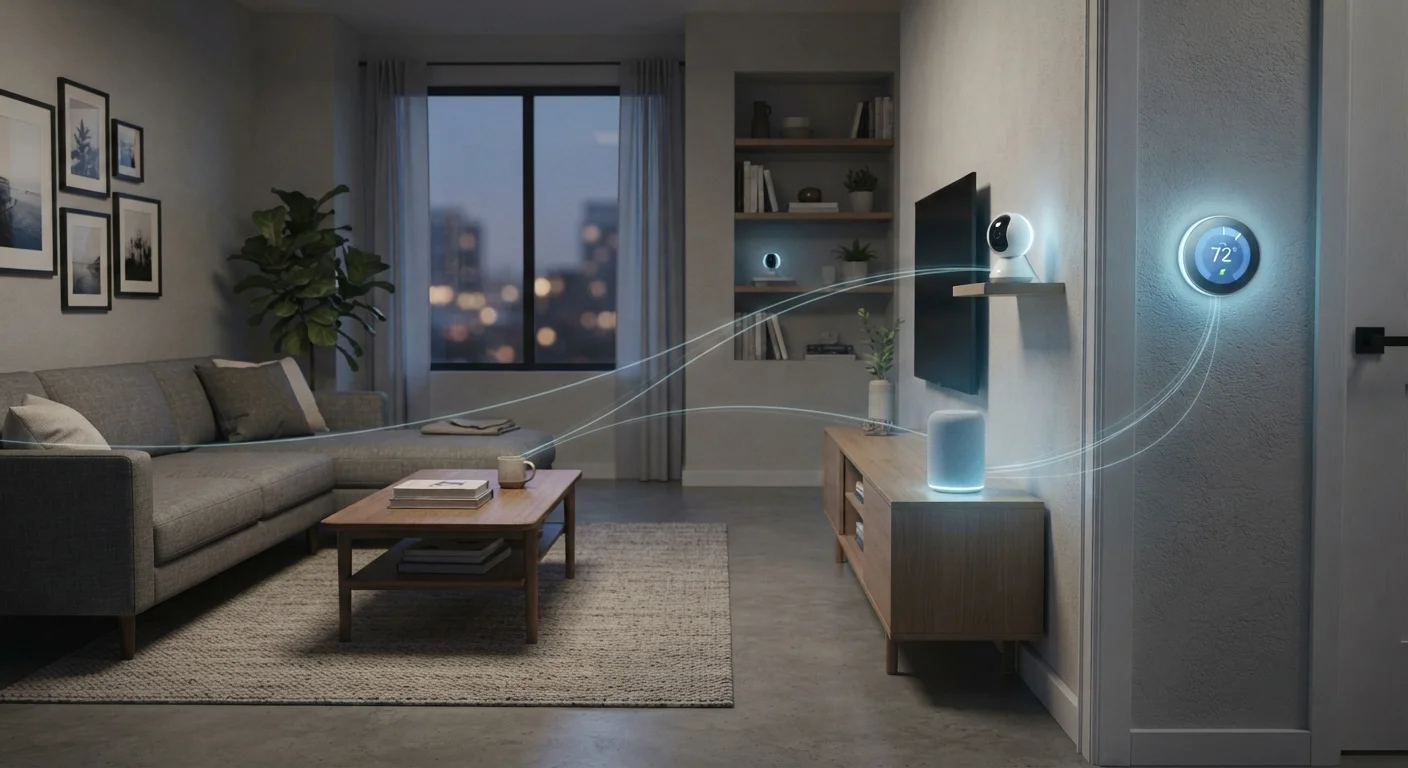
Smart home data collection refers to the ongoing process by which connected devices - including smart speakers, cameras, thermostats, and sensors - gather information about your behavior, environment, and routines. This data is typically sent to manufacturer servers to power features like voice recognition, automation, and remote access. Most collection happens passively, meaning it occurs without any deliberate action on your part.
Data transmission is usually encrypted in transit, but encryption does not prevent the manufacturer or their cloud partners from accessing and processing the content once received.
What Smart Home Devices Are Actually Collecting
The phrase "smart home" covers a wide range of devices, and each category collects a distinct type of data. Understanding the differences helps you make informed decisions about which devices to use and how to configure them.
Smart speakers and voice assistants capture audio snippets triggered by a wake word. Beyond the audio itself, they log query content, timestamps, and device interactions. If you use a voice assistant to control other smart devices, those command chains are also recorded. Our article on voice assistants in shared households covers the added complexity when multiple people use the same device.
Smart cameras and doorbells typically capture video clips or continuous streams and upload them to cloud storage for processing. Motion detection, facial recognition features, and activity zones all rely on analyzing that footage server-side. Even cameras marketed as "local storage" devices often send metadata or thumbnail images upstream.
Smart thermostats go further than you might expect. They don't just log temperature - they track occupancy patterns, response times, and schedule changes to build models of your routine. This behavioral data is often used to optimize energy predictions, but it also constitutes a detailed map of when your home is occupied.
Smart plugs, lights, and appliances record usage events: when a device was turned on or off, for how long, and in what sequence. Individually this seems trivial, but in aggregate it contributes to a behavioral profile that can reveal sleep times, work schedules, and household rhythms.
~1 in 3
U.S. homes with at least one smart speaker
According to estimates from Edison Research and NPR's Smart Audio Report, roughly a third of U.S. households own a smart speaker.
False activation rate varies
Smart speaker false wake-word triggers
Academic research published in peer-reviewed journals has found that smart speakers can activate unintentionally multiple times per day depending on ambient speech patterns.
70%+
Smart home apps requesting location access
Independent app permission audits have consistently found that a majority of smart home companion apps request continuous location access beyond what core functionality requires.
Where Your Data Goes After It Leaves the Device
Most smart home data is processed on manufacturer-operated cloud servers. That means your voice clips, video footage, and occupancy patterns sit on infrastructure you don't control, governed by terms you agreed to at setup - often without reading them carefully.
Manufacturer privacy policies typically permit using aggregated data for product improvement, which is broadly reasonable. However, many policies also allow sharing with third-party service partners, analytics providers, or advertising networks, depending on the platform. This is where the exposure widens.
Privacy Policies Change Over Time
Manufacturers can and do update their data collection and sharing practices. A policy you agreed to at device setup may look different two years later. Most platforms are required to notify users of material changes, but those notifications are easy to miss. It's worth revisiting the privacy policy of any device you rely on regularly, especially after major app updates.
A key distinction worth understanding is data retention: how long a company keeps your raw data versus anonymized derivatives. Some platforms retain voice recordings indefinitely unless you manually delete them. Others apply automatic rolling deletion windows. Checking this setting in your device's companion app is one of the highest-impact privacy steps you can take.
For a broader view of how this compares to browser-based data collection, see our piece on what your browser stores about you.
Practical Steps to Reduce Your Exposure
You don't need to unplug every device to meaningfully reduce your data footprint. A few deliberate settings changes go a long way.
- Review and delete stored recordings. Most smart speaker and voice assistant platforms provide an activity history in the companion app. Set a recurring deletion schedule - weekly or monthly - rather than relying on manual cleanup.
- Disable features you don't use. Facial recognition on a smart camera, continuous listening modes beyond the wake word, and location sharing for thermostats are often opt-in but enabled by default. Turning them off reduces collection at the source.
- Segment your network. Placing smart home devices on a separate Wi-Fi network (often called a guest network or IoT VLAN) limits their ability to interact with more sensitive devices like laptops or phones if a device is ever compromised. Our home network security article explains how to set this up practically.
- Read the privacy policy for any new device before purchase. It's not exciting, but checking data retention periods and third-party sharing clauses takes under five minutes and reveals meaningful differences between platforms.
- Use physical controls where available. Many smart speakers include a hardware mute button that disables the microphone at the circuit level - a more reliable privacy measure than a software setting.
Check Your Device's Privacy Dashboard
Most major smart home platforms - including voice assistant ecosystems and camera systems - now provide a centralized privacy dashboard within their app or web portal. This is where you can review stored recordings, adjust data sharing preferences, and submit deletion requests. Setting a calendar reminder to review these settings every few months takes only minutes and keeps your preferences current as policies update.
For a comprehensive approach to securing all the connected devices in your household, the household device security guide is a useful next step. And if you're thinking through your smart home setup more broadly, our full picture on smart home living covers the trade-offs honestly.